24
PMX-090T DM&P Vortex86MX+ Panel PC with 9” WSVGA TFT LCD
3.2 BIOS Default setting
If the system cannot be booted after BIOS changes are made, Please follow
below procedures in order to restore the CMOS as default setting.
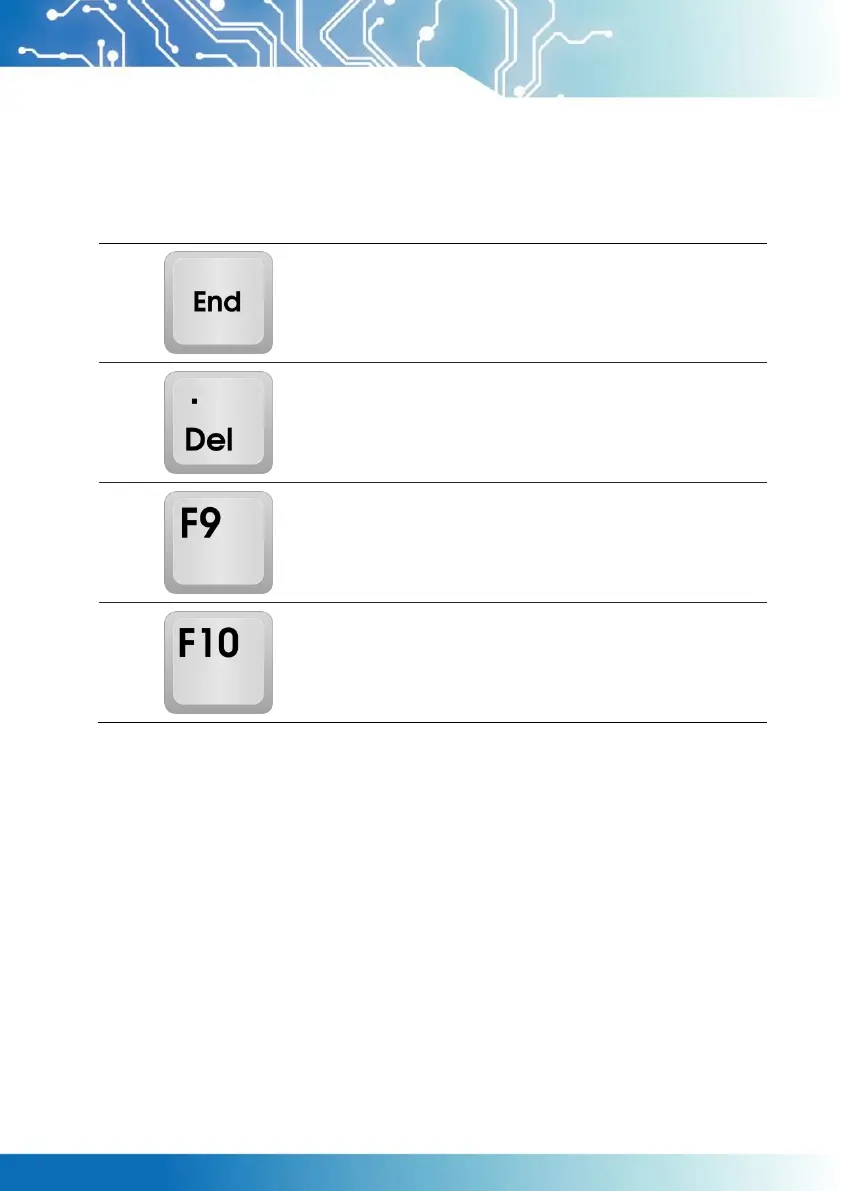
Press < End > Key, when the power on
Press < Del > to enter the AMI BIOS setup
Press < F9 > to Load Optimized defaults
Press < F10 > to Save configuration changes and
exit setup
Artisan Technology Group - Quality Instrumentation ... Guaranteed | (888) 88-SOURCE | www.artisantg.com


 To Next Page