KEYBOARD
Operation:
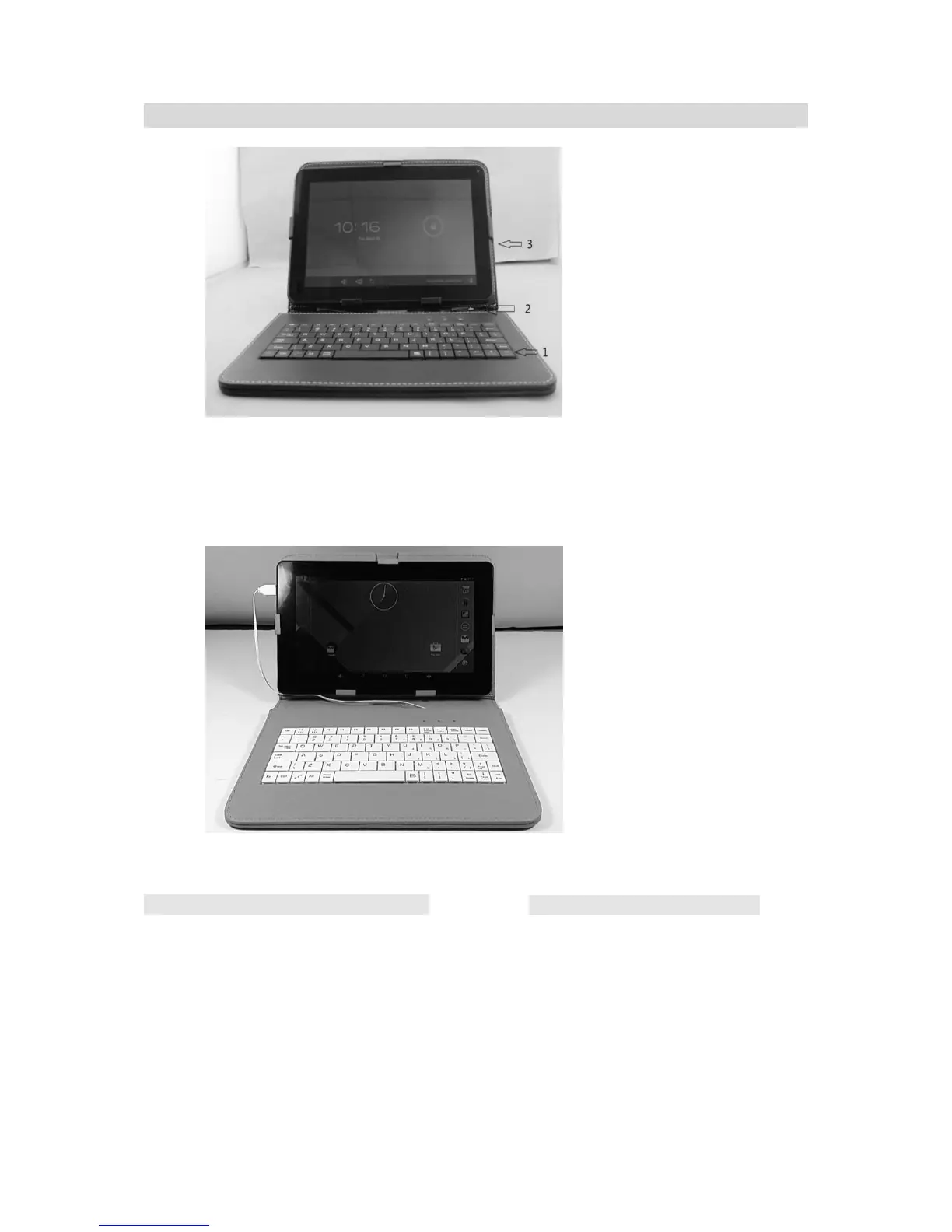
1. Insert your tablet to the clips to hold the tablets, the top and right clips
are movable.
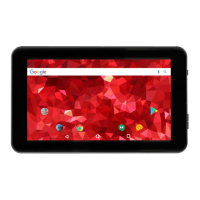
2. Connect the Micro USB Plug from the Keyboard to Micro USB Port on the
left of Tablet.
3. Connected as the following figure.
4. Power on the Tablet, the Keyboard will hook up to the Tablet automatically.
F (Function) Button’s assignment:
F1- Chrome
TM
/Browser
F2- Calculator
F3- Calendar
F4- Camera
F5- Gmail
TM
F6- File Manager
Notes:
Other Button’s assignment:
1. Fn+ ZZZ : Screen saver
2. Press the Fn+ZZZ at the same time
approximately 2 seconds, The desktop will
display “Power off ”, you can choose “OK”
,the Device will Power off.


 To Next Page