OPERATING AND MAINTENANCE MANUAL
Chapter 7 - Electronic controller
iC 215 ÷ iC 780
36
The data in this manual are not binding and they can be modified by the manufacturer without notice. Reproduction of this manual is strictly prohibited
ENGLISH
EN
7.9.2 COEn - Enable or disable the single compressor
With the COEn submenu the operation of a single compressor within a circuit can be disabled for compressor maintenance
purposes or to isolate it in the event of malfunctions.
The compressor status labels in the COEn function are:
• CO1E = operating status of compressor no. 1;
• CO2E = operating status of compressor no. 2;
• CO3E = operating status of compressor no. 3 (only two circuit units);
• CO4E = operating status of compressor no. 4 (only two circuit units);
To enable or disable the compressors proceed as follows:
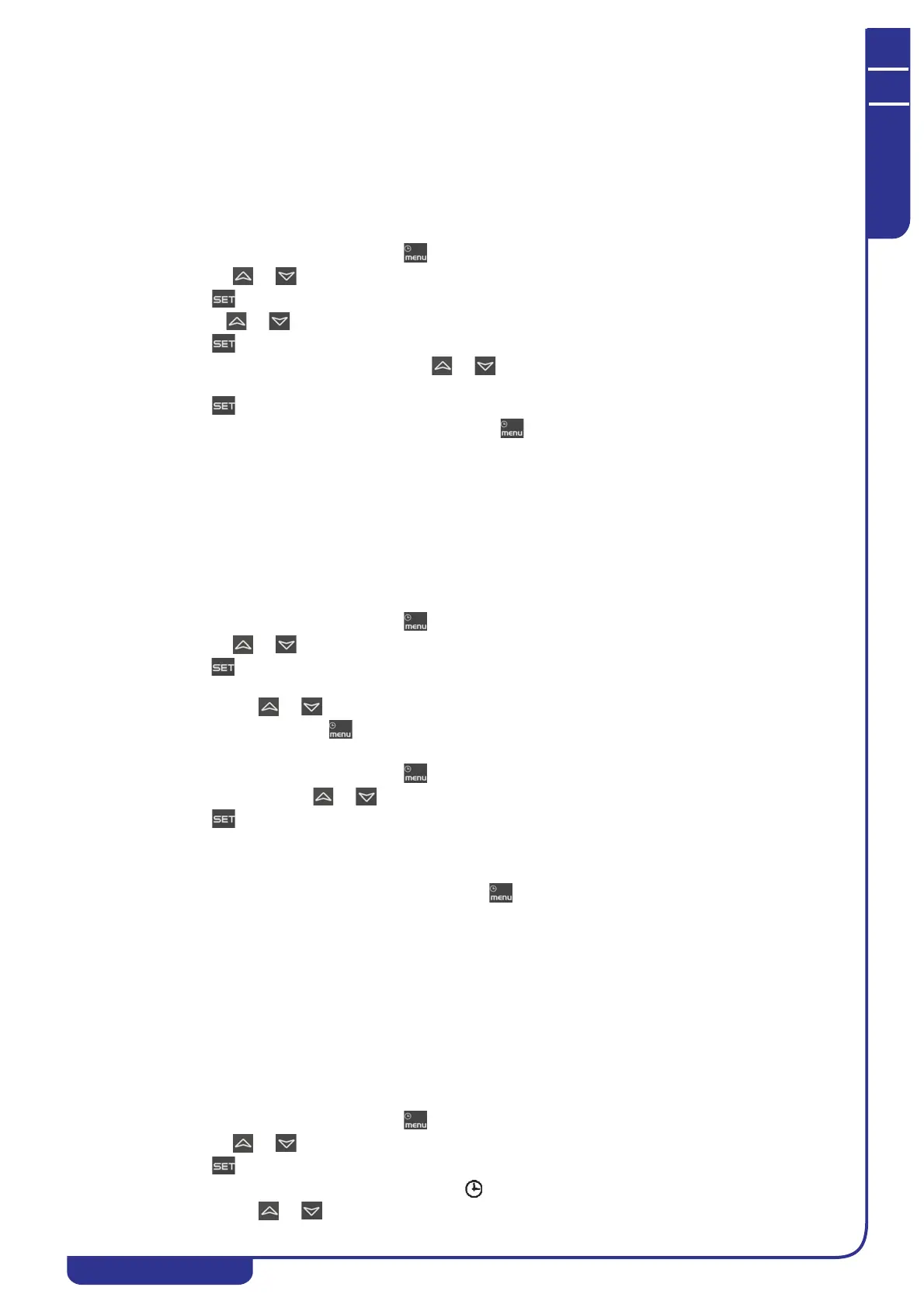
• Open the functions menu by pressing
• With the or buttons select function CrEn
• Press ; the lower display shows CO1E while the upper display shows En
• Use the or buttons to select the required label on the lower display. The upper display shows En
• Press for 3 seconds in correspondence with the label identifying the compressor to be disabled
• The upper display shows flashing En; use or to select the diS(compressor operation disabled) or En
(compressor operation enabled) function
• Press to confirm the selected function and proceed to the next compressor
To exit the COEn function and return to normal display mode press or wait for the time-out.
7.9.3 COSn - Display and reset the number of compressor starts
The number of compressor starts can be viewed in the COSn submenu. The labels displayed are:
• C1S compressor 1 starts
• C2S compressor 2 starts
• C3S compressor 3 starts
• C4S compressor 4 starts
The number of starts is displayed in the lower display with a resolution of 10 starts. For example, if the number 2 is
displayed, the compressor starts are 20 in number.
To display the number of starts proceed as follows:
• Open the functions menu by pressing
• With the or buttons select the function COSn
• Press . The label of the single load C1S is shown on the upper display; the lower display shows the number
of starts multiplied by 10.
• With buttons or display all the configured compressors.
To return to normal display mode press or wait for the time-out.
To reset the number of compressor starts proceed as follows:
• Open the functions menu by pressing
• In function COSn use or to select the label C1S or C2S or C3S or C4S.
• Press for 3 seconds in correspondence with load C1S or C2S or C3S or C4S. The lower display now
shows the number of starts in flashing mode (reset in progress) and then the value “0” indicating that the
number has been reset.
• At this point the starts of the next compressor are displayed.
To exit the reset function and return to normal display mode press or wait for the time-out.
7.9.4 Hour - Display and reset the running hours of the loads
In the Hour submenu you can display the running hours of each compressor and also of the water pump. The labels displayed
are:
• CO1H compressor 1 running hours
• CO2H compressor 2 running hours
• CO3H compressor 3 running hours
• CO4H compressor 4 running hours
• EP1H evaporator water pump running hours
• EP2H evaporator second water pump running hours
As for the number of starts, the running hours are shown on the upper display with a resolution of 10 hours.
To view the running hours proceed as follows:
• Open the functions menu by pressing
• With the or buttons select the Hour function
• Press . The label of the single compressor is shown on the lower display; the upper display shows the
number of running hours multiplied by 10. The icon will be illuminated.
• With buttons or display all the configured compressors.



 To Next Page