OPERATING AND MAINTENANCE MANUAL
Chapter 7 - Electronic controller
iC 215 ÷ iC 780
37
The data in this manual are not binding and they can be modified by the manufacturer without notice. Reproduction of this manual is strictly prohibited
EN
ENGLISH
To return to normal display mode press or wait for the time-out.
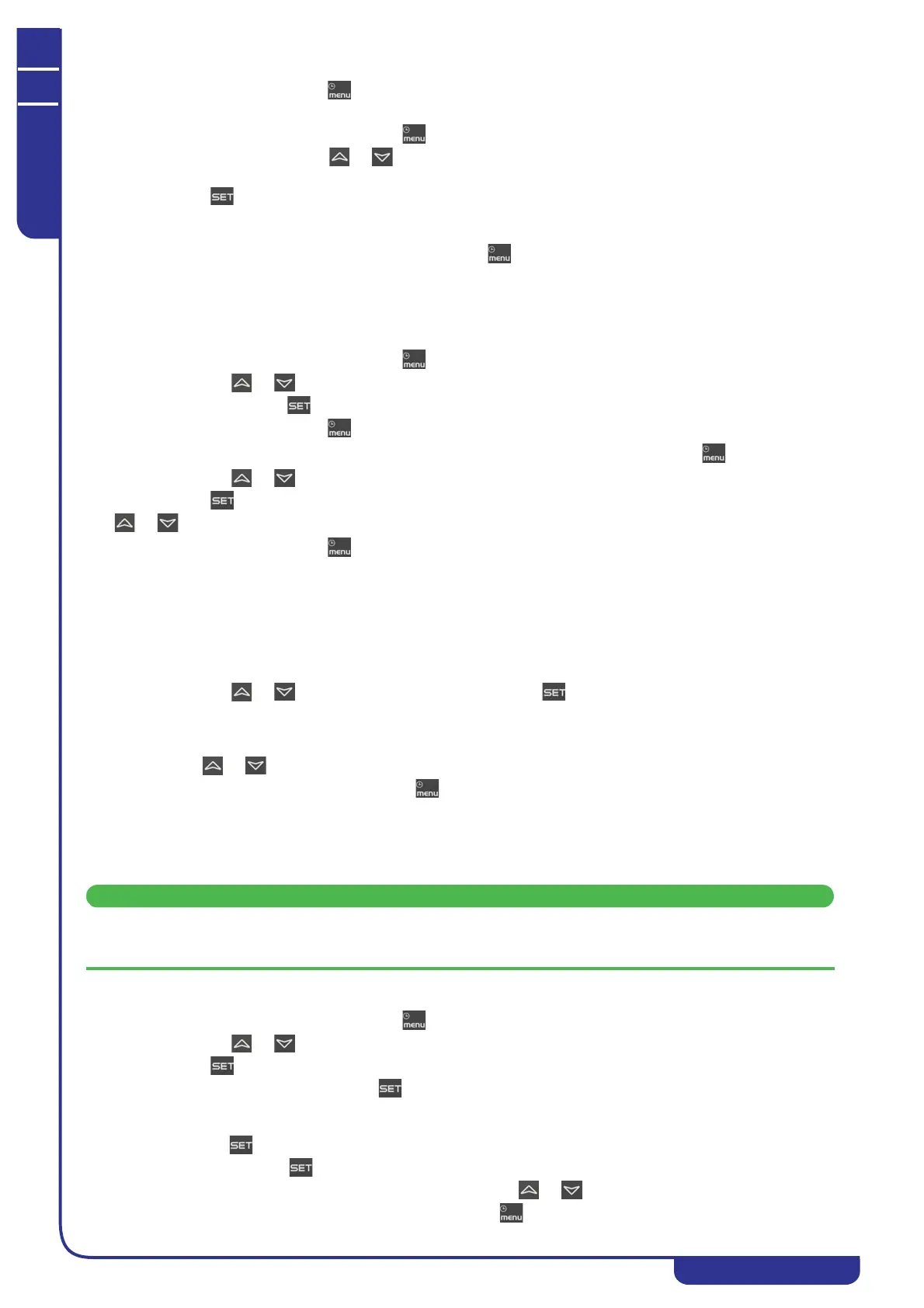
To reset the running hours proceed as follows:
• Open the functions menu by pressing
•In the Hour function use or to select the label CO1H or CO2H or CO3H or CO4H or EP1H or
EP2H
• Press for 3 seconds in correspondence with the compressor label CO1H or CO2H or CO3H or CO4H or
EP1H or EP2H; the upper display will show the running hours in flashing mode (reset in progress) followed
by 0 to confirm that the value has been reset, and then progresses to the next load.
To exit the reset function and return to normal display mode press or wait for the time-out.
7.9.5 Cond - Display of percentage / number of condensing steps
In the functions menu you can view the working percentages of the fans proportional output.
Cnd1 Condensing fans control proportional output.
Proceed as follows to display:
• Open the functions menu by pressing
• With the or buttons select the Cond function
• Hold down button . The lower display shows Cnd1, the upper display shows the work percentage.
To return to normal display mode press or wait for the time-out.
In dual circuit units, to display the number of fan steps activated open the functions menu by pressing :
• With the or buttons select the Cond function
• Press . The lower display shows Cnd1, the upper display shows the number of steps activated.
Use or to select the label Cnd1 or Cnd2 on the lower display; the upper display shows:
To return to normal display mode press or wait for the time-out.
7.10 uS - Tank heater probe display
The temperature / pressure value of the probes that control the auxiliary outputs can be displayed in the functions menu.
FUNCTION uS display of temperature / pressure value; identification label in function uS:
• uSt1 value measured by circuit 1 auxiliary probe
• uSt2 value measured by circuit 2 auxiliary probe
• To display the probe values:
• With the or buttons select the uS function and press .
• The lower display will show the label uSt1 (if the auxiliary probe is configured for temperature) or uSP1
(if the auxiliary probe is configured for pressure); the upper display will show the measured temperature /
pressure value.
• Use or to display the measured pressure value of auxiliary output 2, if present.
• To return to normal display mode press or wait for the time-out.
7.11 Alarms
The electronic controller manages the display, reset and logging of a large number of alarms.
7.11.1 Alarms display and reset (ALrM function)
With this procedure you can reset all the alarms except for the compressor thermal cut-out alarms for which the
password will be required: 14.
To open the functions menu proceed as follows:
• Open the functions menu by pressing
• With the or buttons select the ALrM function
•Press .
If no alarms are present, pressing is not enabled.
• The lower display shows the label with the alarm; the upper display, if the alarm displayed is resettable, shows
the label rSt or no if the alarm condition is still present.
• Pressing in correspondence with label rSt resets the alarm and the system goes to the next one; if this too
is resettable, press to reset it and go to the next one.
• If you want to scroll through all the alarms present press or .
To exit the ALrM function and return to normal display mode press or wait for the time-out.



 To Next Page