User Guide
8
USER
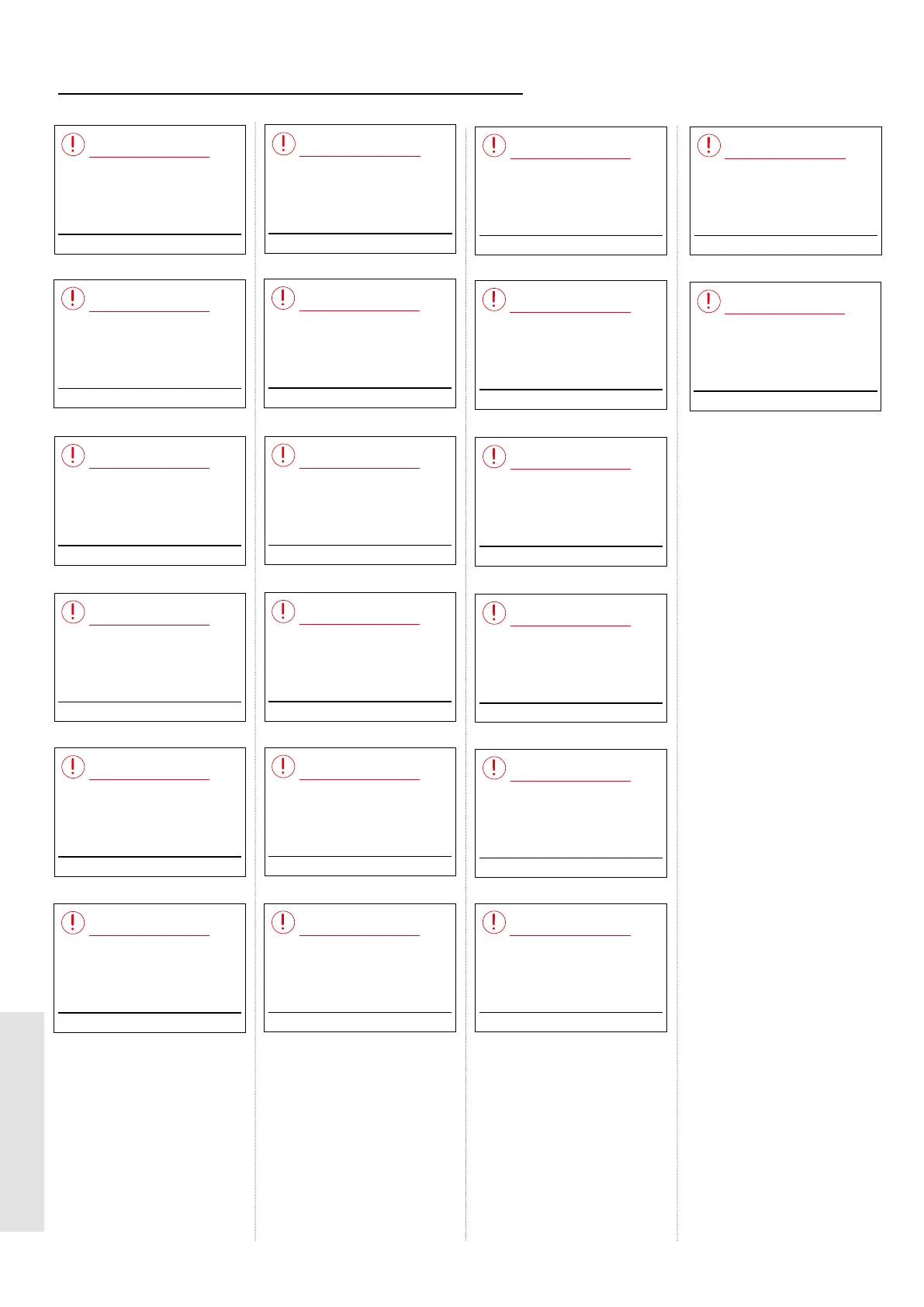
1.9 DISPLAY FUNCTIONS - FAULT MESSAGES
1 With boiler o & system cold, ll system
to 1.0 bar.
2
Bleed r
adiators, rell system to 1.0 bar.
3
Check radia
tor valves & boiler valves are
open.
4 Restart boiler
.
5
If f
ault persists contact installer.
Restart Menu
Overheat Lockout
1 Check other gas appliances work.
2 Restart boiler.
3
If f
ault persists, contact installer.
Restart Menu
Ignition Lockout
Contact Installer
Menu
Flame Loss
Contact Installer
Menu
Too Many Restarts
Contact Installer
Restart Menu
Flame On Before Gas On
Contact Installer
Restart Menu
Flow Thermistor Fault
Contact Installer
Menu
Outside Sensor Fault
Contact Installer
Restart Menu
Return Thermistor Fault
Contact Installer
Menu
Fan Fault
Contact Installer
Menu
PCB Fault
Contact electricity provider
Menu
Low Mains Voltage
1 With boiler o & system cold,
ll system to 1.0 bar.
2
Bleed r
adiators, rell system to 1.0 bar.
3
If f
ault persists, contact installer.
Menu
Low Water Pressure
Contact Installer
Menu
Pump Fault
Contact electricity provider
Restart Menu
Gas Valve Fault
1 Check if condensate pipe
blocked/frozen
2
Check if ue block
ed
3
If f
ault persists, contact installer
Restart Menu
Blocked Flue/Condensate
Check room thermostat batteries
Menu
Room Thermostat Fault
Contact Installer
Menu
Spare PCB Not Set
1 With boiler o & system cold,
ll system to 1.0bar.
2 Bleed radiators, rell system to 1.0bar.
3 If fault persists, contact installer.
Menu
No Water Flow
Contact Installer
Menu
Pump Rotor Blocked
1 With boiler o & system cold,
ll system to 1.0bar.
2 Bleed radiators, rell system to 1.0bar.
3 If fault persists, contact installer.
Menu
Pump Dry Run




 To Next Page