- 22 -
IDEAL 4215
Cutting to specified dimensions
•
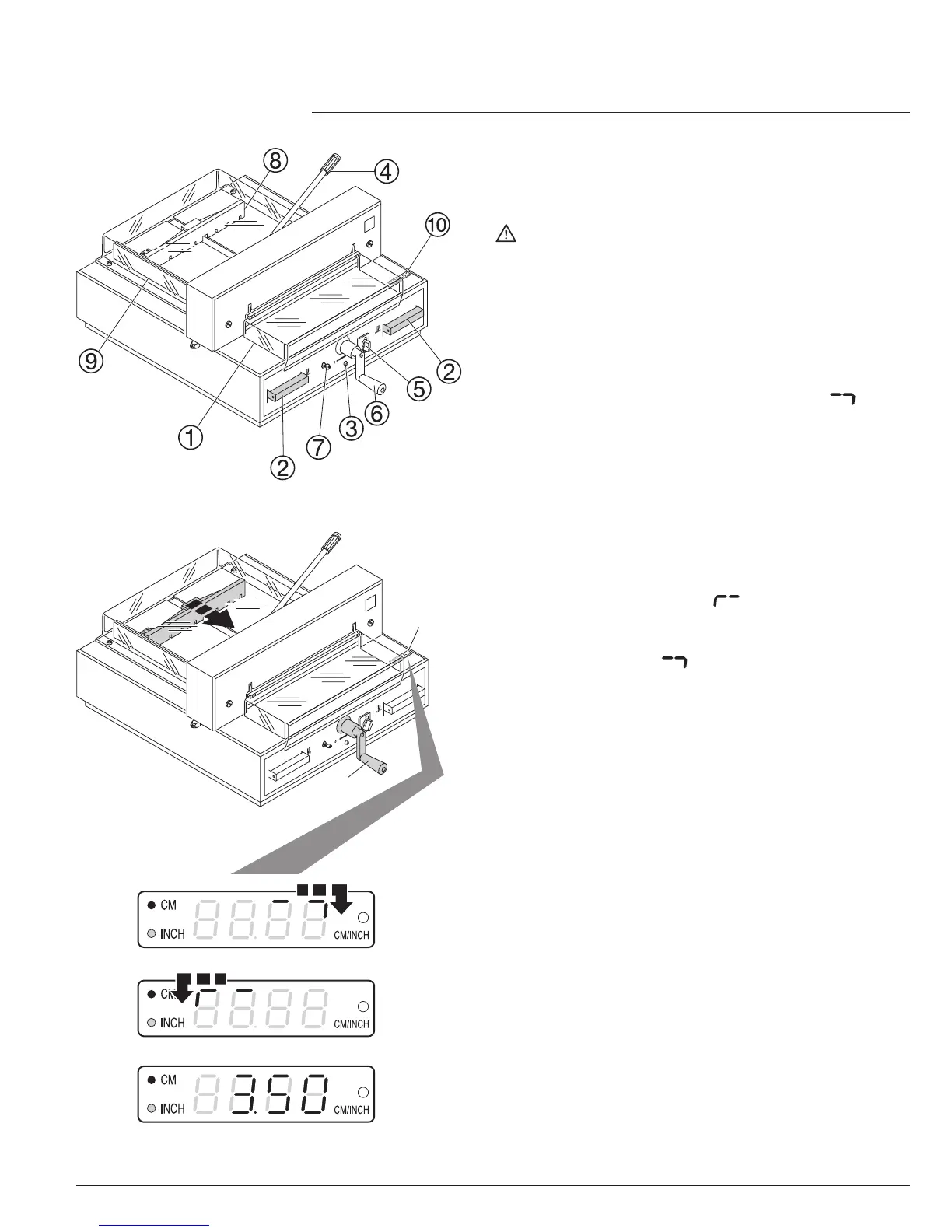
The cutting size can now be set with the
handle
F
.
•
Insert paper and move by means of the
stacking angle to the backgauge
H
and side
lay on the left
I
.
•
Move the pressing lever
D
to the left by a
slight swing.
•
Close the front safety guard
A.
•
Release the cut.
Cut according to markings
•
Adjust the backgauge with the crank handle
F
to the back.
•
Insert paper and move by means of the
stacking angle to the backgauge
H
and side
lay on the left
I
.
•
Turn crank handle
F
to the right until the
marking on the paper to be cut is below the
cutting line indicator.
•
Move the pressing lever
D
to the left by a
slight swing.
•
Close the safety guard
A.
•
Release the cut.
Cutting activation
Warning!
•
Run backgauge to the front for turning the
paper stack.
•
Do not interrupt the upward movement of the
blade by performing switching procedures.
•
Close the front safety guard
A.
•
Blade must always be at the top and be
covered by the clamp. Do not touch the blade
- risk of injury! (see security information on
page 31).
•
Operation
•



 To Next Page