- 24 -
IDEAL 4215
Turn the blade depth adjustment screw to the
left until it stops (screwdriver found in
tool set (A).
•
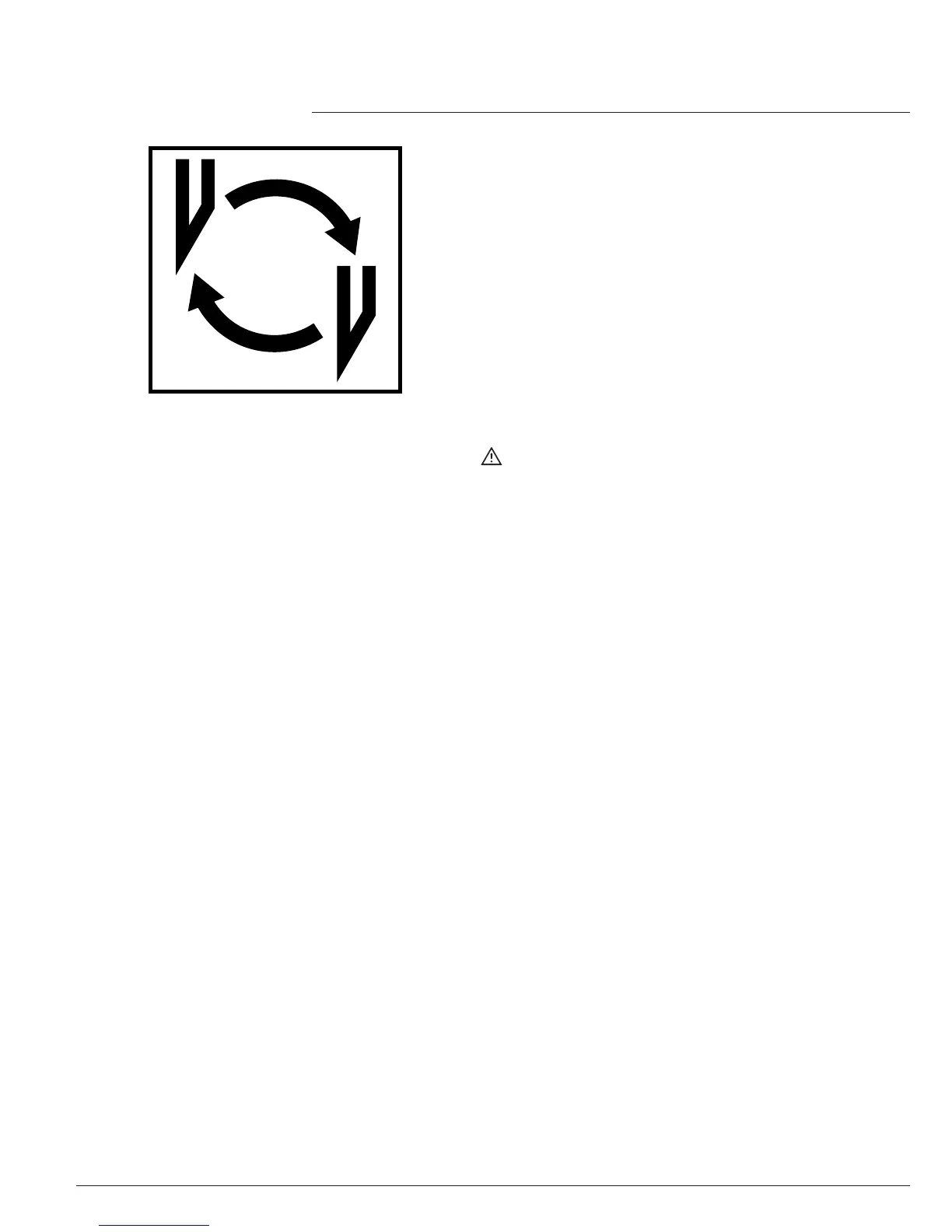
Blade and cutting stick replacement
•
Cutting stick replacement :
•
Lift the cover (1.)
•
Lift the cutting stick by hand and pull it out.(2.).
•
If needed the cutting stick can be turned or
exchanged. (The cutting stick can be used
eight times). (3.).
After exchanging the cutting stick close the
clamp by moving the clamp lever to the left
(4).



 To Next Page