4
TO START THE BOILER
If a programmer is tted refer to separate instructions for the
programmer before continuing.
Start the boiler as follows:
1. Set the mode knob (C) to ‘BOILER OFF’.
2. Set the Domestic Hot Water temperature knob (A) and
Central Heating temperature knob (B) to ‘MAX’.
3. Ensure that all hot water taps are turned off.
4.
Switch on electricity to the boiler and check that all external
controls, e.g. programmer and room thermostat, are on.
5. Set the mode knob (C) to ‘ ’ (winter).
The boiler will commence ignition sequence, supplying heat to
the central heating, if required.
Note. In normal operation the boiler status display (D) will display
messages (see section 7).
Note. Boiler frost protection - boiler will re if temperature is below 5ºC.
During normal operation the burner on symbol (E) will remain
illuminated when the burner is lit.
Note. If the boiler fails to light after ve attempts the following
fault messages will be displayed:
To restart the boiler, press restart. The boiler will repeat the ignition
sequence. If the boiler still fails to light consult a Registered Gas
Installer, or in IE a Registered Gas Installer (RGII).
2. BOILER OPERATION
MIN MAX MIN
MODE
e
BOILER
OFF
MAX
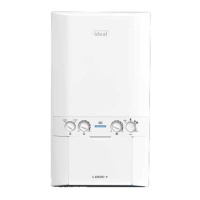
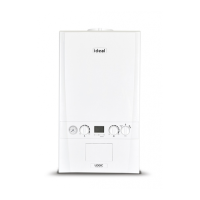
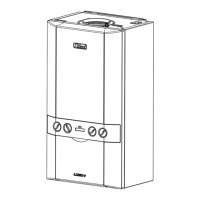
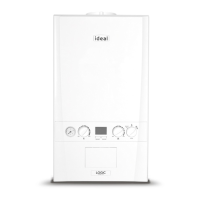
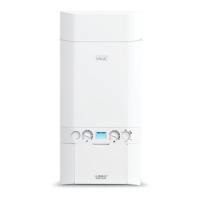
Legend
A.
Domestic Hot Water Temperature Knob
B. Central Heating Temperature Knob
C. Mode Knob
D. Boiler Status Display
E. Burner ‘on’ Indicator
F. Central Heating Economy Setting
G. Pressure Gauge
AG DE B F
C
Ignition Lockout 1/2
Check Other Gas
Appliances Work
Restart Boiler
Restart Menu
Ignition Lockout 2/2
If Fault Persists
Contact Installer
Restart Menu



 To Next Page