7
3. SYSTEM WATER PRESSURE
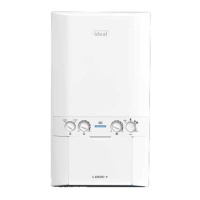
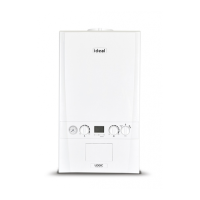
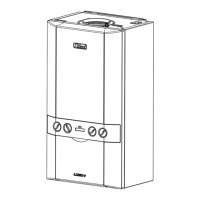
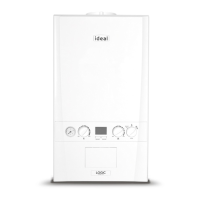
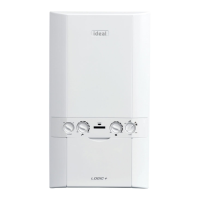
The system pressure gauge (G - see page 4) indicates the central heating system pressure.
If the pressure is seen to fall below the original installation pressure of 1-2 bar over a period
of time and continue to fall then a water leak may be indicated. In this event re-pressurise the
system as shown below. If unable to do so or if the pressure continues to drop a Gas Safe
Registered Engineer or in IE a Registered Gas Installer (RGII) should be consulted.
THE BOILER WILL NOT OPERATE IF THE PRESSURE HAS REDUCED TO LESS THAN 0.3 BAR UNDER THIS CONDITION.
Cap
Plug
Filling Loop
B
A
Filling Position
Starting Position
Cap
Filling Loop
Handle
(Blue)
Domestic Hot Water
(DHW) Inlet Valve
Filling
Loop
B
A
Plug
To Top up the system :-
1. Ensure both
A
&
B
handles (blue) are in closed position
(as shown below)
2. Remove the plug and cap and retain.
3.
Connect the lling loop to the Domestic Hot Water (DHW) inlet
and tighten. Also ensure that the other end of lling loop is
hand tight.
4. Turn the Domestic Hot Water (DHW) Inlet
A
blue handle
to the horizontal position.
5. Ensuring no leaks are seen, gradually turn the lling loop
handle (blue)
B
to the horizontal position.
6. Wait for the pressure gauge to reach 1 to 1.5 bar.
7. Once pressure is reached turn valves
A
&
B
back to
the closed position.
8. Disconnect the lling loop, replace cap and plug. Note
there can be some water spillage at this point.



 To Next Page