16
3.4
3.43.4
3.4 Text and
Text and Text and
Text and N
NN
Number
umberumber
umber
E
EE
Entry
ntryntry
ntry
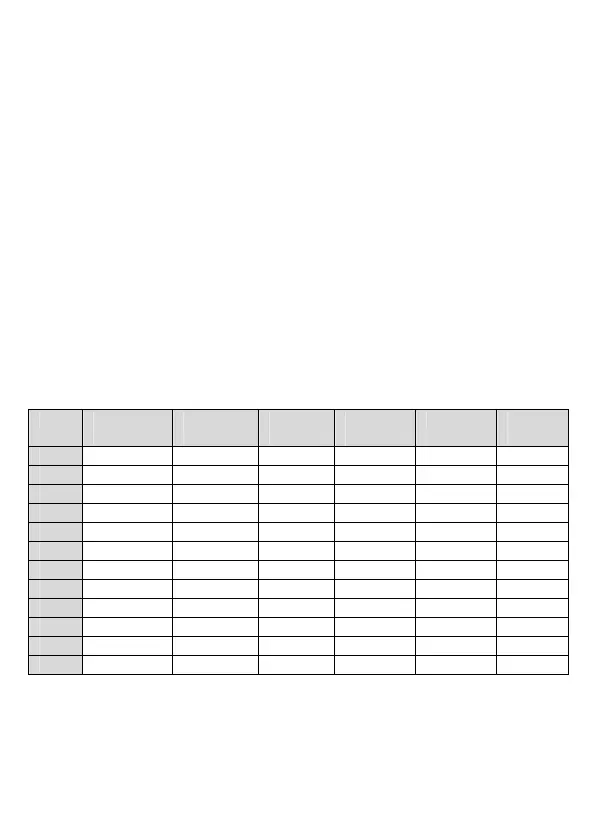
The following table shows you where each letter and punctuation
character can be found, by using repeated presses of the alphanumeric
keypad. This will be helpful when storing a name in the phonebook or
renaming your handset.
For example, to enter the name Tom
TomTom
Tom:
O
OO
O
Press
three times
M
MM
M
Press
once
In editing mode, a cursor is displayed to indicate the current text entry
position.
It is positioned at the right of the last character entered.
Writing Tips:
Writing Tips:Writing Tips:
Writing Tips:
1. Once a character is selected, the cursor will move to the next
position after a short pause.
2. Press
m
to delete the last letter or number.
3.4.1
3.4.13.4.1
3.4.1 Character
Character Character
Character M
MM
Map
apap
ap
This manual downloaded from http://www.manualowl.com



 To Next Page