3
In the Box
Inside your Kitchen Thermometer
mini
box, you will nd:
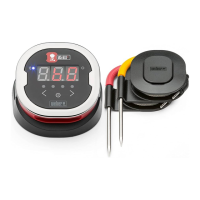
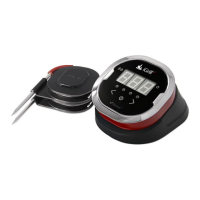
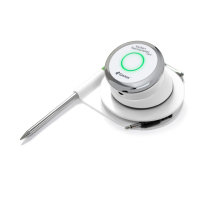
• 1 Kitchen Thermometer
mini
• 1 Coin Cell Battery (Installed)
• 1 Meat Probe
• 1 Probe Wrap
• 1 Colored Probe Indicator
• 1 Optional Magnetic Disc
• Quick Start Guide
Quick Start Instructions
1. Download the iDevices
®
Connected app from the App Store
SM
or
Google Play
TM
store on one of the following compatible devices
• iPhone
®
(4S and later)
• iPad
®
(3rd generation and later)
• iPad mini
TM
(all generations)
• iPod touch
®
(5th generation and later)
• Many Android
TM
devices equipped with Bluetooth
®
4.0 and
running Android software version 4.3 or later
2. Enable Bluetooth on your smart device under ‘Settings’.
3. Separate the Kitchen Thermometer
mini
from its base by rmly
holding the base with one hand and gently pulling the Kitchen
Thermometer
mini
top upwards with the other hand.
4. On the underside of the Kitchen Thermometer
mini
, remove the
battery door by twisting it counter-clockwise. Remove the battery
pull tab. Ensure the battery is in place and replace the battery door.


 To Next Page