Part 2 – Installation
13
2
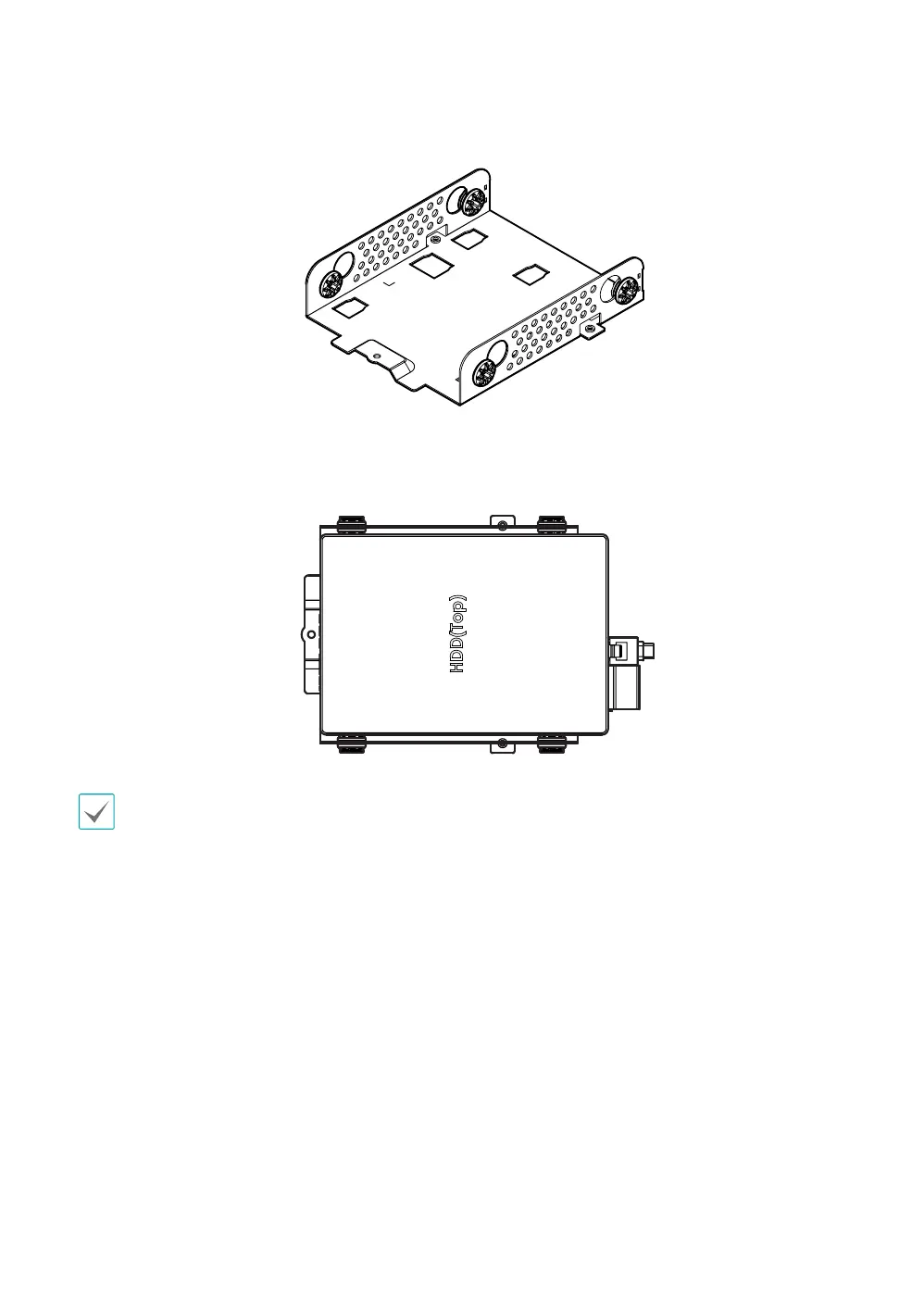
Prepare the SATA HDD mounting guide.
3
Attach the hard drive on the SATA HDD mounting guide rmly using the provided screws.
• Changing the master/slave jumper settings is not necessary for SATA hard drives.
• The front and rear of the mounting guide are not identical. When installing the hard drive to the mounting guide,
make sure that the connectors on the hard drive are not interrupted.
4
Attach the SATA HDD mounting guide to the base of unit base and secure it with screws.



 To Next Page