Part 1 - Remote Setup
19
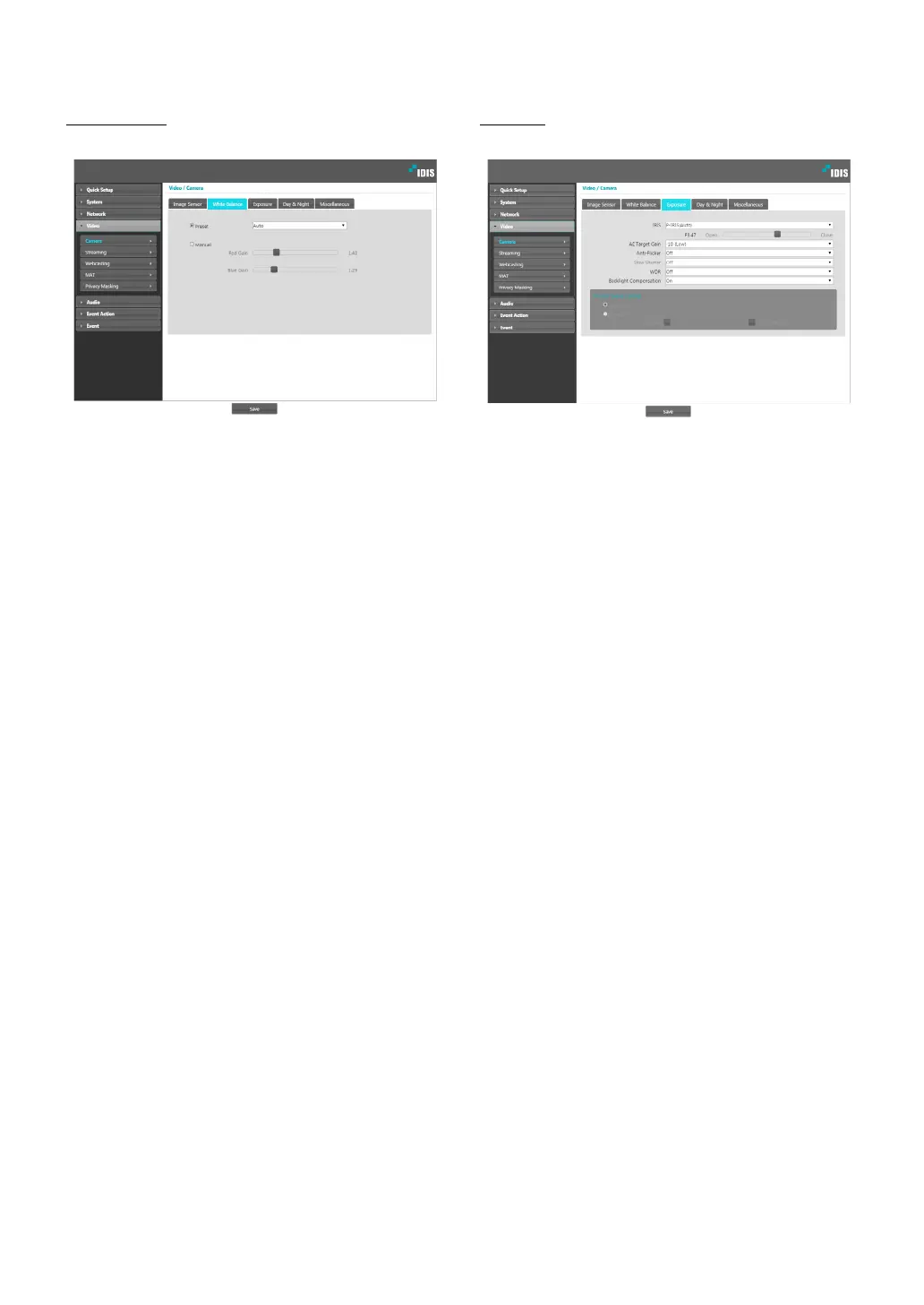
White Balance
Congure White Balance settings.
• Preset: Use precongured white balance settings.
- Auto: Allow the system to adjust the white
balance automatically. The system will assess the
lighting conditions and adjust the white balance
automatically.
- INCANDESCENT - FLUORESCENT COLD: Select
a lighting type to apply the appropriate white
balance.
• Manual: Adjust the white balance manually. Adjust
Red and Blue gain values. Greater the value, greater
the intensity of the corresponding color.
Exposure
Congure Exposure settings.
• IRIS: Adjust the openness of lens IRIS.
- P-IRIS (Auto): The system will assess the lighting
conditions and adjust the openness of IRIS
automatically.
- P-IRIS (Fix): Use the slider to select the desired
openness of IRIS. Select the most suitable value
for the lighting conditions in the area where the
camera is located.
• AE Target Gain: Specify exposure compensation’s
target gain. Exposure is compensated automatically
based on the specied target gain. Higher the gain,
brighter the images.
• Anti-Flicker: If the lights in the area where the
camera is located use alternating current, specify
the frequency of the lights to minimize ickering.
Matching the frequencies can reduce ickering.
(NTSC: 60Hz, PAL: 50Hz) When using WDR, it can
icker on the bad ickering environment even if Anti-
Flicker is turned on.



 To Next Page