Part 2 - IDIS Web
46
b
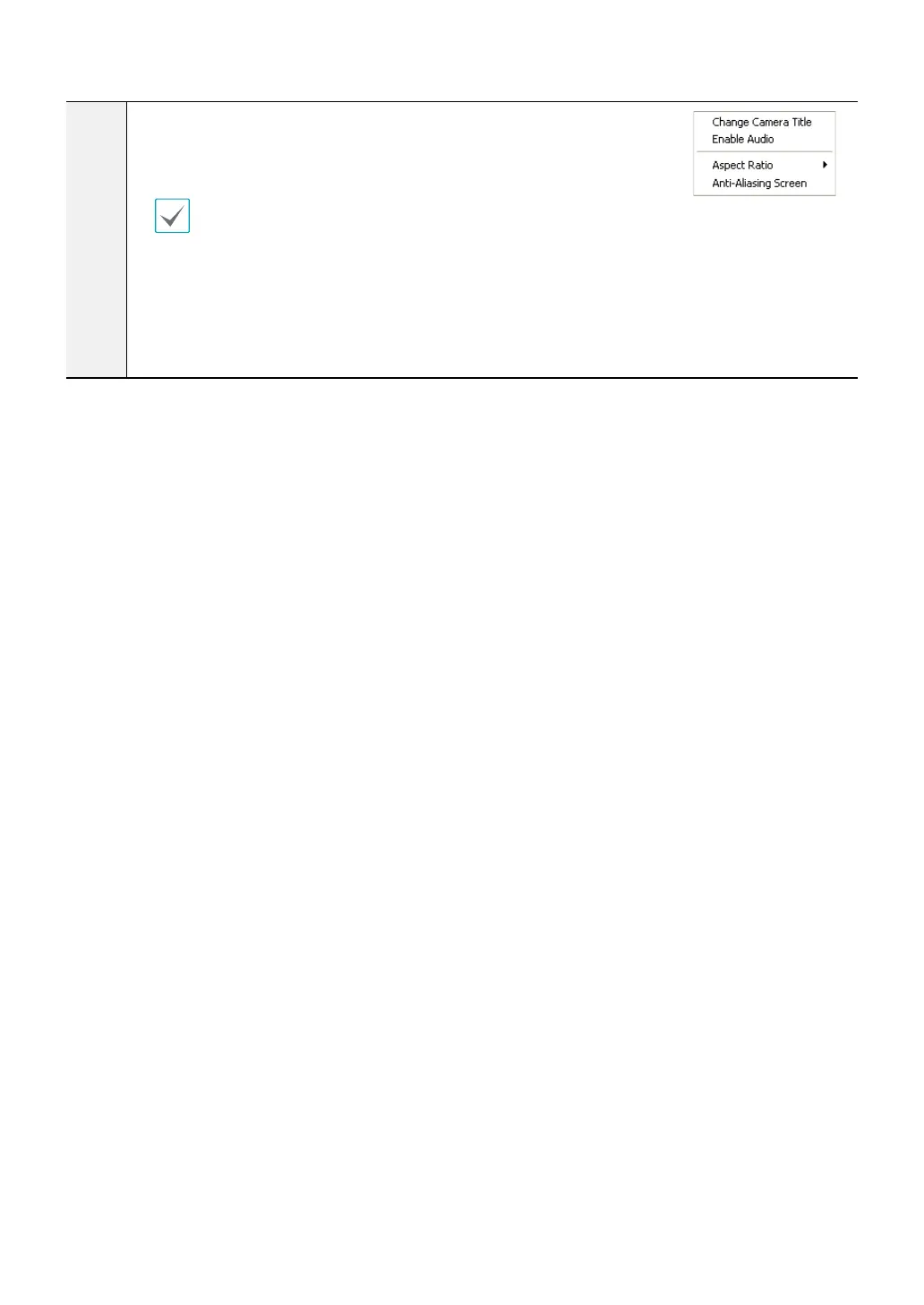
Right-click on the screen to display the pop-up menu. Click to enable or
disable each function.
• Change Camera Title: Used to change the camera's name.
Renaming the camera in Web Search mode does not aect the camera's name
on the remote system. If no name is entered for the camera, the name used at
the remote locale is shown on the screen.
• Enable Audio: If audio was recorded with the video, enabling this option plays audio upon playback.
• Aspect Ratio: Change the aspect ratio of the video displayed on the screen.
• Anti-Aliasing Screen: Removes stair step eect (blocks) that are caused when zooming a video to
improve overall quality of video output.



 To Next Page