Part 1 - Remote Setup
23
• Compression: Choose the streaming compression
method. The H.265 compression does not support
ONVIF Protocol.
• Resolution: Choose a resolution setting for video
streaming. The resolution varies depending on the
camera model. The current stream resolution cannot
be higher than the higher stream resolution.
• Quality: Choose a quality setting for video streaming.
• Bitrate Control: Choose a bitrate control mode for
video compression.
- CBR (Fixed Bitrate): Maintains the current bitrate
regardless of motion change in the video.
- VBR (Variable Bitrate): Bitrate varies depending
on motion changes in the video. Less movement
places less load on the network and takes up less
storage space.
• Frame Rate: Choose a frame rate setting for video
streaming. The fame rate of the current stream cannot
be higher than the fame rate of the higher stream if
those stream resolutions are same.
• Default Record Stream: Choose a stream to use
for recording. This setting, however, may not apply
if a recording stream has been designated from the
remote program or the SD memory card recording
feature has been enabled.
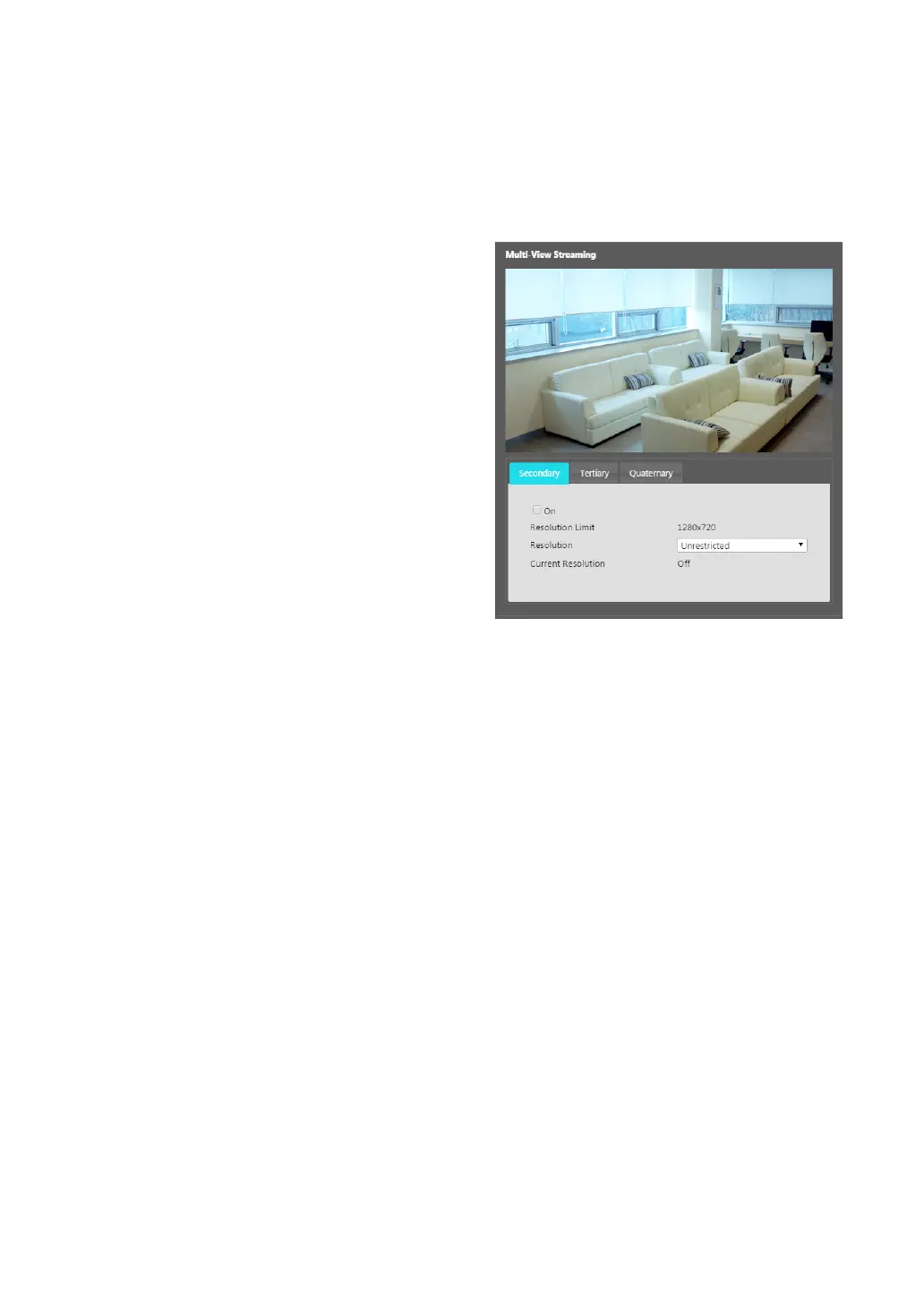
• Multi-View Streaming: Designate a specic area of
the screen and stream images from that area only.
(not supported for the primary stream) Click Setup to
designate a streaming area.
Select On and then specify the streaming area’s
resolution.



 To Next Page