Part 1 - Remote Setup
33
Event
Congure event detection settings.
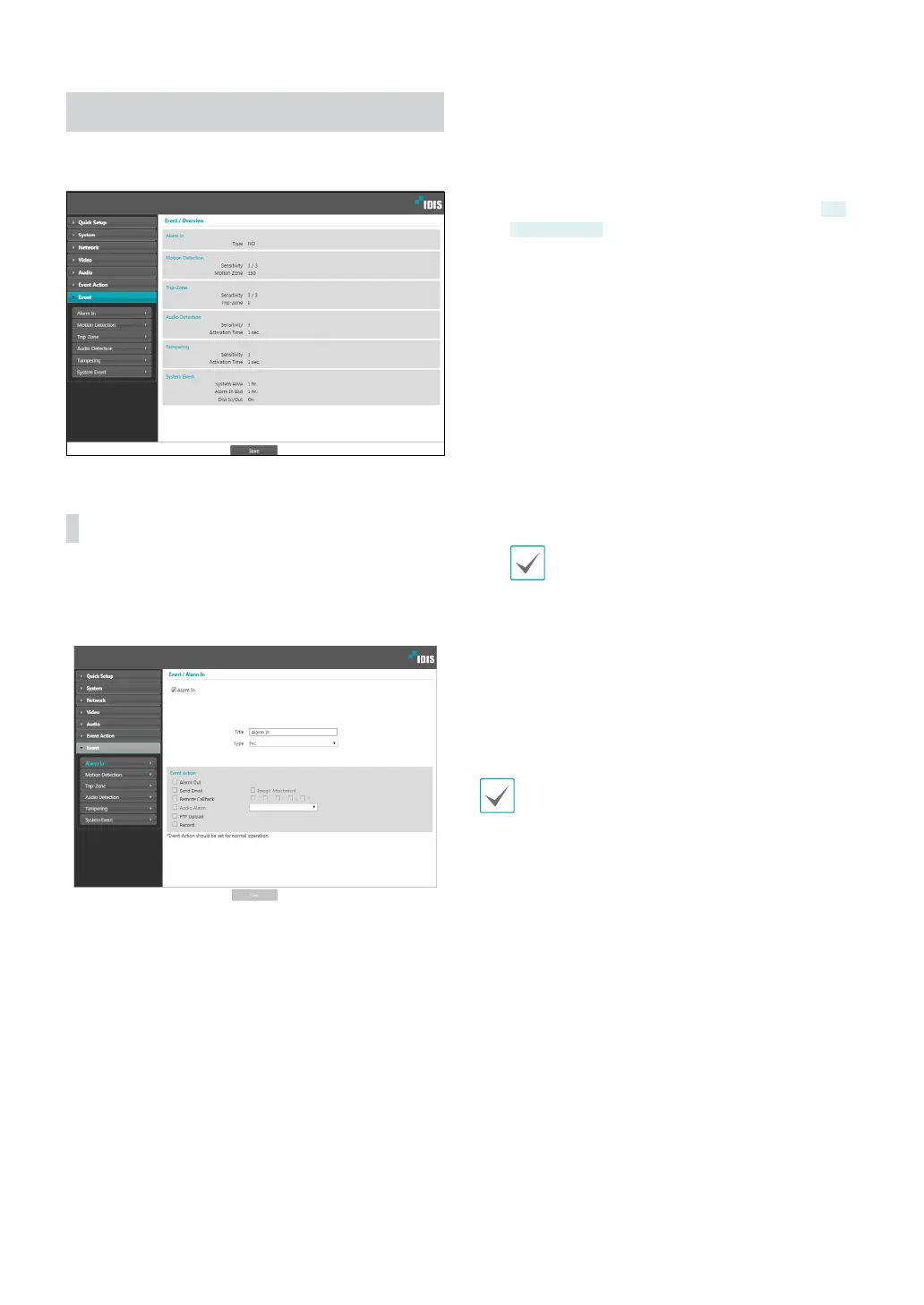
Alarm In
Select Alarm In to enable alarm in event. With alarm
in event enabled, alarm in detections by the alarm in
connector will be assumed as events.
• Title: Enter the alarm-in device’s name.
• Type: Select the alarm in type.
• Event Action: Select an alarm in event alert action.
- Day & Night Mode: Select if you do not wish to
use the IR cut lter when an event is detected.
DC-
D3233X only
Select this option to override the Day
& Night Mode settings under Video > Camera.
Select B&W Mode to enable black and white
mode when an event is detected. Expiration of the
detected event will disable B&W Mode and restore
IR Cut Filter.
- Alarm Out: Select if you wish to generate an alarm
out.
- Send Email: Select if you wish to send an email.
Select the Image Attachment option to attach a
.jpg image of the event detected to the email.
- Remote Callback: Select this option to send a
message to a remote system and then select which
system to send the message to.
• Not supported from the IDIS Web program.
• The camera must be registered to the remote
system in order to use the Remote Callback
feature.
- Audio Alarm: Select this option to generate an
audio alert and then choose an audio file (.wav).
- FTP Upload: Select this option if you wish to
upload images to the FTP server.
- Record: Select this option to record video.
Event Action settings must be configured correctly in
order to perform event actions.



 To Next Page