Part 2 - Conguration
72
● Actions: Specify which actions to take when Alarm-In
is detected.
– Record: Specify which cameras to begin linked
recording on when an event occurs. If the schedule
is set to Event or Time & Event mode, the selected
cameras will begin linked recording when an event
occurs.
– Alarm-Out: Designate event-triggered alarm-out
channels (each for the NVR and camera) and beeps.
– Notify: Congure to be notied of events by Mail,
LAN1 through 5, Push, FTP, and/or Alert Window.
– PTZ: Moves the PTZ camera to a specic preset
position when an event occurs.
– Event Monitoring: Selects the cameras to monitor
when an event occurs.
IDLA (IDIS Deep Learning Analytics)
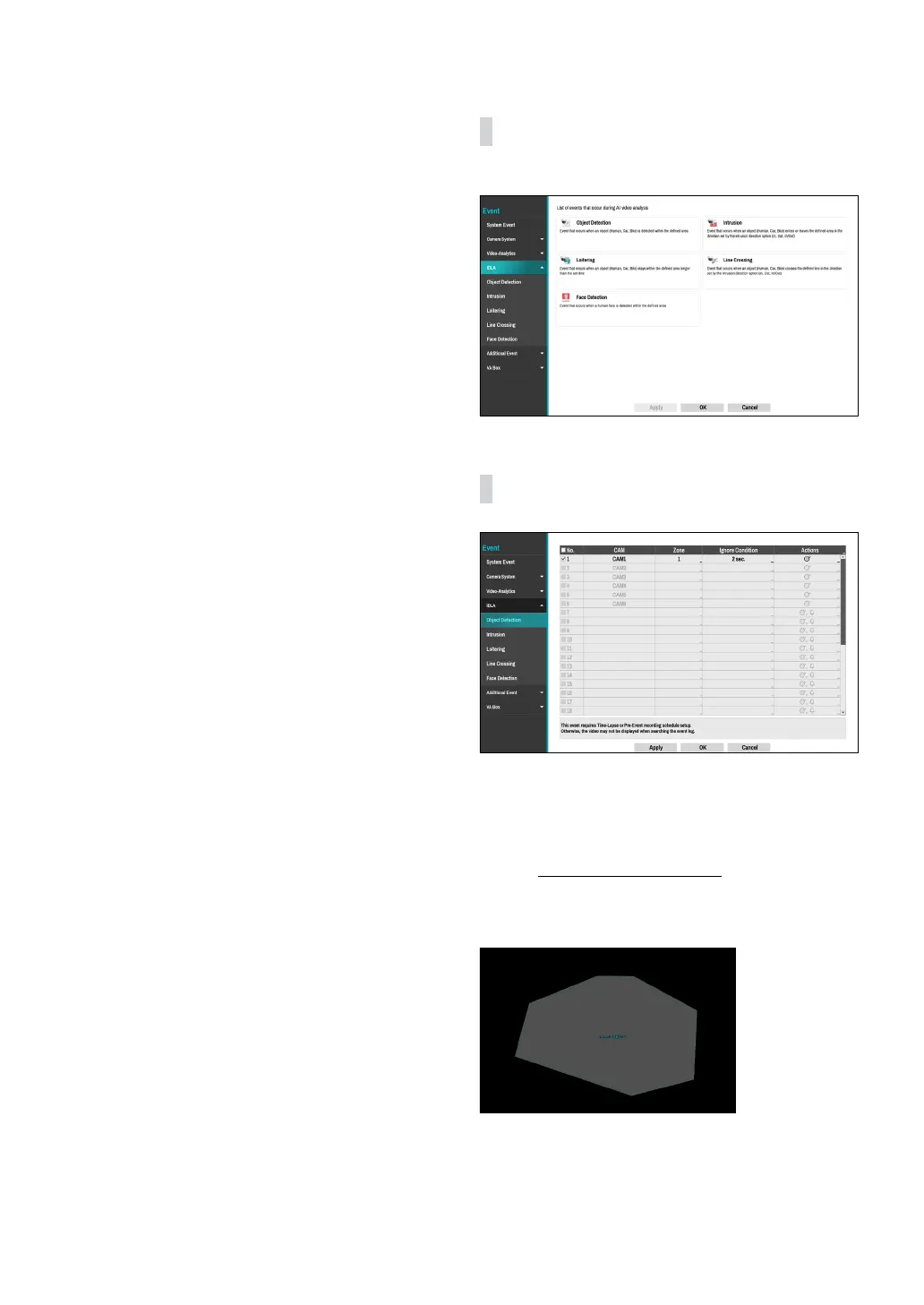
This is a list of events that occur during AI video analysis.
IDLA_Object Detection
● No.: Select which cameras to apply Object Detection
to. It is activated only when the analytic type is set to
Object Detection in the Device - VA Box- Setup tab.
● CAM: Indicates the camera channel. VA BOX title is
displayed next to the camera channel number.
Refer
to the VA Box_Setup on page 88 for basic
information on setting the VA BOX.
● Zone: Set a zone to be detected as a polygon.
You can set a zone using the mouse. The zone is
displayed in transparent. Drag and drop the vertex to
modify the zone.
Right-click on the zone setup screen to bring up the
Object Detection Menu.



 To Next Page