User Manual ToFscan 14
Note:
Cleaning the patient’s skin prior to positioning the electrodes signicantly lowers skin
resistance. The user should therefore ensure that the patient’s skin has been cleaned before
attaching the electrodes. The electrodes quality and condition are essential in the measured
impedance value.
Connecting the cable to the ToFscan
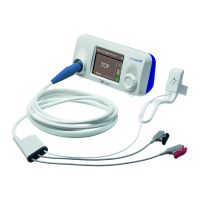
After putting the electrodes on the patient, the user must connect them to the
ToFscan with the electrodes cable. Before connecting the cable, he/she should check that the ToFscan
displays the main menu and is not in stimulation phase or programmed in automatic stimulation
mode.
The proximal electrode (nearest to the heart) will be connected to the red-coloured
positive electrode clamp. The distal electrode (further away from the heart) will be connected to the
black-coloured negative electrode clamp.
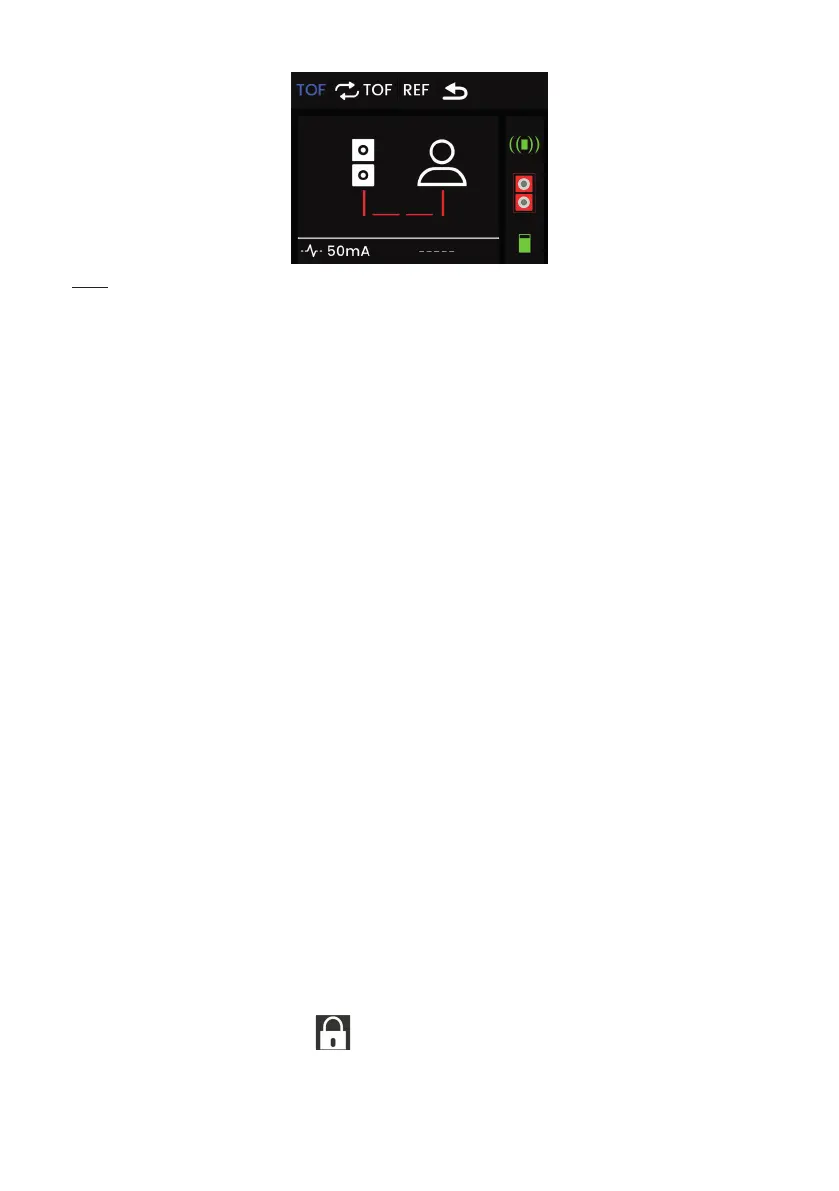
Once the cable has been connected to the electrodes, the ToFscan displays the electrodes
and the sensor’s connection symbol (icon in green if present and functional).
Reference or “REF”
The “REFERENCE” mode enables the user to measure the patient’s motor response
to TOF electrical stimulation when the patient is anaesthetised but not under the effect of a
neuromuscular blocking agent. This measurement is used to display the calculation comparisons
between the range of the patient’s muscle response under curare and without curare during TOF
stimulations.
For further information about this test, refer to the “TOF mode” section, under the “REFERENCE” menu.
III Using the ToFscan
General principle
The ToFscan is used to perform 5 modes of electrical stimulations. Some of these modes
can be congured or programmed by the user.
All modes are selected by a brief push on the wheel button. Once in the submenu,
press and hold the wheel button to start the electrical stimulation. The ToFscan will give a “beep”
simultaneously to the start of the electrical stimulation.
It is important to observe a waiting time between each stimulation to avoid distorting the
results. The ToFscan memorises the elapsed time since the previous stimulation and displays it at
the bottom of the screen. If this time is shorter than the waiting time to be observed between each
stimulation, the waiting time before the next stimulation is displayed in the centre of the screen
together with the following symbol
.
For example, the ToFscan requires a waiting time of 12-second after each TOF stimulation.


 To Next Page