3.4 Detection
When printing paper, the moveable label sensor is used to detect paper. The label sensor moves
differently when using various kinds of paper. If user moves the sensor improperly, paper may not be
detected, therefore the printer could not print paper. The following instructions tell users how to use
label sensor correctly. Please read it carefully.
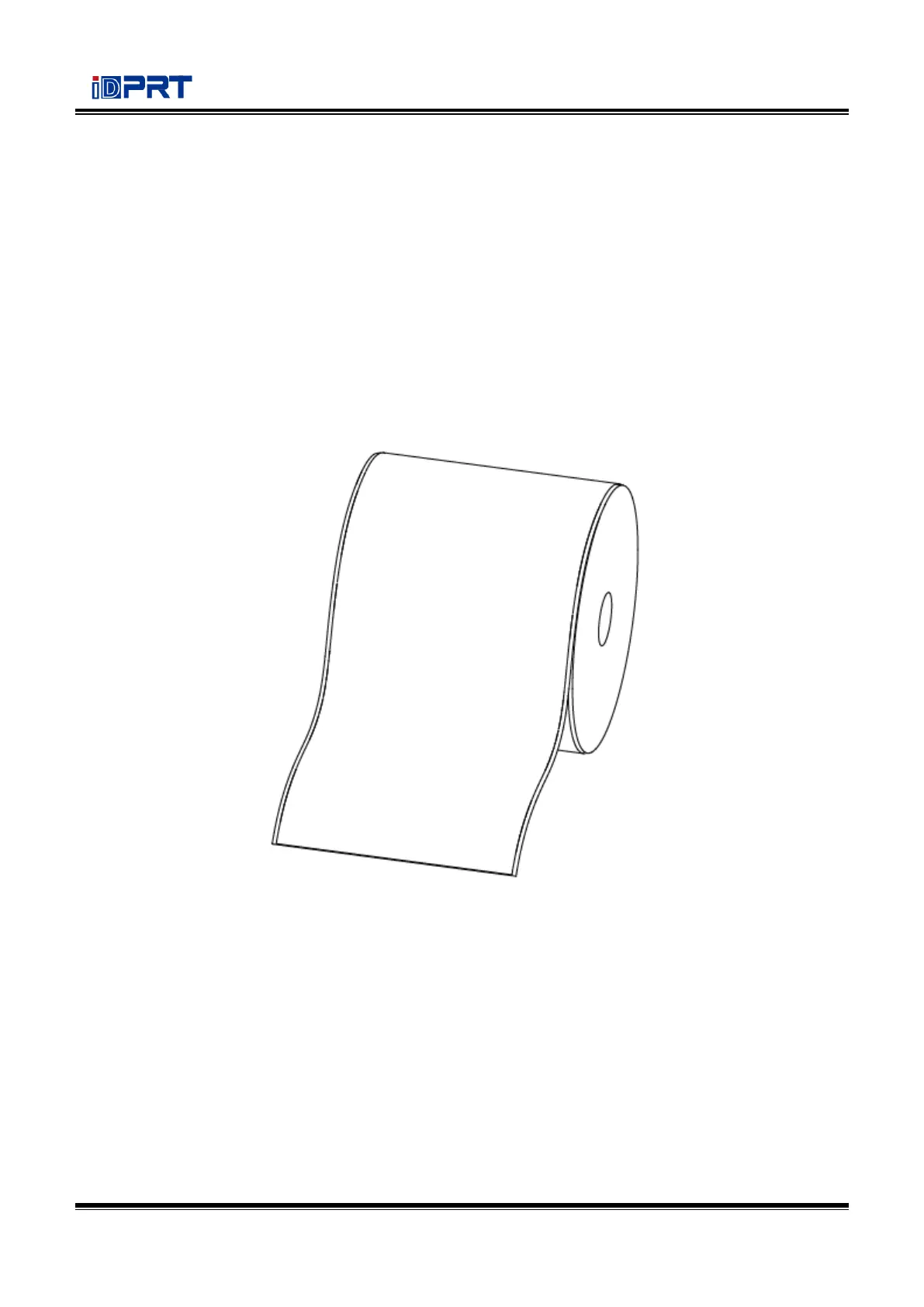
When printing continuous paper (Figure 1), the sensor shall be aimed at the left triangle below (Figure
2), which is the original position.
Figure 1 (Continuous Paper)



 To Next Page