3.5 Operation Panel
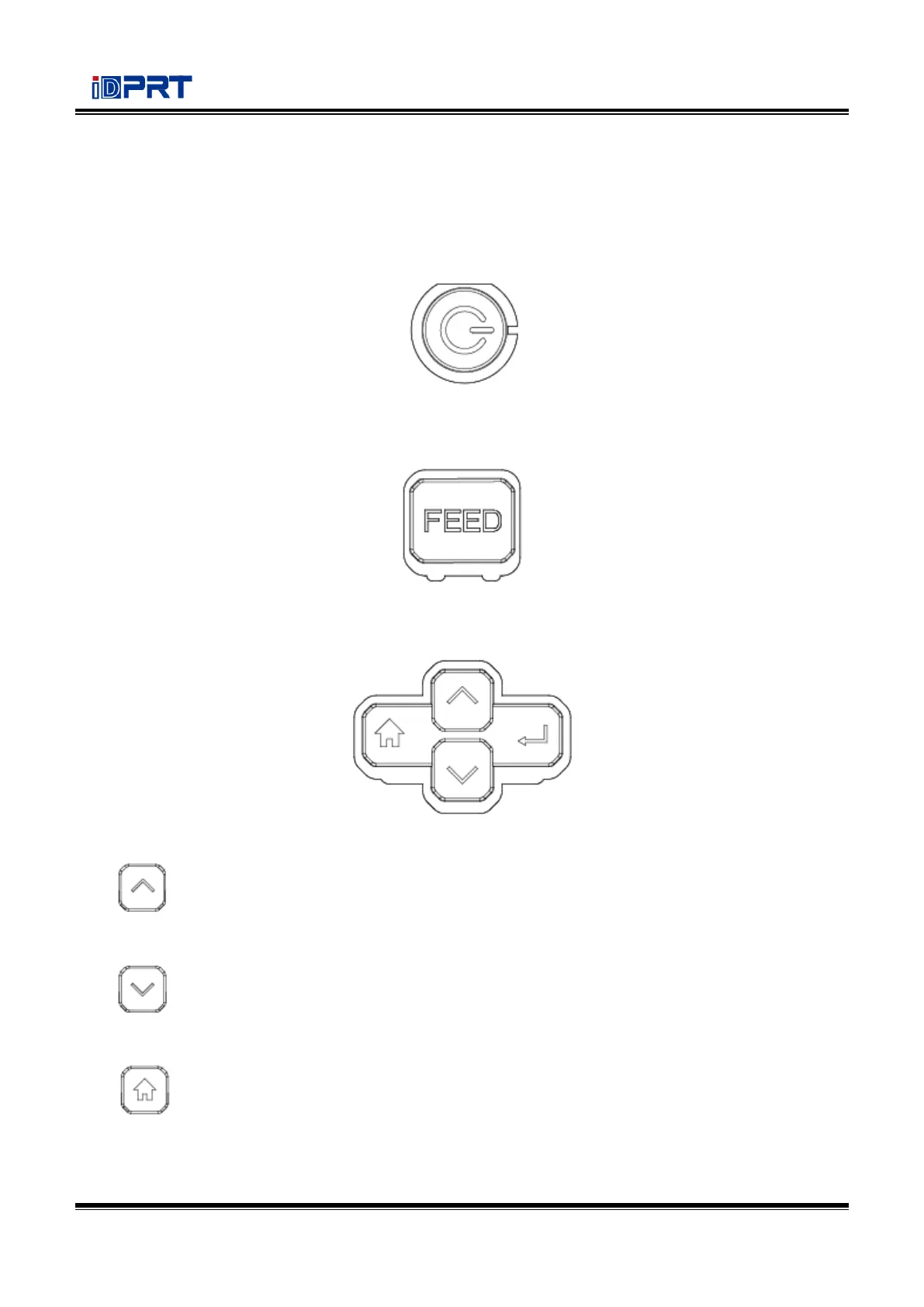
The panel indicates the printer’s operating status and allows the user to control basic printer
operation.
1.
Much more detailed information is provided in “3.6.1 Power On/ Power Off”.
2.
Much more detailed information is provided in “3.6.2 FEED Button”.
3.
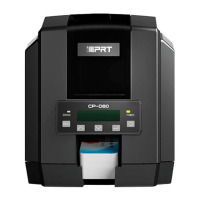
It is included by up arrow button, down arrow button, menu button and enter button.
⚫ Up Arrow Button: Common uses are to scroll through choices, navigating to the left or the
previous choice.
⚫ Down Arrow Button: Common uses are to scroll through choices, navigating to the right
or the next choice.
⚫ Menu Button: Common uses are to back to the previous menu or to cancel the settings.


 To Next Page