⚫ Enter Button: Common uses are to navigate to the sub-menus, change the values or to
save the settings.
4.
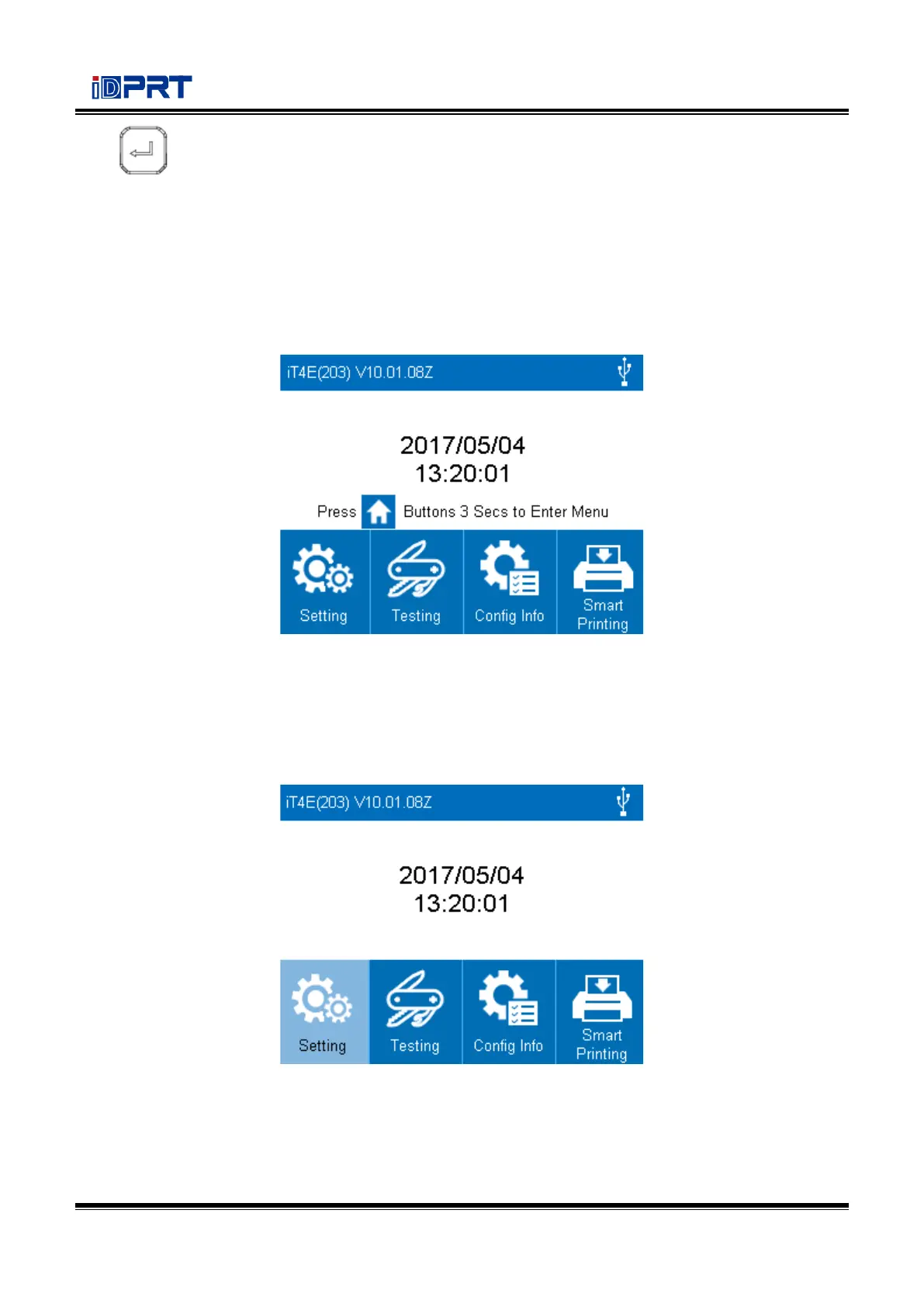
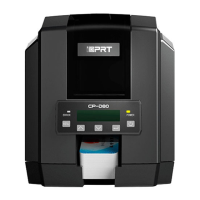
It is divided into idle display, home menu display, sub-menu displays and operating displays.
Idle Display
⚫ When the printer is power on, the idle display will appear.
⚫ It contains printer’s name, version number of the firmware, time and menu.
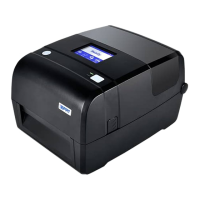
Home Menu Display
⚫ When the printer is ready, press menu button for three seconds, and printer will come into home
menu.
⚫ User can operate the printer by display in home menu.


 To Next Page