EasyManua.ls Logo

iDPRT iT4 Series - Display Operation

iDPRT iT4 Series
111 pages
Print Icon
To Next Page IconTo Next Page
To Previous Page IconTo Previous Page
Loading...
iT4 Series User Manual
28





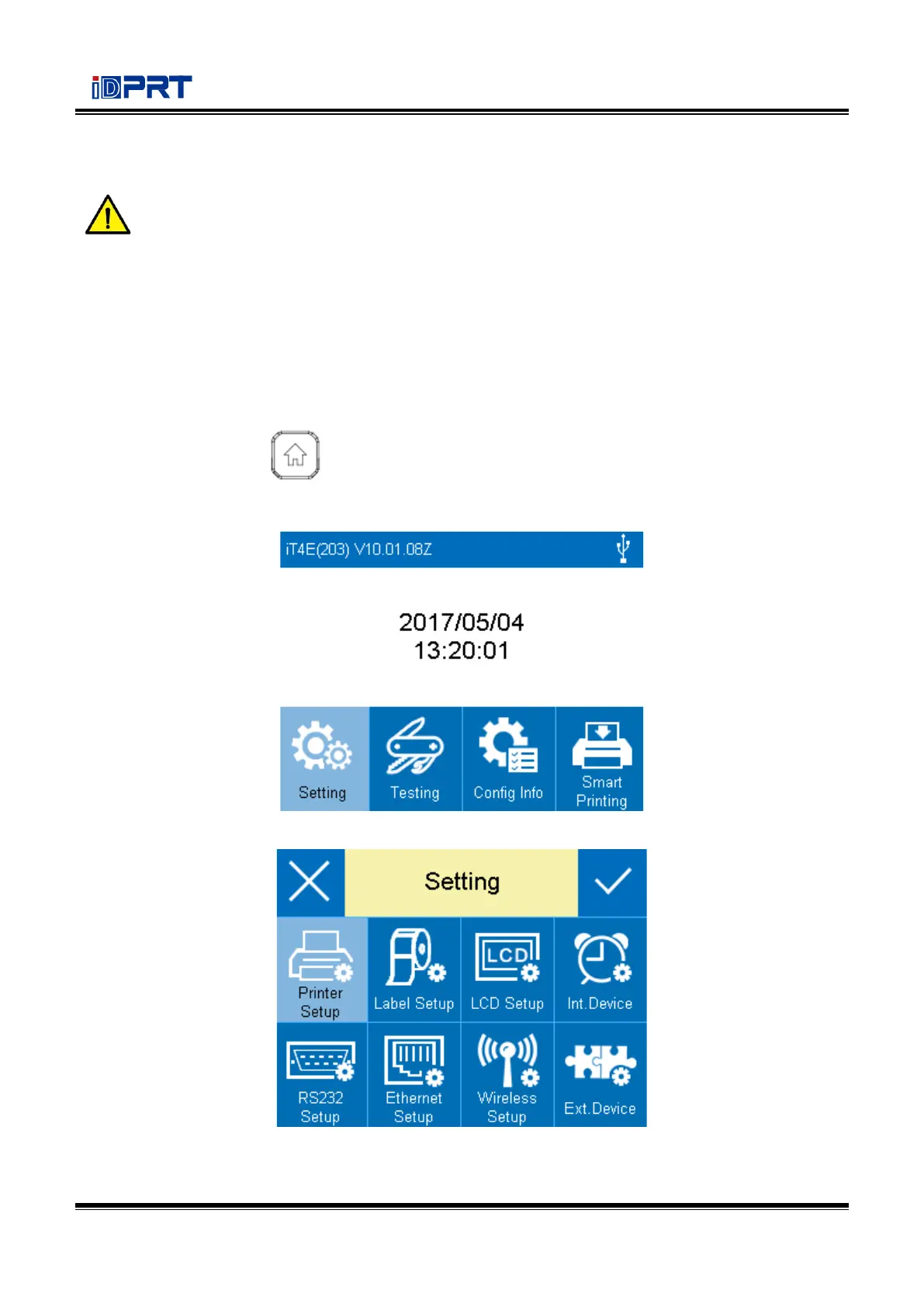
In the following instructions, the example will be taken to show user how to operate the printer.
Changing the speed of the printer:
1.Press the power button to open the printers power.
2.Press the menu button for three seconds to enter the home menu, then choose the “Setting
item.
3.Enter the setting menu, then choose the “Printer Setup” item.

Related product manuals