⚫ When operating display appears, it means that printer is carrying the command that user has
sent. After finishing the task, printer will return to the sub-menu display.
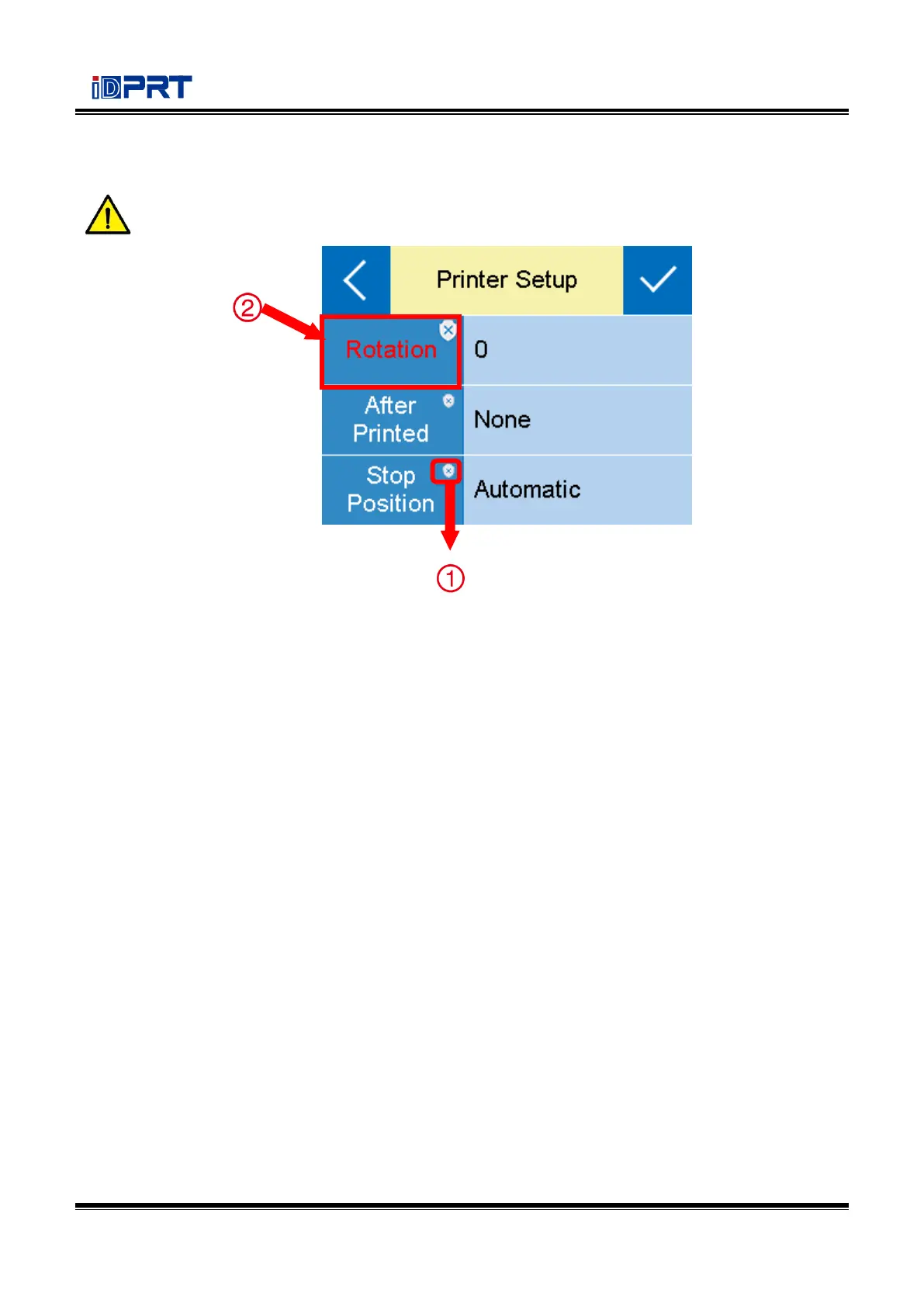
① The item with red frame: When the item is white, the relevant values could be changed both by
display operation and software instructions. When the item turns yellow, the relevant values have
been protected and can only be changed by display operation.
②
User can change the item into another status by clicking the corresponding value.



 To Next Page