Chapter 7 Windows Driver Installation
7.1 Introduction
This chapter provides information on installation according to the PC operating system (OS).
This driver support for these following operating systems:
Microsoft Windows 10 (32 bit/64 bit)
Microsoft Windows 8 (32 bit/64 bit)
Microsoft Windows 7 SP1 (32 bit/64 bit)
Microsoft Windows Vista SP2 (32 bit/64 bit)
Microsoft Windows Server 2012(64 bit)
Microsoft Windows Server 2008 R2
Microsoft Windows Server 2008 SP2 (32 bit/64 bit)
Microsoft Windows Server 2003 R2 SP2 (32 bit/64 bit)
7.2 Installation
Note: Under different operating systems, the screen has a slight difference. Please
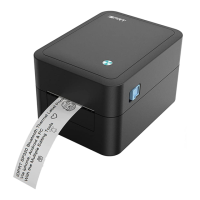
operate it according to the tips. Take SP310 (Windows 7) for an example. Recommend to
close the security software before installation in case of preventing installation.
1. Select one interface to connect your printer to the computer.
2. Turn on the printer check if it is connected successfully.
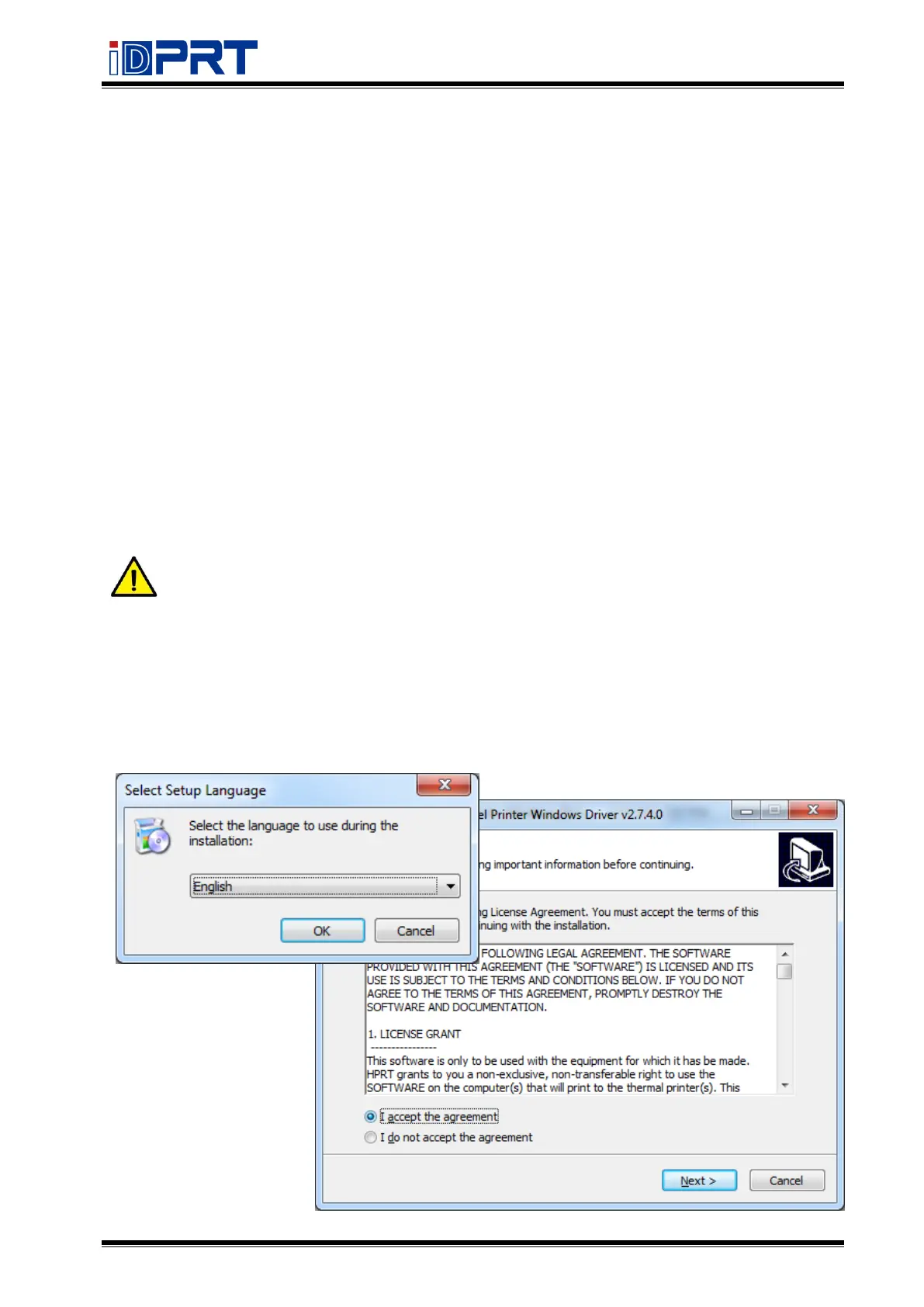
3. Double-click Seagull Driver.
4. Read and agree with the EULA, click “Next”.


 To Next Page