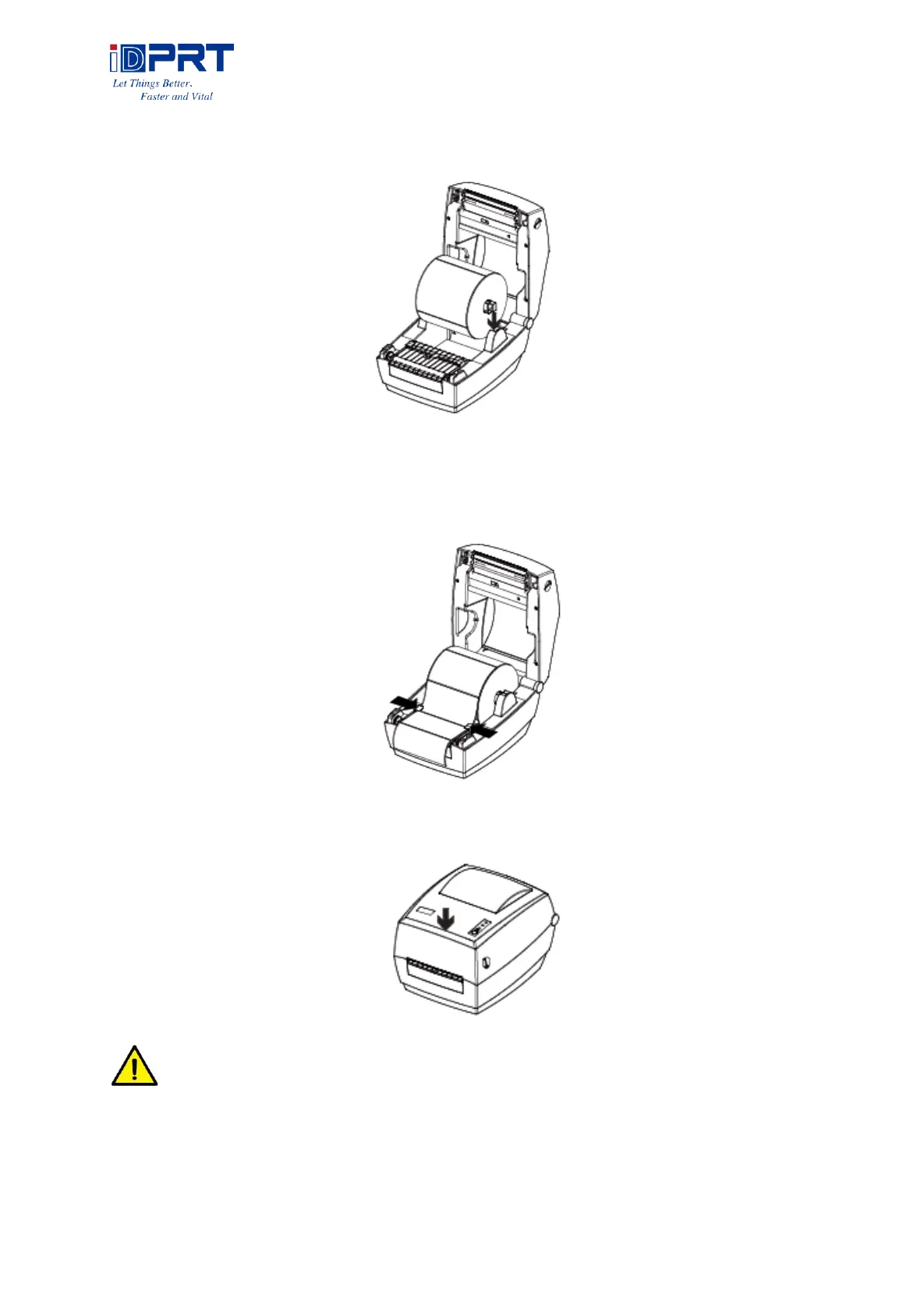
4.Then load the paper module from the top down to printer.
5.Pull some paper and pass it through paper guides, adjust paper guides according to the paper
width.
6.Press down the top cover until it closes.
Note: If your printer is under Thermal Line Printing Method, press down the printer
cover until it snaps closed. Otherwise, continue the procedure in chapter 3.1.2.



 To Next Page