3.5 Basic Operation
3.5.1 Power on/Power off
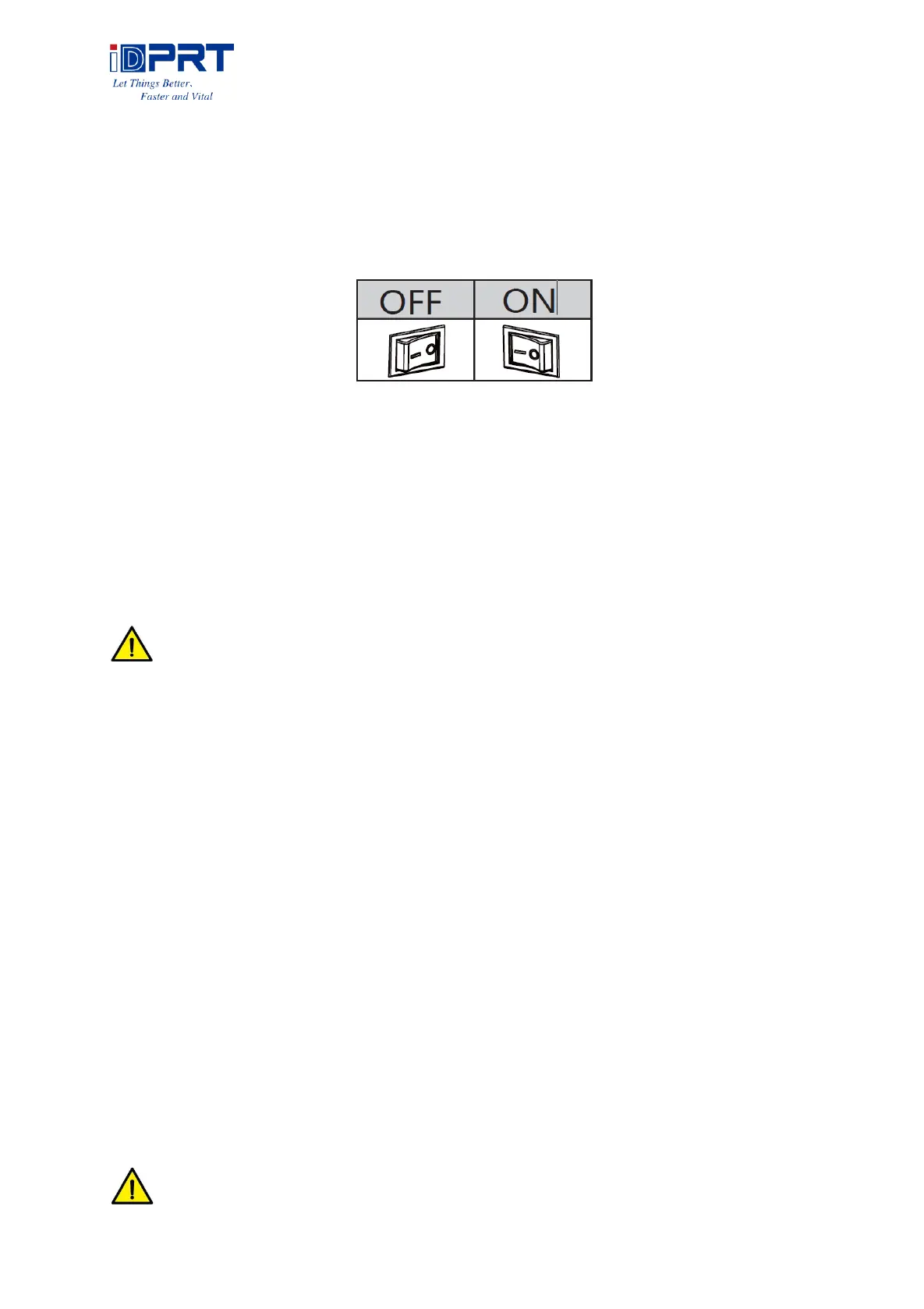
Press “O” to power off the printer. Press “l” to power on the printer.
3.5.2 Feed Button
Press the FEED button, and printer will feed paper to the specified position according to the
paper type. Just long-press the FEED button once that will feed the fixed distance paper when
using continuous paper. Long-press FEED button once that will feed a whole label paper when
using label printer.
3.5.3 Quick Calibration
Note: users must carry out the calibration under the conditions below:
➢ The first time to use the printer after installation;
➢ The first time to use the printer since sensor cleaning;
➢ Reuse the printer when it has not been used for a long time;
➢ Change a new type of media;
➢ Printer cannot recognize the mark;
➢ Huge change of the operating environment;
Calibration method:
1.Carry out the calibration manually.
When the printer is ready, press the FEED button until the status indicator (green) flashes twice.
Then release the button, and printer will start to do the calibration. Loosen the FEED button of
printer until the status indicator (Green) flash twice, then it starts to the black label mode
learning. When printer start the calibration under the continuous media mode, the calibration
is invalid.
2.Carry out the calibration by printer utility tool.
Please refer to detailed information in “Chapter 6 Label Printer Utility Instructions”.
Note: after the calibration, users could open the printer cover to pull back the learned
paper in avoid of paper wasting.



 To Next Page