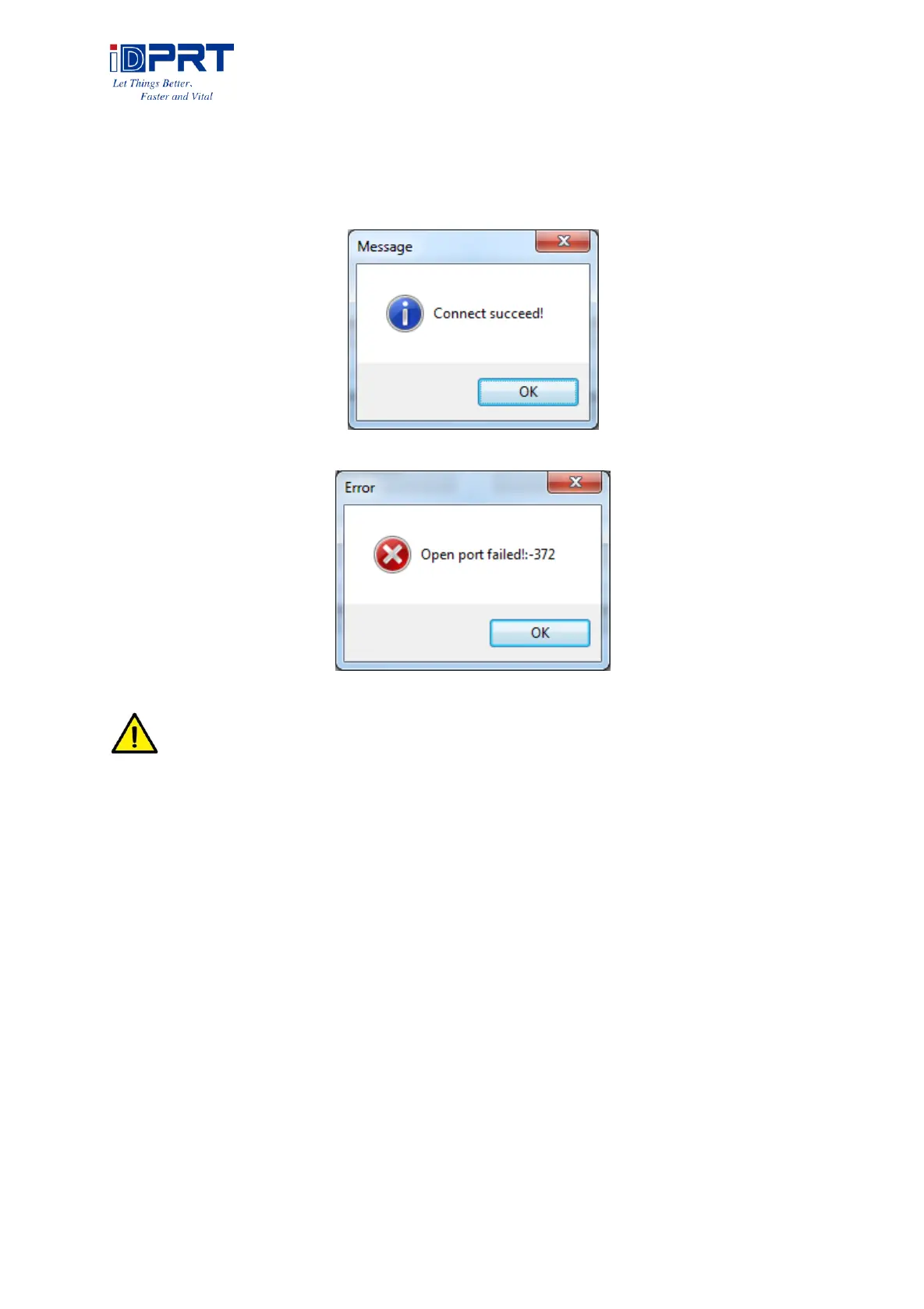
●Choose the printer currently use, connect it to computer. Click “Connect Test” to test whether
the connection is ok or not.
If connection is OK, the icon below will come out.
If connection fails, normally shows following icon.
Note: Please connect your printer to power firstly, choose one port (depend on the
printer you bought) to connect to the PC. Connecting method refer to the Power Connection.
When connection fails, please check the connection or whether the port matches. (When
USB port is used, it is better to make sure only one printer is connected)



 To Next Page