SP900 User Manual
8.2.2.1 Printer Test
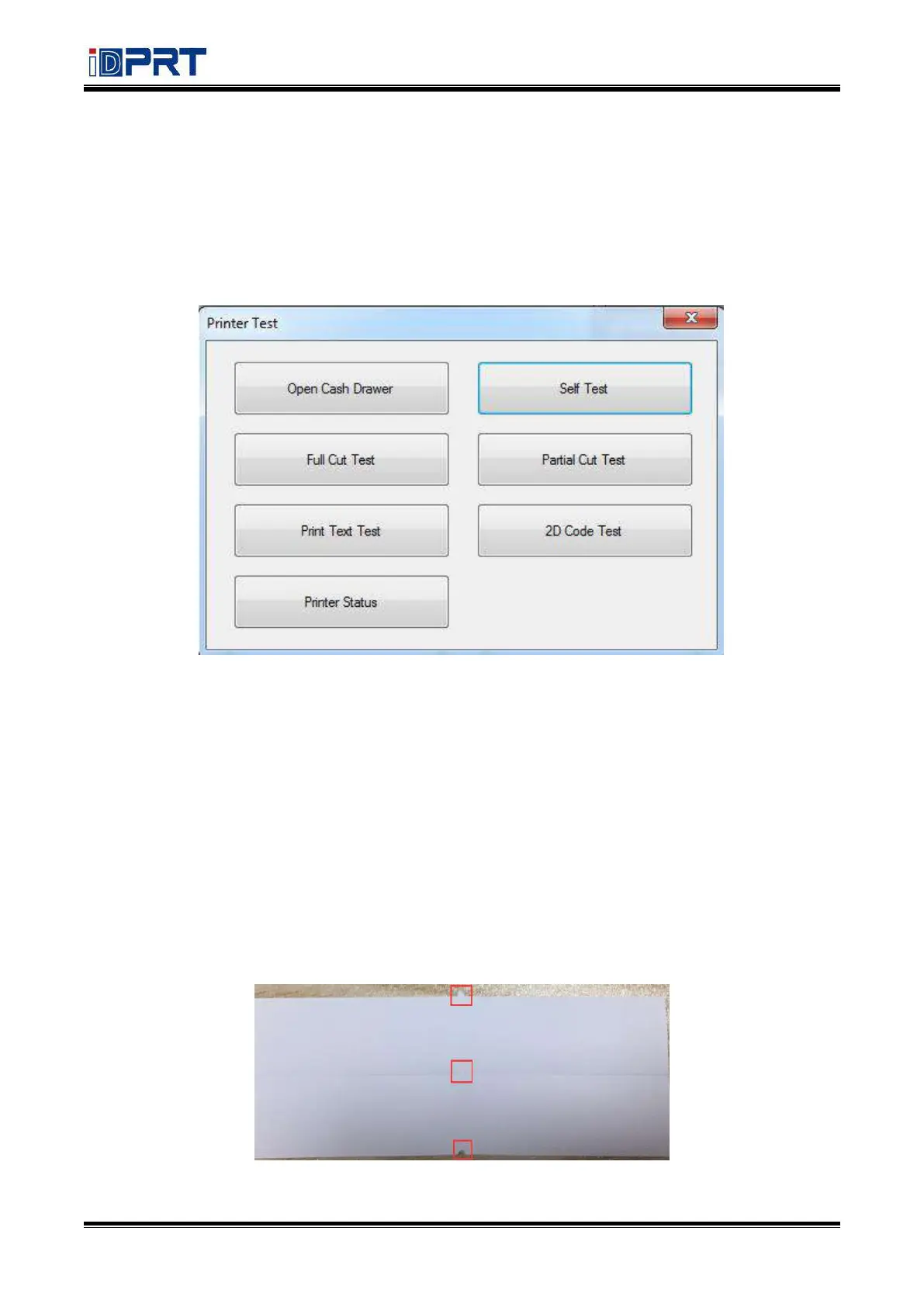
1) Self Test
Click “Self Test” to see if the printer will print properly.
2) Full Cut Test
Click the “Full Cut Test” and the paper will be cut automatically. Cutting method is full-cutting. The
paper would be falling down from the paper outlet after cutting.
3) Partial Cut Test
Click the cutter test and the paper will be cut automatically. Cutting method is partial cut. (Partial
cut: the paper is not all cut off, a connection point is left between the two sheets of paper)
As shown in the figure:



 To Next Page