24 Core Implementation NEO2: Objective-C
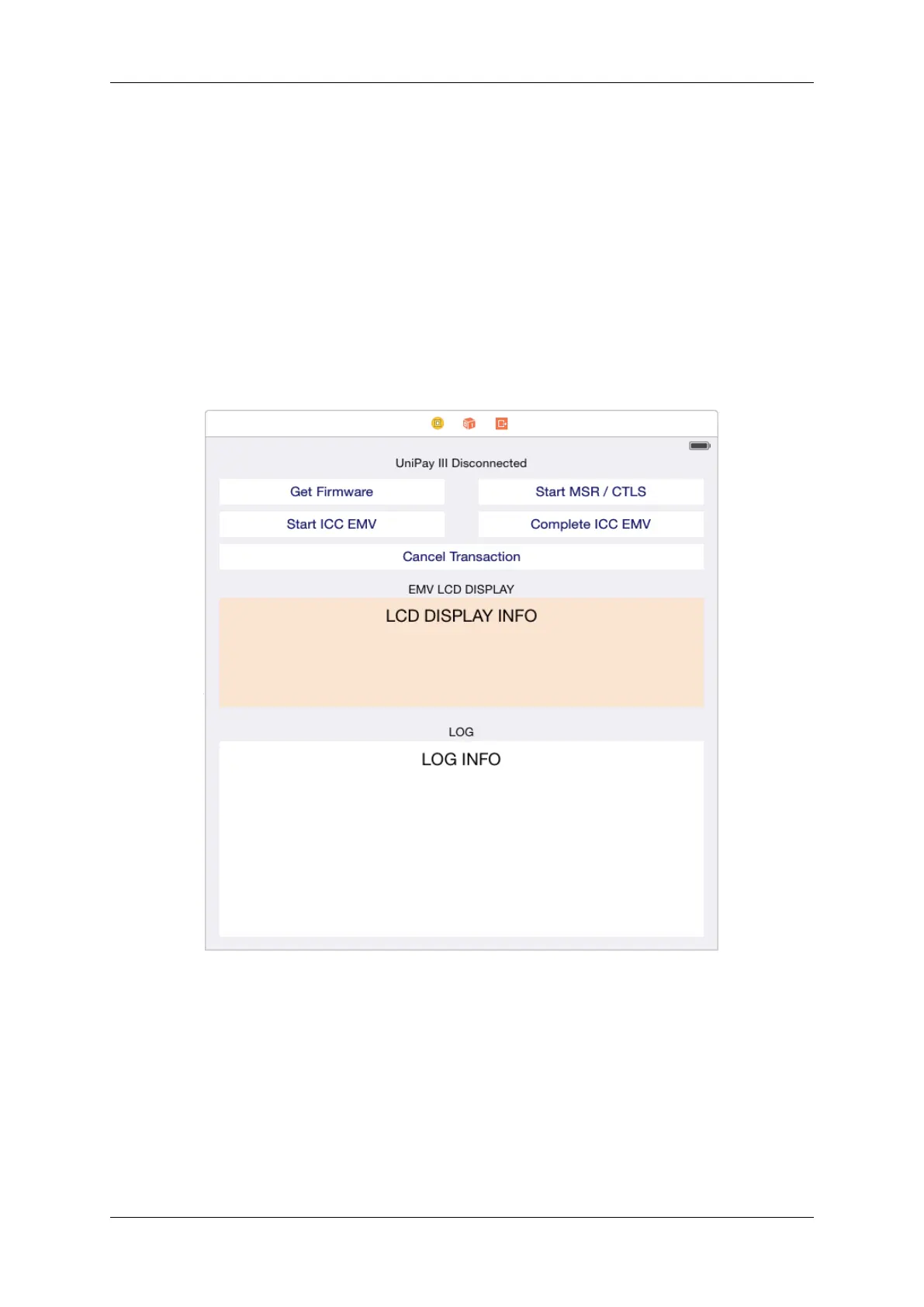
• Add a label to the top that will signify connection/disconnection status.
• Add text views to communicate data from the NEO2 and for EMV LCD display information. Remove the
Editable behavior if you don't want the keyboard to pop up if you accidentally select it.
• Add buttons to execute the following functions:
– Get Firmware
– Scan for BLE Device
– Start Transaction
– Complete ICC EMV
– Cancel Transaction (add constraints accordingly so layout maps to intended screen size)
6.7.4 Step 4: Configure Header File
In the header file, perform the following:
• Add Import statements to utilize frameworks
• Amend the view controller interface
• Create an IBOutlet for the two UITextView and link it as a Referencing Outlet to the UITextView on the story-
board
• Create an IBOutlet for the UILabel and link it as a Referencing Outlet to the UILabel on the storyboard
#80152504-001 IDTech iOS SDK Guide for NEO2



 To Next Page