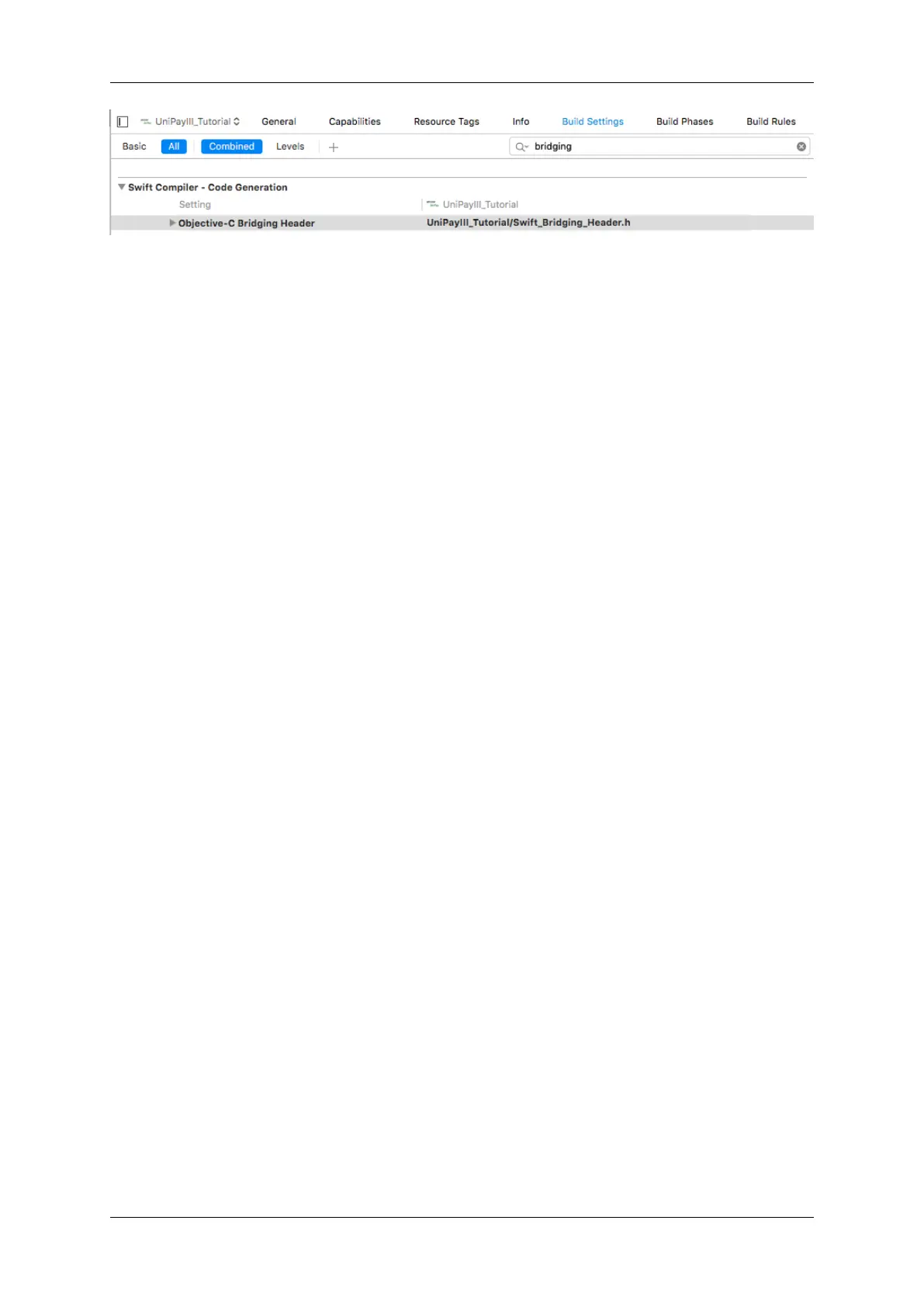
44 Core Implementation NEO2: Swift
7.4 Add Import Statement to the Bridging Header File
Inside of the newly created bridging header file, add the following import statement:
#import <IDTech/IDTech.h>
The file should now look similar to the following:
#ifndef Swift_Bridging_Header_h
#define Swift_Bridging_Header_h
#import <IDTech/IDTech.h>
#endif
7.5 Amend the View Controller Interface
In the view controller classes that will be a delegate of IDTech.framework, include the reference to the framework
delegate class name:
class ViewController: UIViewController, IDT_NEO2_Delegate
7.6 Implement Optional Delegate Protocols
Implement any/all of the optional delegate protocols used to receive data from IDT_NEO2_Delegate:
func deviceConnected()
func deviceDisconnected()
func dataInOutMonitor(data: NSData!, incoming isIncoming: Bool)
func swipeMSRData(cardData: IDTMSRData!)
func deviceMessage(message: NSString!)
#80152504-001 IDTech iOS SDK Guide for NEO2



 To Next Page