7.3 Create a Bridging Header File 43
The header file should look similar to the following:
#ifndef Swift_Bridging_Header_h
#define Swift_Bridging_Header_h
#endif
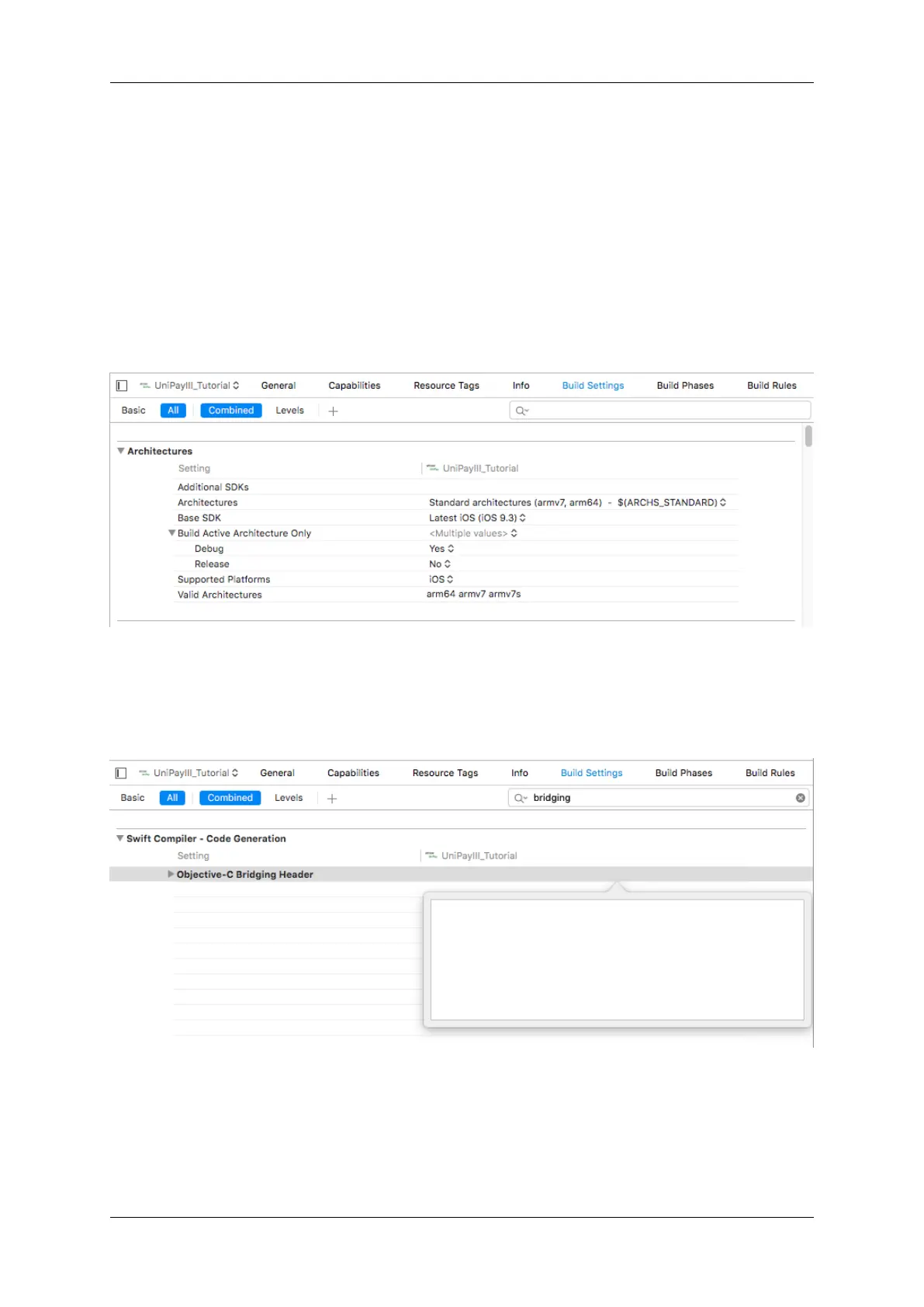
Next, you will need to link your header file to the bridging header setting. Navigate to Build Settings within Xcode
Type "bridging" into the search bar and double click the Objective-C Bridging Header setting to get an input box
Type the relative path to your project directory and the name of the bridging header file and then click enter to save
the setting
IDTech iOS SDK Guide for NEO2 #80152802-001



 To Next Page