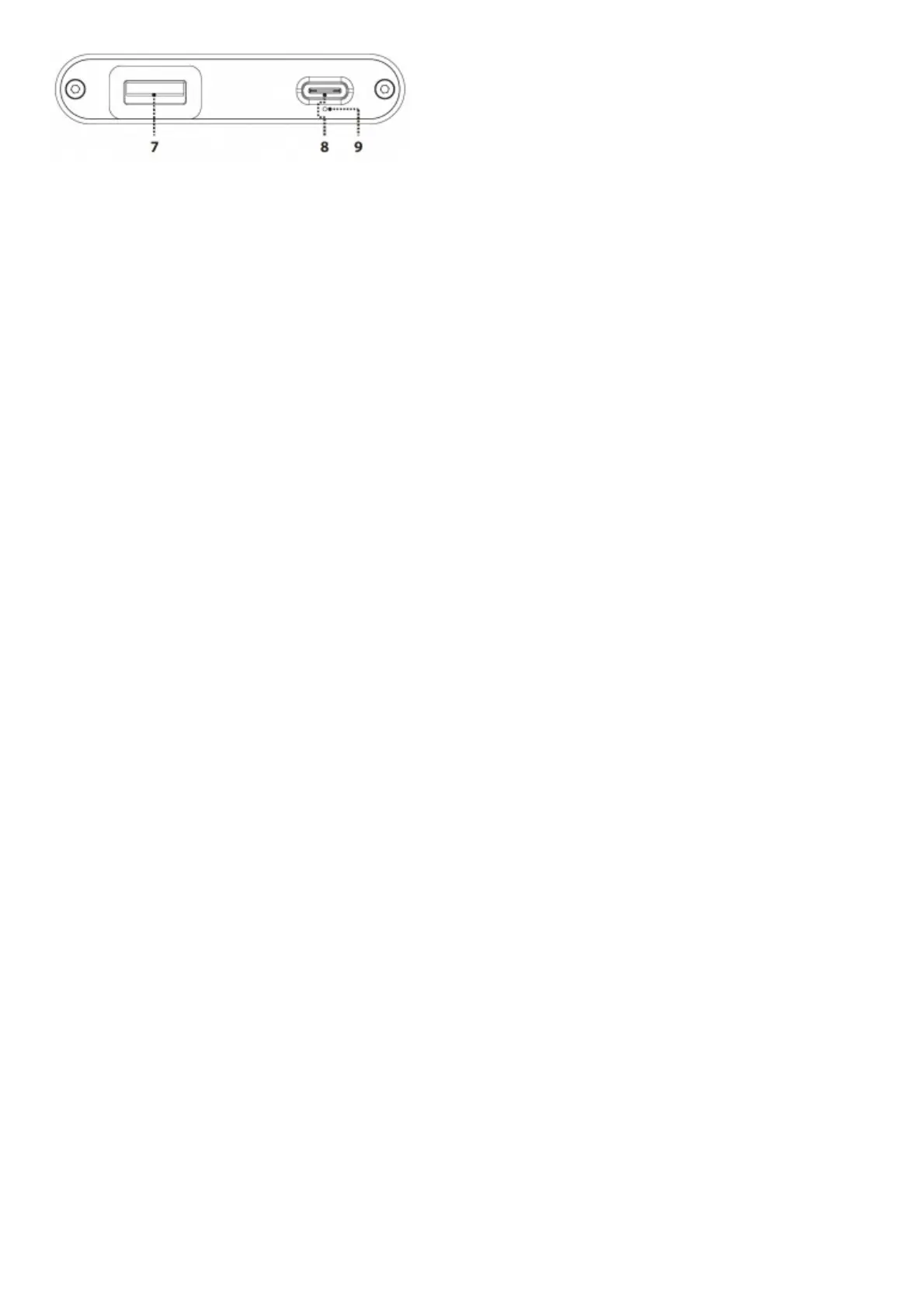
7. USB3.0 ‘Type A’ data input port
Connect your phone to hip-dac with Lightning to USB Camera Adapter (Apple) or USB On-The-Go (OTG) cable (Android). When
using other audio sources connect with a USB cable.
Tip: It is preferable to use a USB 3.0 port over using a USB 2.0 port on the PC.
8. USB-C (5V) battery charge input
For charging only. It will take ~3 hours for a high-powered USB charger to fully charge hip-dac.
9. LED for Battery Status
LED Status
White* > 75%
Green* > 25%
Red* > 10%
Red (flashing) ≤ 10%
*Battery LED will flash when it is charging
Specifications



 To Next Page