32
65
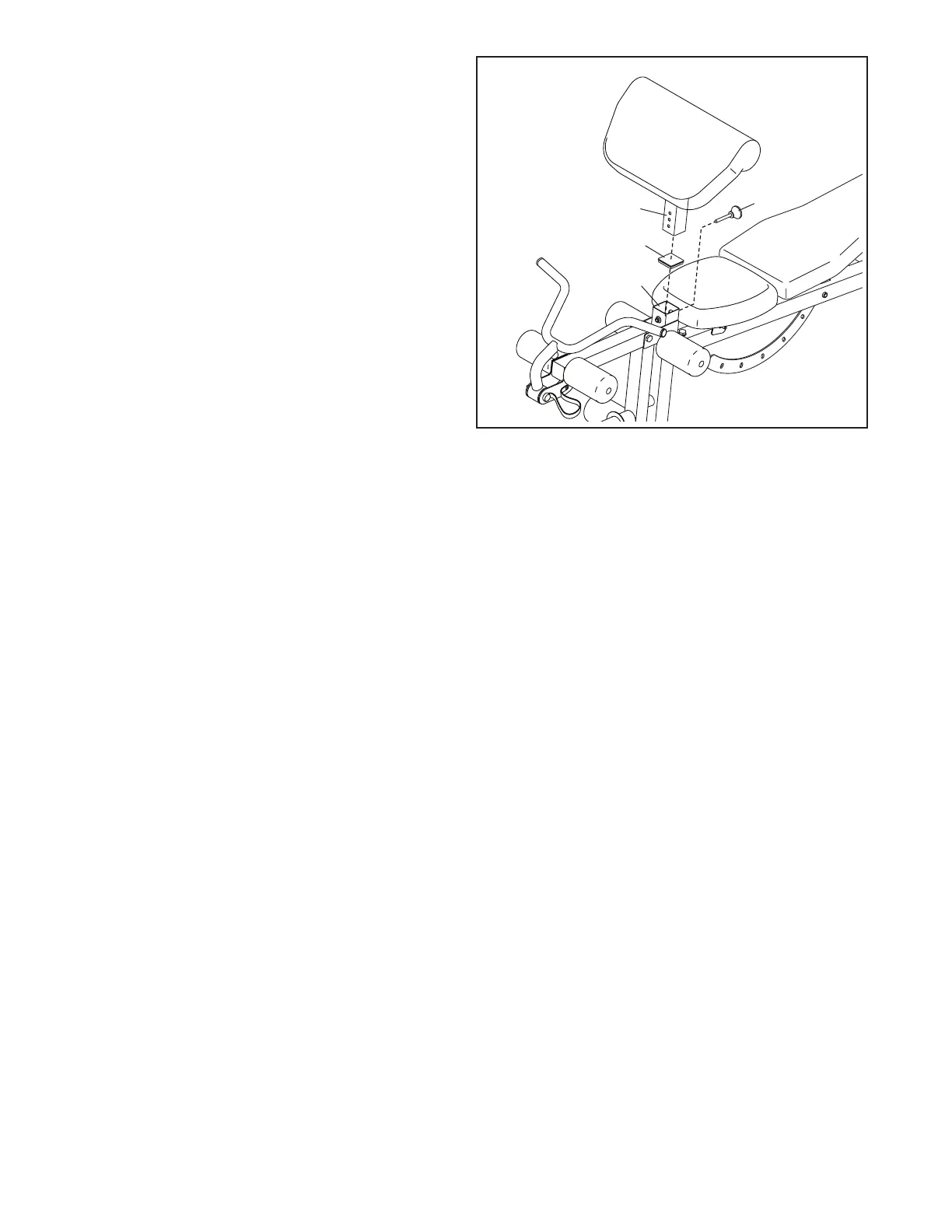
65. Remove the 57mm x 1.5mm Square Cap (131)
from the Front Leg (109).
Insert the Curl Post (113) into the Front Leg
(109) and secure the Curl Post with the Curl Post
Knob (136). Fully tighten the Curl Post Knob.
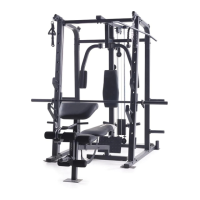
66. Make sure that all parts are properly tightened. The use of all remaining parts will be explained in
ADJUSTMENT, starting on page 33.
Before using the weight bench, pull each cable a few times to make sure that the cable moves smoothly. If a
cable does not move smoothly, find and correct the problem. IMPORTANT: If the cables are not properly
installed, they may be damaged when heavy weight is used. See the CABLE DIAGRAM on page 36
for proper cable routing. If there is any slack in the cables, you will need to remove it by tightening the
cables. See MAINTENANCE on page 37.
131
109
113
136


 To Next Page