13
UK
9.4.2 Zero point calibration
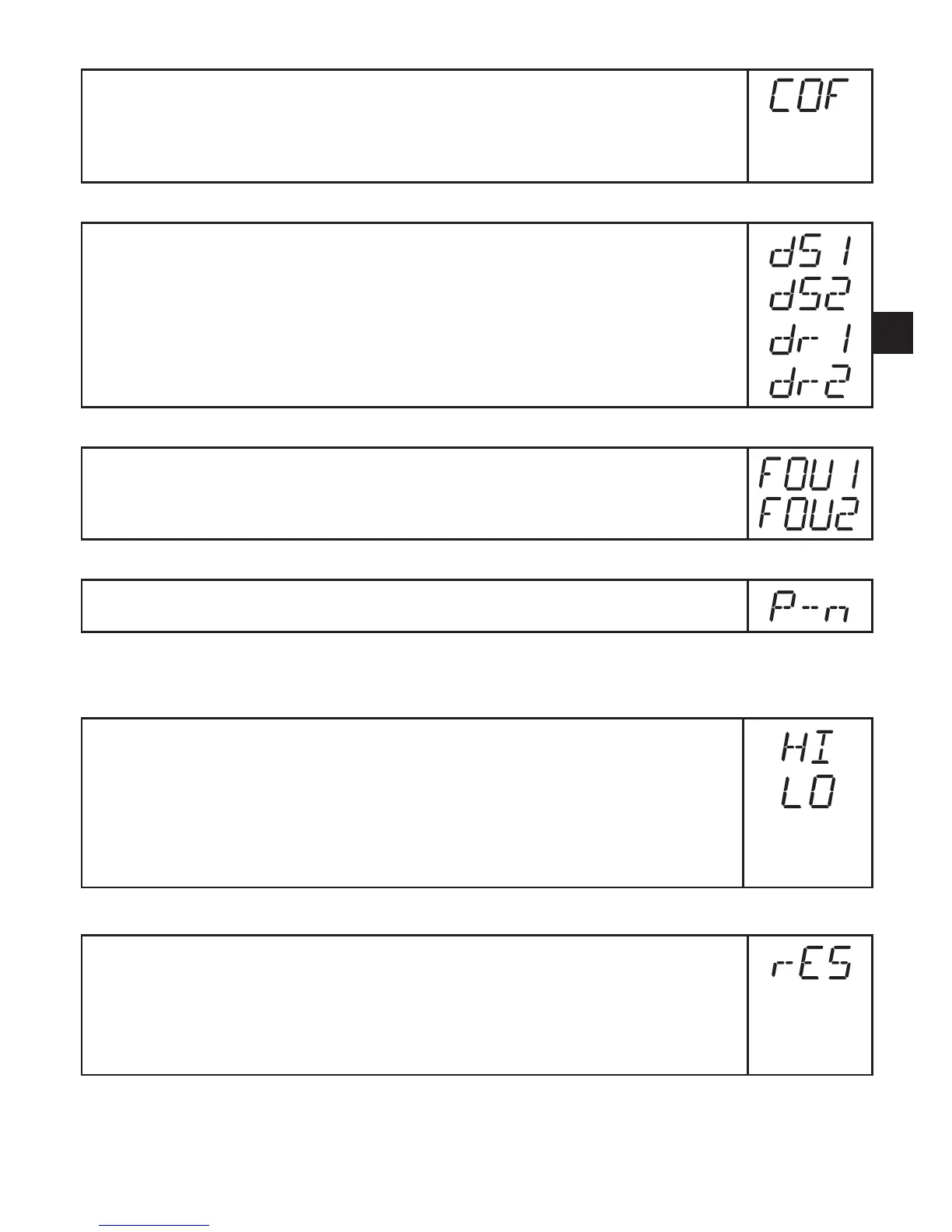
Select [COF] and enter value. Setting range: ►
-10.0...10.0 °C in steps of 0.1 °C.
-18.0 ...18.0 °F in steps of 0.1° F.
The internal measured value "0" is shifted by this value.
9.4.3 Setting the switching delays
[dS1] / [dS2] = switch-on delay for OUT1 / OUT2.
[dr1] / [dr2] = switch-off delay for OUT1 / OUT2.
Select [dS1], [dS2], [dr1] or [dr2] and set a value between 0.1 and 50 s ►
(at 0.0 the delay time is not active).
9.4.4 Setting of the error behaviour of the outputs
Select [FOU1] or [FOU2] and set the value: ►
[On] = Output 1 / 2 switches ON in case of a fault. -
[OFF] = Output 1 / 2 switches OFF in case of a fault. -
9.4.5 Setting of the switching logic for OUT1
Select [P-n] and set [PnP] or [nPn]. ►
9.5 Service functions
9.5.1 Reading of the min/max values for the system temperature
Select [HI] or [LO], briefly press [Set]. ►
[HI] = maximum value, [LO] = minimum value.
Delete memory:
Select [HI] or [LO]. ►
Press [Set] and keep it pressed until [----] is displayed. ►
Press [Mode/Enter] briefly. ►
9.5.2 Reset of all parameters to factory setting
Select [rES]. ►
Press [Set] and keep it pressed until [----] is displayed. ►
Press [Mode/Enter] briefly. ►
We recommend taking down your own settings in the table before carrying
outareset(→13Factorysetting).



 To Next Page