EasyManua.ls Logo

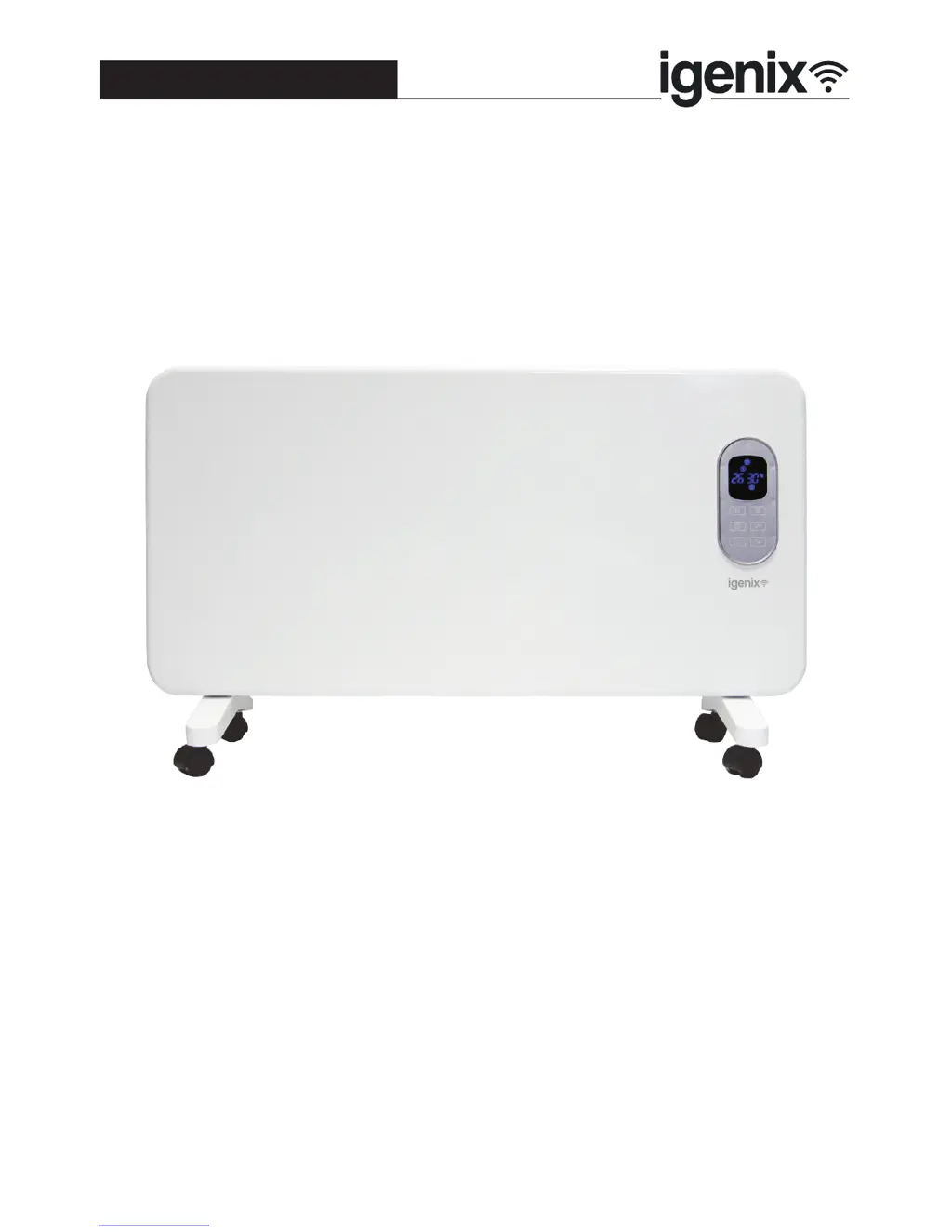
iGenix IG9515WIFI - User Manual

iGenix IG9515WIFI
28 pages
Print Icon
To Next Page IconTo Next Page
Loading...
Please read these instructions carefully before use and retain for future reference
Before switching on your appliance,
always check for any damage which may have been caused in transit
IG9515WIFI
Batch code:
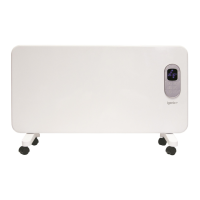
1.5kW Panel Heater with Wi-Fi
USER MANUAL

Questions and Answers

Summary

Important Safety Instructions

Specifications

Appliance Overview

Assembly Instructions

Feet Assembly

Attach the two feet onto the bottom of the appliance and fix with the four small screws provided for each side.

Wall Mounting

Describes how to mount the panel heater securely to a wall using the provided bracket and screws.

Location of the Appliance

Guidance on optimal placement of the appliance for effective heating and safety.

Plugging in the Appliance

Instructions on how to safely connect the appliance to the mains power socket.

Operating Instructions

Power Setting

How to adjust the heating power level between low and high settings using the power setting button.

Temperature Setting

Instructions for setting the desired room temperature between 16°C and 35°C using the temperature buttons.

Time Setting

Guidance on using the timer function to switch the appliance on or off automatically.

Child Lock

How to activate and deactivate the child lock function by pressing and holding the child lock button.

Turn Off

Procedure for safely turning off the appliance using the on/off button and main power switch.

Setting Up Wi-Fi Function

Setting up the igenix app

Steps to download, install, and register for the igenix app on your mobile device.

Pair the Panel Heater with your igenix app

Instructions to connect the panel heater to the igenix app via Wi-Fi configuration mode.

Syncing Device with Amazon Alexa

Set up Amazon Echo and Enable igenix App

Guide to setting up Amazon Echo and enabling the igenix app for voice control.

Configure Echo Device Setup

Detailed steps for setting up an Amazon Echo device and linking it to your Amazon account.

Connect Echo to Wi-Fi Network

Selecting Echo model, language, and connecting to Wi-Fi for initial setup.

Finalize Echo Setup Process

Following on-screen prompts to finalize Echo device setup and connection.

Link igenix App Account to Alexa

Enabling the 'igenix' skill within the Alexa app and linking the user's igenix account.

Enable igenix Skill in Alexa

Steps to find and enable the 'igenix' skill within the Alexa app for voice control.

Control Panel Heater via Amazon Echo

Discover IG9515 WIFI Device with Echo

Instructs Echo to discover the panel heater device, either by voice command or through the Alexa app.

Control Heater using Voice Commands

Lists specific voice commands that can be used with Amazon Echo to control the panel heater.

Control Panel Heater via igenix App

Cleaning and Maintenance

Storing the Heater

Recommendations for storing the heater during long periods of non-use to prevent damage.

Mains Plug Fuse Replacement

Fuse Replacement (Class I)

Step-by-step guide on how to safely replace the fuse in the appliance's mains plug.

Troubleshooting Guide

Disposal Information

Igenix Warranty Terms & Conditions

iGenix IG9515WIFI Specifications

General IconGeneral
Power Output2000W
Voltage220-240V
Frequency50Hz
Wi-Fi ConnectivityYes
ThermostatAdjustable
Timer24-hour
Remote ControlYes
Safety FeaturesOverheat Protection, Tip-Over Switch
Weight5.5 kg
TypeElectric Heater
Control MethodMobile App
Heat Settings2
Heating ModesEco, Comfort

Related product manuals