EasyManua.ls Logo

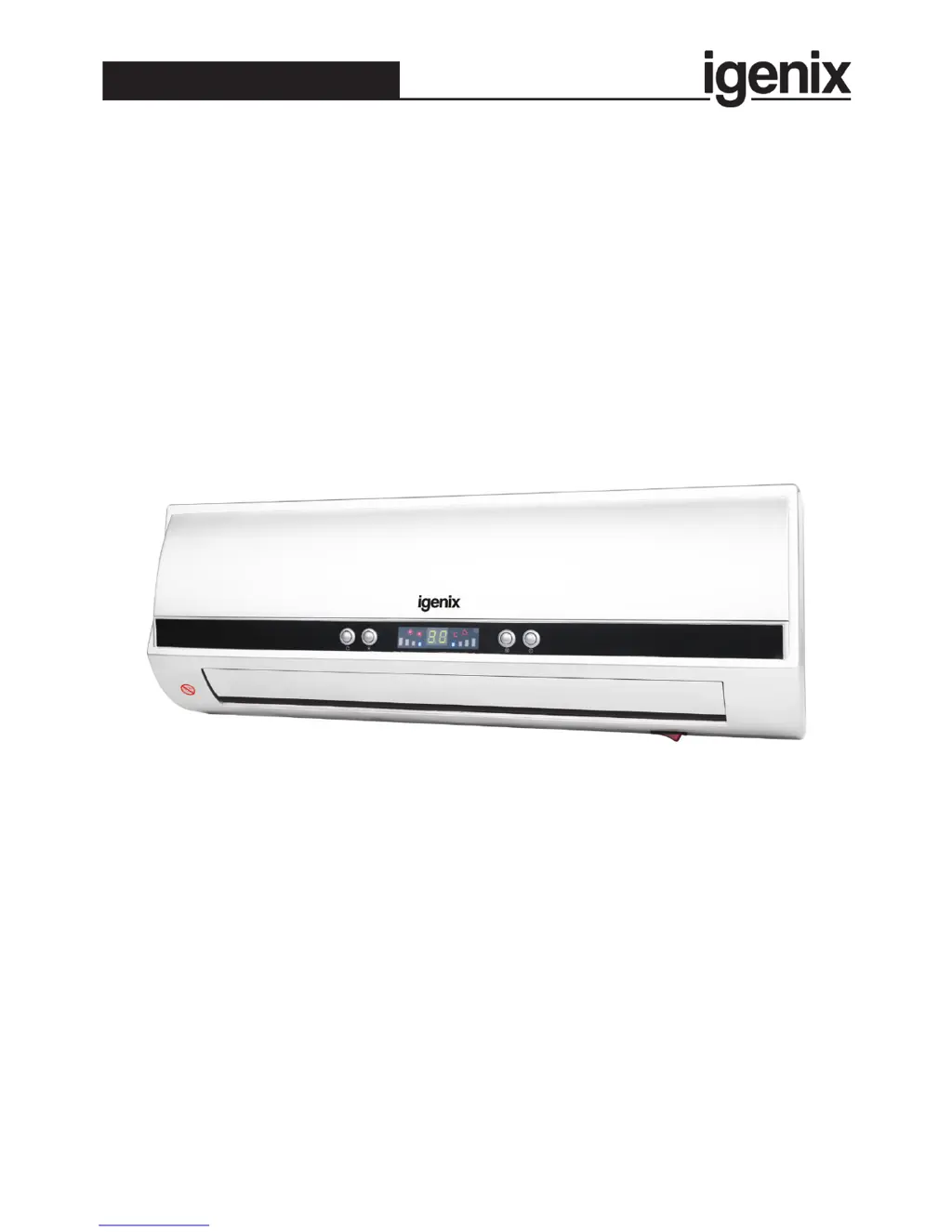
iGenix IG9042 - User Manual

iGenix IG9042
16 pages
Print Icon
To Next Page IconTo Next Page
Loading...
Please read these instructions carefully before use and retain for future reference
Before switching on your appliance,
always check for any damage which may have been caused in transit
IG9042
Batch code:
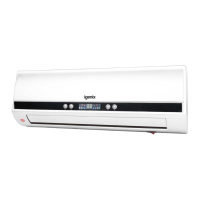
2kW Wall PTC Fan Heater
USER MANUAL

Questions and Answers

  • R
    Rachel PhillipsAug 2, 2025
    What to do if my iGenix Heater doesn't work?
    • L
      Leroy BautistaAug 2, 2025
      If your iGenix Heater isn't working, there could be several reasons. First, ensure the heater is properly connected to the power supply and switched 'On'. Also, check the fuse or breaker, because there may be no electricity in the mains wall socket. Another possibility is that the Thermal Safety Cut Out has been activated. In this case, disconnect the heater from the power, remove anything covering the unit, allow it to cool down completely, and then reconnect it to the power. Finally, make sure the timer is set correctly.
  • M
    Mary SerranoAug 15, 2025
    Why is my iGenix Heater not heating the room properly?
    • S
      schristianAug 15, 2025
      If your iGenix Heater isn't heating the room properly, the temperature setting may be too low. Check the temperature setting. Also, drafts from windows or doors can affect the heater's performance. Block up any drafts and ensure all external windows and doors are closed.

Summary

Important Safety Instructions

Product Specifications

Mounting Instructions

Appliance and Control Overview

Control Panel Details

Details on the appliance's built-in control interface and indicators.

Remote Control Guide

Explanation of functions and buttons on the remote control unit.

Appliance Operation

Operation via Control Panel

Step-by-step guide for operating the appliance via its control panel.

Operation via Remote Control

Instructions for operating the appliance using the provided remote control.

Overheat Protection Mechanism

Cleaning and Maintenance Procedures

Troubleshooting Common Issues

Fuse Replacement Guide

Disposal and WEEE Information

Warranty Terms and Conditions

iGenix IG9042 Specifications

General IconGeneral
Power2000W
ThermostatAdjustable
Safety FeaturesOverheat Protection, Tip-Over Switch
Cool Air FunctionYes
Heat Settings3 (Low, Medium, High)

Related product manuals