8
Ensure the unit has been installed correctly before operation (following the
instructions on page 6)
OPERATING INSTRUCTIONS
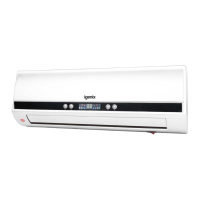
OPERATING THE APPLIANCE USING THE CONTROL PANEL
• Plug the appliance into a suitable power socket. The appliance will beep and
enter standby mode and the LED display will show the ambient temperature
of the room.
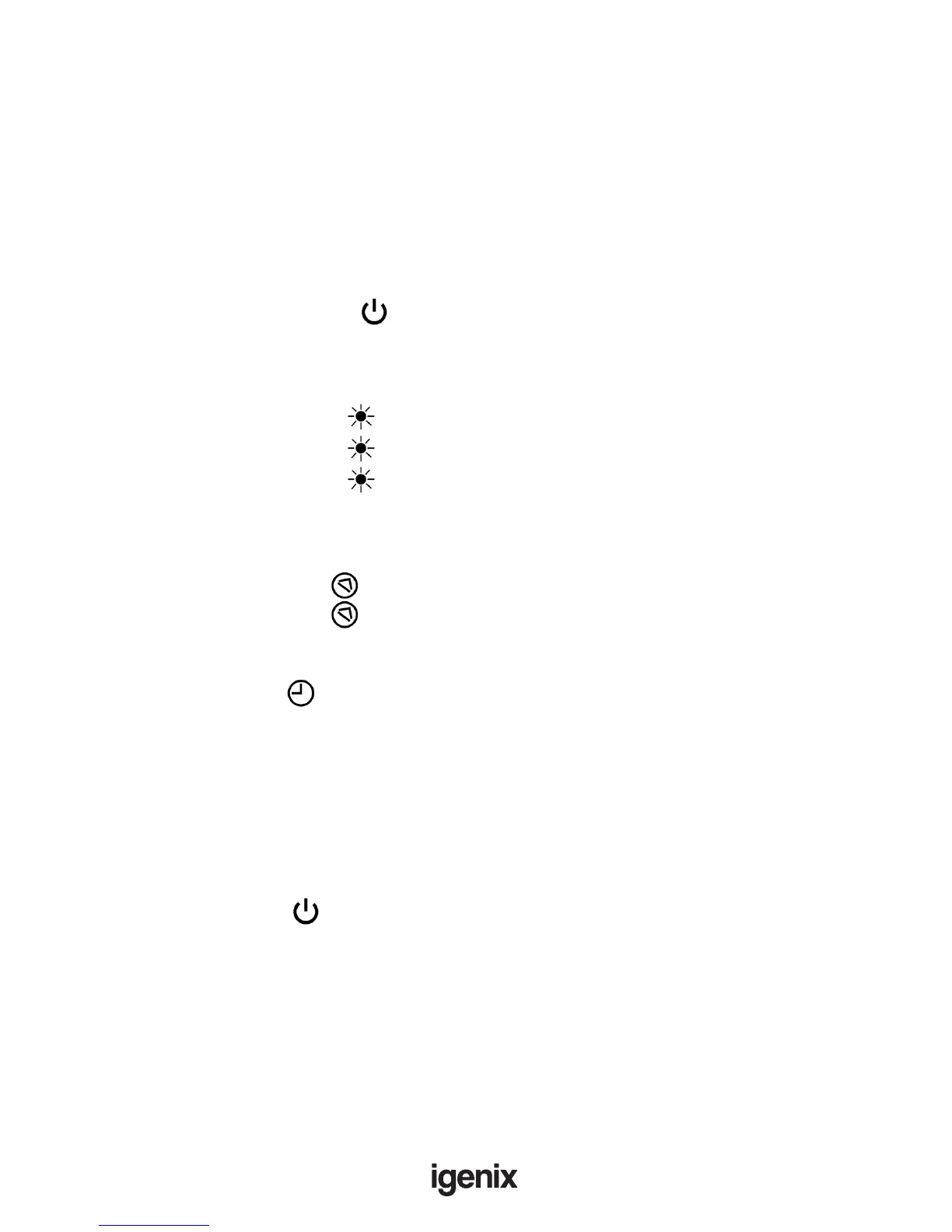
• Press the Power button on the control panel; the louvre will open and
the fan will begin to blow without heat.
To Heat:
• Press the Heat button once to set the appliance to low heat mode.
• Press the Heat button twice to set the appliance to high heat mode.
• Press the Heat button again to switch off heat mode and blow air at
room temperature.
To Use Oscillation Function:
• Press the Oscillation button to activate the oscillation of the louvre.
• Press the Oscillation button once more to switch off oscillation mode.
To Set the Timer:
• Press the Timer button to increase the run time by 1 hour till a maximum
of 8 hours.
• Both timer indicator lights will illuminate after the timer has been set and the
LED display will revert back to showing the ambient temperature.
• The appliance will automatically switch off after the desired time. To cancel
the timer, press the Timer button till “00” is displayed.
To Turn Off:
• Press the Power button to switch off the appliance.
• The fan will continue to blow without heat for 30 seconds after the appliance
has been switched off and then the louvre will close; this will enable the
appliance to cool down inside.


 To Next Page