6
MOUNTING INSTRUCTIONS
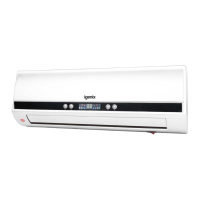
Mounting the Appliance:
Note: Before mounting the appliance, remove the protective plastic from the
screen.
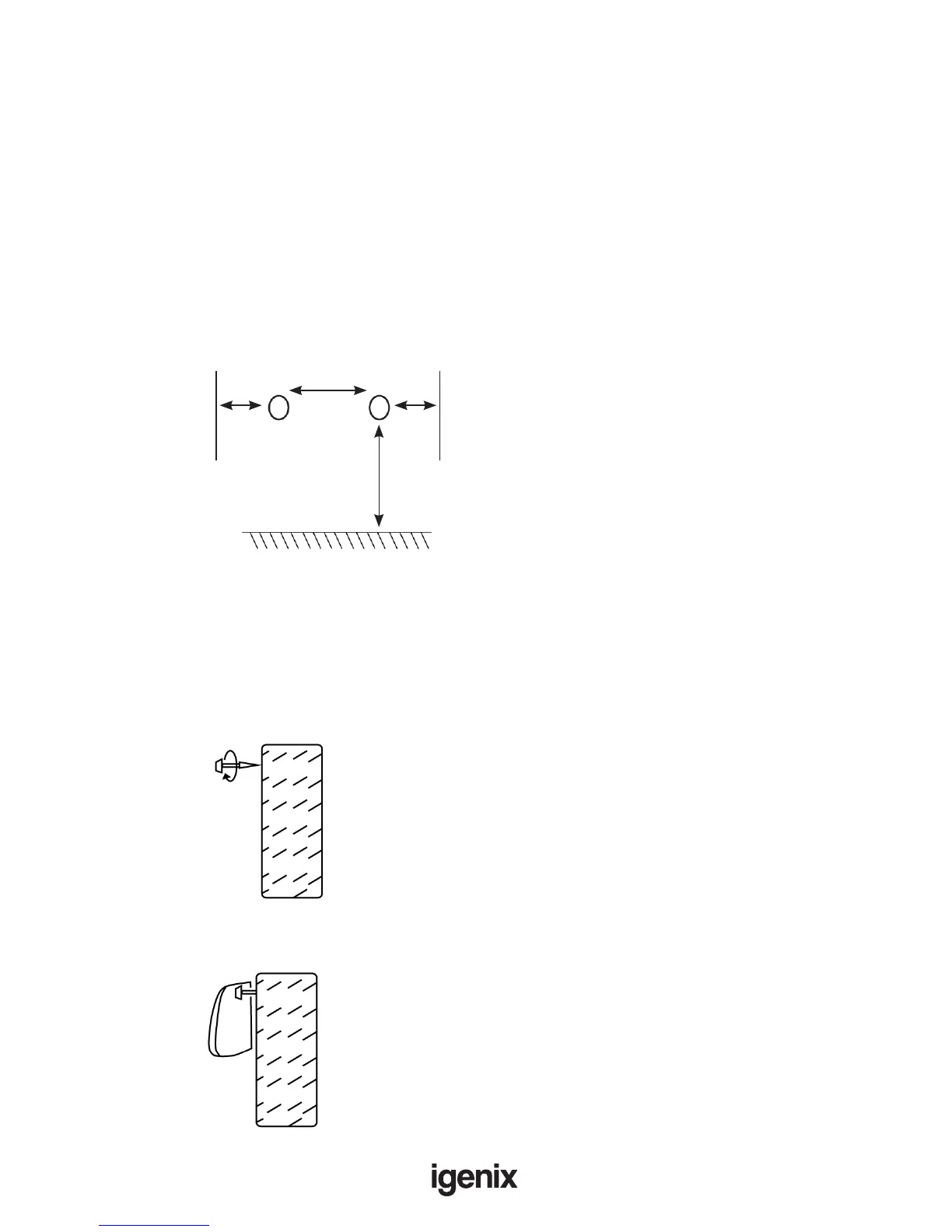
1) Select a spot on the wall to mount the appliance; ensure there is a minimum of
1.8m clearance from the bottom of the unit to the oor
2) Drill 2 holes , at least 20mm inwards from either side of the unit, using the
measurements from g.1 as a guide.
Note: Before drilling any holes, make sure the wall does not have any hidden
cables or pipes behind it
3) Insert a plastic raw plug into each of the drilled holes before drilling a screw
into each plug. Make sure to leave each screw sticking out of the wall by 10mm
(g.2)
g.1:
g.2:
4) Hang the appliance onto the screws (g.3)
g.3:
572mm
1.8m
Edge of unit
Edge of unit
20mm 20mm


 To Next Page