5
OPERATING INSTRUCTIONS
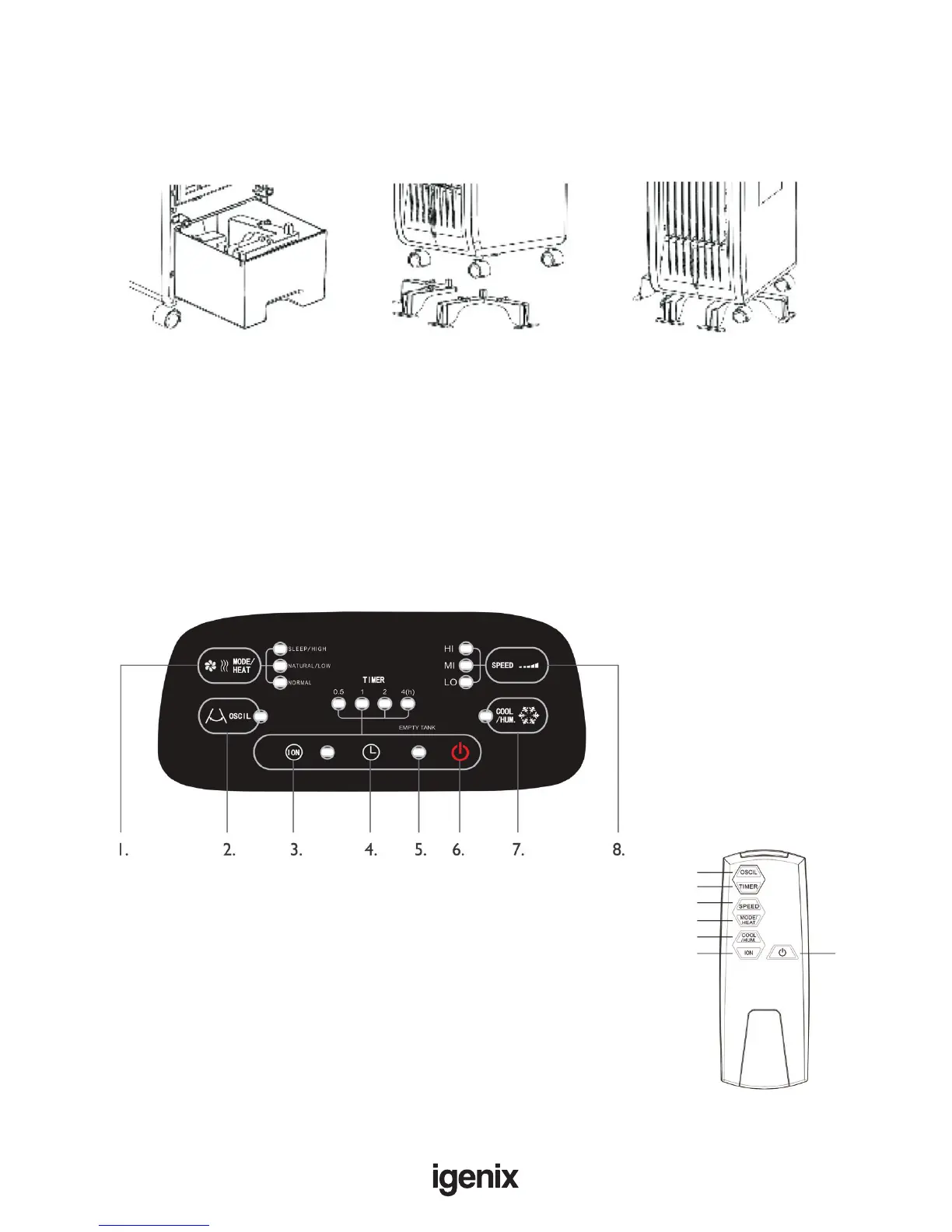
Control Panel
Remote Control
1. Dual function button: Mode or Heat
2. Oscillation button
3. Ioniser button
4. Timer button
5. Empty Tank Indicator
6. On/Off button
7. Cooling/Humidier button
8. Fan Speed button
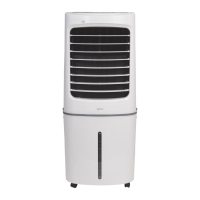
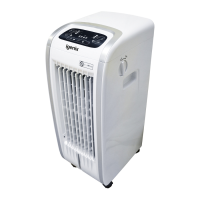
This appliance is a 4 in 1 unit with Cooling, Heating, Ioniser
and humidier functions.
2.
4.
8.
1.
7.
3.
Stability Brackets
For added Safety, this appliance is provided with stability brackets to ensure it cannot be knocked over
easily. It is highly recommended that the stability brackets are installed whenever the appliance is in use.
How to Install Brackets
1. The stability brackets are
stored within the water
tank. Slide open the water
tank and remove the brackets
2. Place the brackets on the
oor, aligning them to the
width of the castor wheels
3. Lift the appliance and
then gently lower onto the
brackets, ensuring the pins
t into the slots in the base
6.
Requires 2 x AAA
batteries (not included)


 To Next Page