EasyManua.ls Logo

iGenix IG9901WIFI - User Manual

iGenix IG9901WIFI
24 pages
Print Icon
To Next Page IconTo Next Page
Loading...
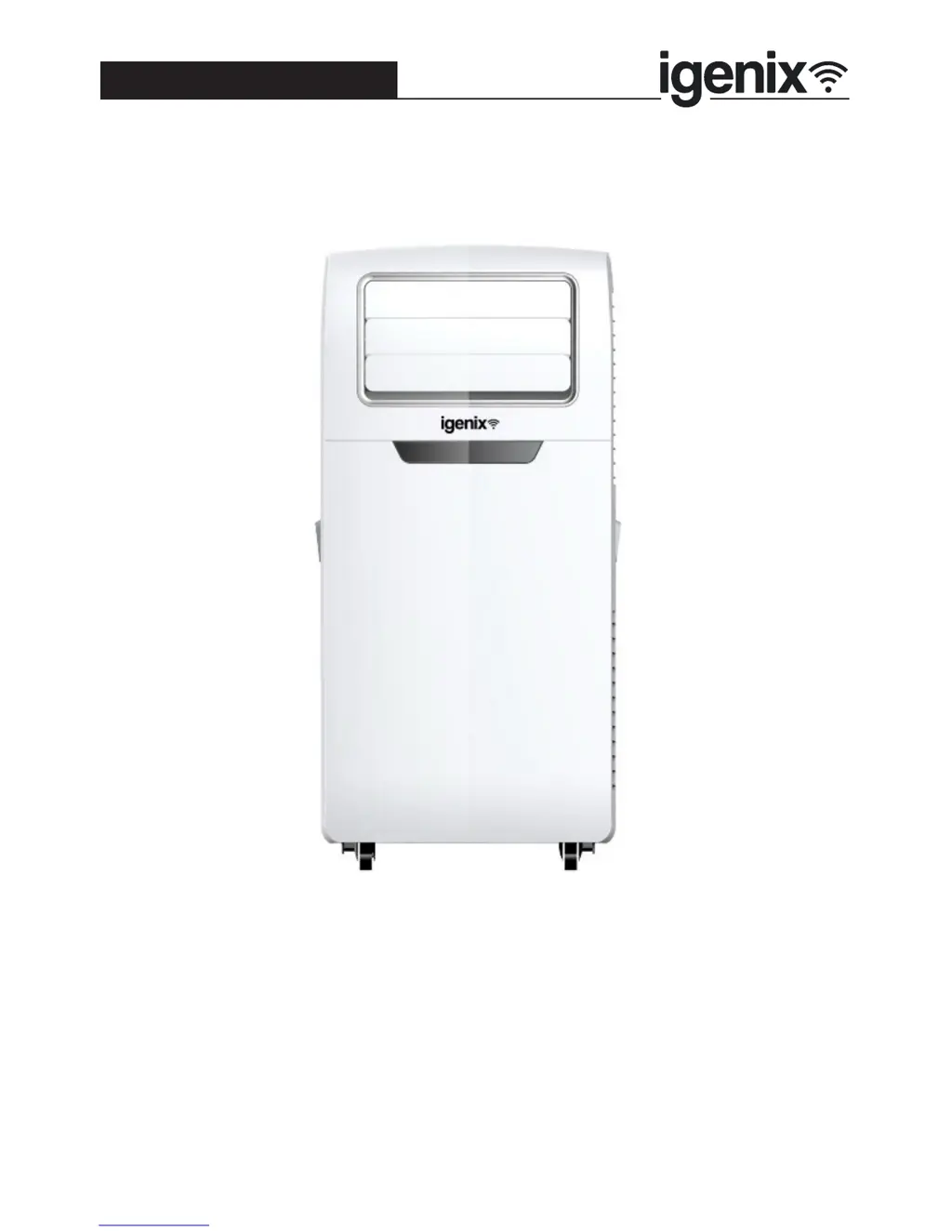
9000 BTU 3in1 Air Conditioner with Wi-Fi
Please read these instructions carefully before use and retain for future reference
Before switching on your appliance,
always check for any damage which may have been caused in transit
IG9901WIFI
Batch code:
USER MANUAL

Questions and Answers

  • E
    Elizabeth BrownAug 2, 2025
    Why iGenix IG9901WIFI runs without cooling in air conditioning mode?
    • E
      Ernest ScottAug 2, 2025
      Your iGenix Air Conditioner might not be cooling properly due to several reasons. Check if a door or window is open, or if another appliance is generating heat in the room. Also, inspect the air filter to see if it's dirty and clean it if necessary. Ensure that air outlets or inlets are not blocked. Finally, make sure the set temperature isn't too high.
  • E
    Erica LeeAug 7, 2025
    What to do if my iGenix IG9901WIFI Air Conditioner runs for a short while and then switches off?
    • C
      Carmen HooverAug 7, 2025
      If your iGenix Air Conditioner turns off shortly after starting, there are a few things to check. First, if the set temperature is close to the room temperature, lower the set temperature to restart the unit. Second, see if the air outlet is blocked and remove any obstructions. Third, verify whether the Timer function has been activated.
  • S
    Stephen ReynoldsAug 12, 2025
    How to fix iGenix IG9901WIFI Air Conditioner that will not switch on?
    • J
      James HodgesAug 12, 2025
      If your iGenix Air Conditioner isn't turning on, try these steps: First, check the trip switch or fuse. Second, wait for 3 minutes and try again, as a protective device may be preventing the unit from working. Third, ensure the plug is correctly connected to the mains socket. Finally, check the batteries in the remote control.
  • J
    Jerry MitchellAug 17, 2025
    What to do if iGenix IG9901WIFI Air Conditioner shows Error Code: E4?
    • N
      Nathan RobertsAug 17, 2025
      If your iGenix Air Conditioner displays the error code E4, you should drain the water tank. Please refer to the Water Drainage section on Page 17 for instructions.
  • A
    adamsalexisAug 22, 2025
    What does Error Code: E2 mean on iGenix Air Conditioner?
    • B
      Brandon WhiteAug 22, 2025
      If your iGenix Air Conditioner displays error code E2, this indicates a technical fault. Contact Customer Services and provide them with the error code.
  • R
    Rachel JenkinsAug 27, 2025
    What does Error Code: E3 mean on iGenix IG9901WIFI Air Conditioner?
    • B
      blopezAug 27, 2025
      If your iGenix Air Conditioner displays error code E3, this indicates a technical fault. Contact Customer Services and provide them with the error code.

Summary

Safety Instructions

Intended Use and Restrictions

Specifies the intended use and restrictions for the appliance, excluding commercial or outdoor use.

Electrical and Operational Safety

Covers electrical connections, usage by adults, and keeping away from children.

Continued Safety Precautions

Specifications

Appliance Overview

Front and Back Component Identification

Identifies parts visible from the front and back of the appliance, including exhaust assembly.

Exhaust Assembly Details

Details the components of the exhaust system, including the hose, connector, and adapter.

Installation Instructions

Unpacking and Initial Setup

Instructions for safely removing the appliance and its parts from the packaging.

Installing the Exhaust Hose

Step-by-step guide on how to connect the exhaust hose to the unit.

Positioning the Appliance

Venting and Clearance Requirements

Specifies venting for cooling mode, clearance, and exhaust hose extension limits.

Wet Room Usage Warning

Warns against using the appliance in wet environments like bathrooms to prevent hazards.

Operating Instructions

Control Panel and Basic Operation

Identifies control panel buttons and guides on turning the unit on and selecting modes.

Adjusting Temperature

Explains how to set the desired temperature for cooling and auto modes.

Fan Speed and Oscillation Control

Mode Explanations and Additional Functions

Details operational modes and features like Timer and Sleep mode.

Setting Up Wi-Fi Function

Igenix App Setup and Device Pairing

Steps to download, install, register the Igenix app and pair the air conditioner.

Syncing with Amazon Alexa

Instructions for integrating the appliance with Amazon Echo for voice control.

Ia. Set up Echo with Alexa app

Echo Device Setup Interface

Illustrates the process of setting up an Echo device via the Alexa app interface.

Echo Device Configuration and Wi-Fi Connection

Confirming Echo Network Connection

Instructions on confirming the Echo device is successfully connected to the network.

Wi-Fi Network Selection and Setup Completion

Ib. Link Igenix app account to Alexa app

Enabling Igenix Skill and Account Linking

Steps to enable the 'Igenix' skill and link Igenix account credentials to Alexa.

Control your Air Conditioner through Amazon Echo

2 a. Discover your IG9901 WIFI device

Steps to make Echo discover the Igenix air conditioner for control.

2 b. Control your Air Conditioner by Voice Commands

Provides example voice commands for operating the air conditioner via Alexa.

Cleaning and Maintenance

Exterior Cleaning

Guidance on cleaning the outer casing of the appliance safely.

Filter Cleaning and Maintenance

Detailed steps for cleaning the air filters and end-of-season storage.

Water Drainage

Manual Drainage Procedure

Steps for manually draining the water tank when it becomes full (Error Code E4).

Continuous Drainage Setup

Instructions for setting up continuous water drainage using the drain hose.

Trouble Shooting Guide

Common Operational Issues

Solutions for unit not switching on, running briefly, or not cooling effectively.

Error Code Explanations

Interpretation of error codes (E4, E2, E3) and recommended actions.

Mains Plug Fuse Replacement

Disposal Information

Igenix Warranty Terms & Conditions

Warranty Registration and Coverage

Information on how to register the product to extend the warranty coverage.

Obtaining Service Assistance

Contact information and procedures for seeking customer service or repairs.

Warranty Registration Form

Customer and Product Information Entry

Fields for personal and product details required for warranty registration.

Disclaimer and Contact Information

iGenix IG9901WIFI Specifications

General IconGeneral
Cooling Capacity (Btu/h)/(W)9000Btu/h / 2600W
Dehumidification at 30°C/80%RH (L/day)27 L/day
Air Flow Volume (m3/h)300m3/h
Fan Speeds3
Room Size (m2)20m2
Cooling Input Power/Current950W / 4.3A
Power Supply220-240V ~ 50Hz
Energy Rated ClassA
CompressorRotary
RefrigerantR410A
Timer24 Hour
Operating Temperature15-31°C
Weight and Dimensions IconWeight and Dimensions
Net Weight (kg)23 kg
Product Dimensions (mm)H680 x W320 x D348

Related product manuals