EasyManua.ls Logo

iGenix IG9902 - User Manual

iGenix IG9902
16 pages
Print Icon
To Next Page IconTo Next Page
Loading...
Please read these instructions carefully before use and retain for future reference
Before switching on you appliance
Always check for any damage which may have been caused in transit
IG9902
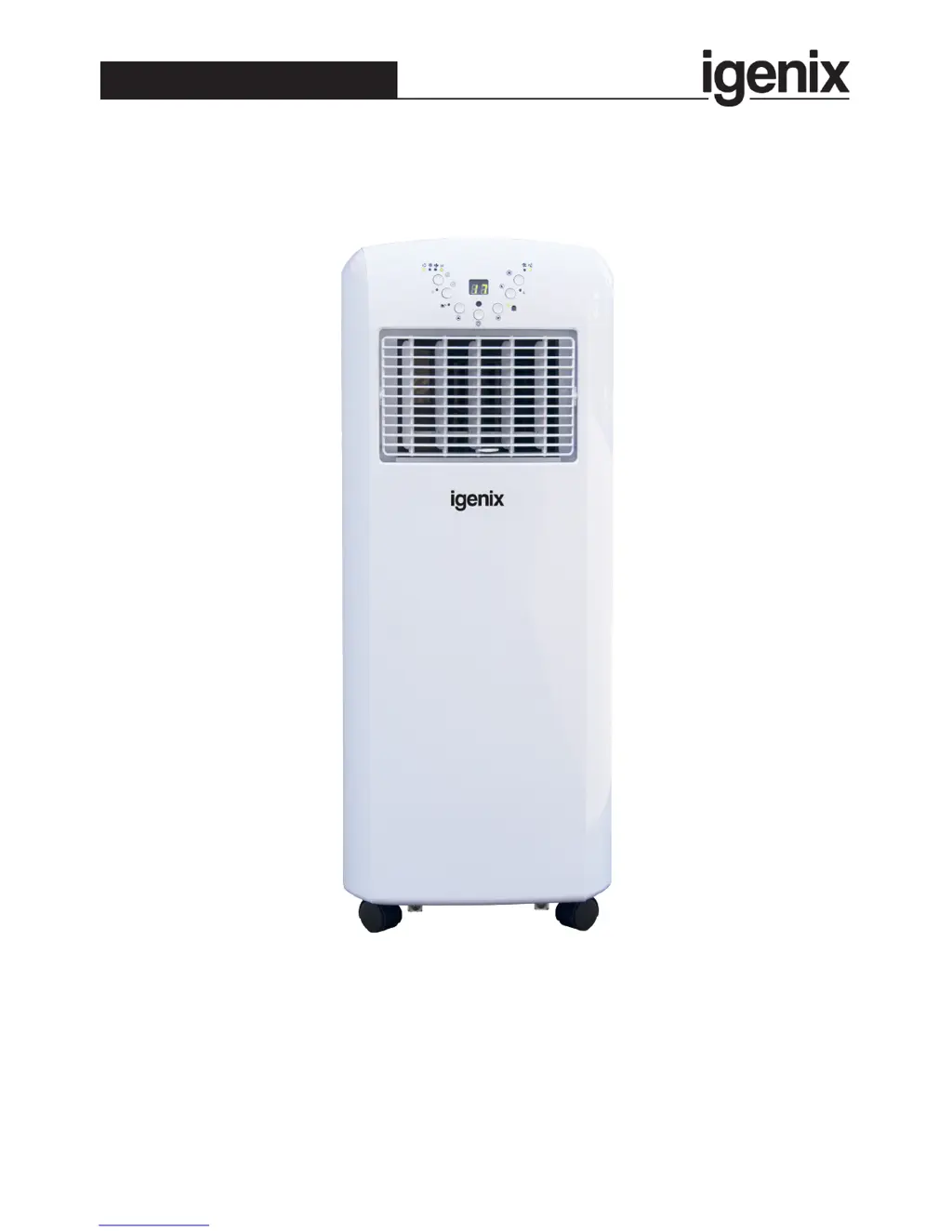
Portable Air Conditioner and Heater
Batch code:
USER MANUAL

Questions and Answers

  • K
    Kayla BeanAug 3, 2025
    Why is my iGenix Air Conditioner not cooling the room down?
    • J
      Jonathan MercerAug 3, 2025
      If your iGenix Air Conditioner isn’t cooling the room effectively, consider these factors: Direct sunlight can increase room temperature, so close curtains or blinds. Open windows or doors can lead to cold air loss, so try to keep them closed. Heat-producing appliances can affect cooling, so turn them off. Dirty filters reduce efficiency, so clean or replace them. Blocked air inlets or outlets restrict airflow, so clear any obstructions.
  • P
    Paul BurtonAug 12, 2025
    What to do if my iGenix IG9902 Air Conditioner does not function?
    • A
      Adam PierceAug 13, 2025
      If your iGenix Air Conditioner isn't working, first, check if it's properly plugged into a power outlet and whether there has been a power outage. Also, ensure the Timer function is off. A flashing Full Water Indicator means you need to empty the water tank. Lastly, the unit will not function if the room temperature is below the set temperature, so adjust accordingly.
  • C
    Christopher MeltonAug 22, 2025
    How to fix iGenix IG9902 Air Conditioner remote control that doesn't work?
    • P
      Patricia BushAug 22, 2025
      If the remote control for your iGenix Air Conditioner isn’t working, start by replacing the batteries with new ones. Ensure that you are close enough to the unit and that there are no obstructions blocking the signal. Also, make sure you're aiming the remote directly at the control panel.

Summary

Important Safety Instructions

Specifications

Appliance Overview

Installation

Installation of the Exhaust Hose

Explains how to connect and position the exhaust hose for proper operation and airflow.

Installation of the Carbon Filter

Details the process of installing the active carbon filter for odour removal.

Operating Instructions

Control Panel

Identifies and explains the functions of each button and indicator on the unit's control panel.

Turning ON;OFF

Provides step-by-step instructions for powering the air conditioner on and off.

Setting Mode;Function

Guides users on selecting the desired operating mode: automatic, cooling, or fan.

Setting Temperature

Explains how to adjust the desired temperature using the up and down buttons.

Automatic Mode

Describes the unit's automatic mode, which adjusts cooling, fan, or heating based on ambient temperature.

Setting Fan Speed

Details how to select the fan speed (high or low) for optimal airflow and comfort.

Setting Timer

Explains how to set the operating timer for automatic shut-off or delayed start.

Sleep Function

Describes the sleep mode, which adjusts temperature and fan speed for comfortable night-time operation.

Heating Function

Details how to use the heating function, including operational temperature range and exhaust hose requirement.

Remote Control

Explains how to use the remote control to operate the unit's various functions.

Self-diagnosis

Informs users about the unit's self-diagnosis feature and error codes (E1, E2).

Drainage

Cleaning and Maintenance

Cleaning the Housing

Provides instructions for cleaning the exterior of the air conditioner unit.

Cleaning the Air Filter

Details how to clean the air filters using a vacuum or rinsing under water.

Storage

Offers guidance on how to properly store the unit when not in use to protect it.

Trouble Shooting

Mains Plug Fuse Replacement

Fuse Replacement (Class I)

Explains the procedure for replacing the fuse in the mains plug safely.

Disposal Information

Igenix Warranty Terms & Conditions

iGenix IG9902 Specifications

General IconGeneral
BrandiGenix
ModelIG9902
CategoryAir Conditioner
LanguageEnglish

Related product manuals