12
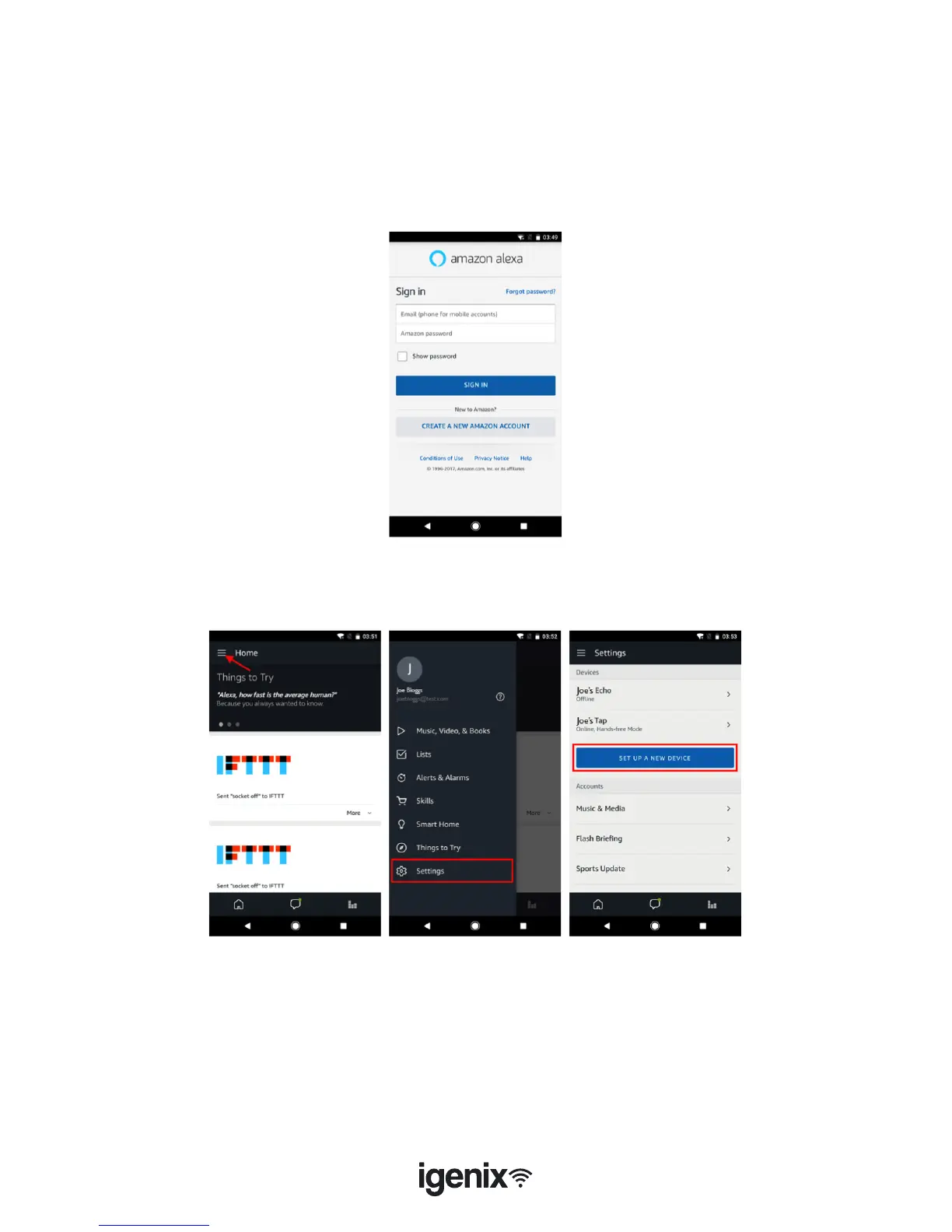
• Select the “Menu” option in the top left corner (g.3), select “Settings” (g.4), then tap “SET UP A
NEW DEVICE” (g.5).
1a. Set up Echo with Alexa app
Note: You will need to purchase an Amazon Echo device to utilise this functionality.
If you already have an Echo device that is set up you can skip this step.
• Plug your Echo device (Echo, Echo Tap or Echo Dot) into a power socket and turn it on.
• Make sure your Echo device is energized.
• Open the Alexa app by tapping the app icon on your mobile device.
• Register for an Amazon account, if you don’t have one, or enter your Amazon account and password,
then tap “sign in” (g.2)
g.2
g.3 g.4 g.5



 To Next Page