13
Sleep Mode
NOTE: This mode is only available when using the remote control and cannot
be controlled via the main control panel
This function is intended for using the unit at night as it gradually reduces operation of the
appliance.
To set this function correctly:
• Select the cool or heat mode as described above.
• Press the “ ” button.
The appliance will operate in the previously selected mode, but with reduced brightness and noise
level.
The SLEEP function maintains the room at optimum temperature without excessive uctuations
in either temperature or humidity with silent operation. Fan speed is always at Low, while room
temperature and humidity vary gradually to ensure the most comfortable.
When in COOL mode, the selected temperature will increase by 1°C (1°F) per hour in a 2 hour
period. This new temperature will be maintained for the next 6 hours. Then the appliance turn it off.
The SLEEP function can be cancelled at any time during operation by pressing the “Sleep”, “Mode”
or “fan speed” button.
In FAN or DRY mode, SLEEP function cannot be set.
Setting the Timer
This timer can be used to delay the appliance start up or shut down. This avoids wasting
electricity by optimising operating periods.
Programming start up:
• Turn on the appliance and choose the desired mode (for example cooling, 24°C and high fan
speed)
• Turn off the appliance.
• Press the “ ” button and the screen will display 1-24 hours.
• Press several times until the corresponding time is displayed.
• Wait about 5 seconds, then timer will be active, signied by the ‘Timer’ symbol on the display
screen.
• Press the “ ” button to cancel this timer. The ”Timer” symbol will disappear from the display
screen.
Programming shut down:
• While the appliance is running, please press the button, the screen will display 1-24 hours.
• Press several times until the corresponding time is displayed. Wait about 5 seconds, the timer
Fig.7
Fig.8
will be active, then “Timer” symbol is displayed on screen.
• Press again the “ ” button, the timer will be cancelled, and the ”Timer”
symbol will disappear from the display screen.
Switch the Unit of Temperature
When the appliance is running, press the button, then you can change
the unit of temperature between degrees Celsius and degrees Fahrenheit.
For examples:
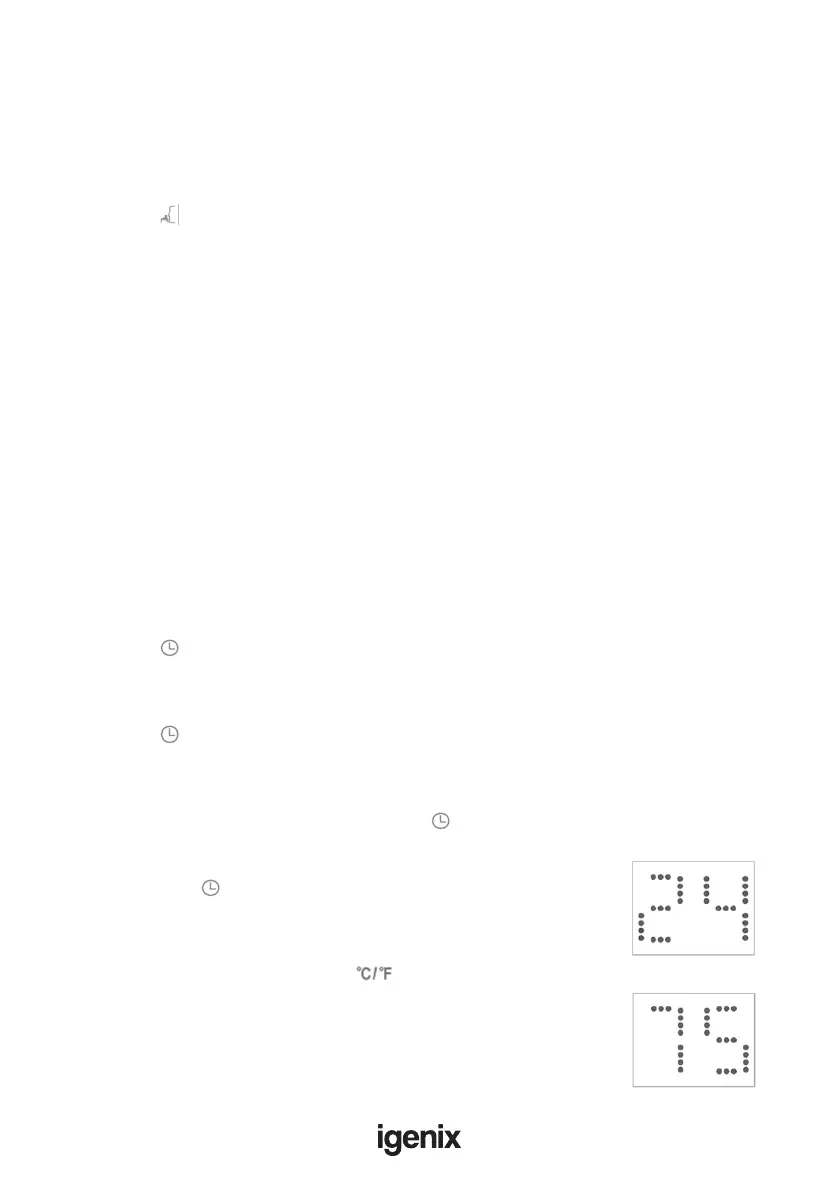
Before changing the unit, in cool mode, the display screen will look like Fig.7.
After changing the unit as above, in cool mode, the screen display like Fig.8.



 To Next Page