1
1
3
2
2
3
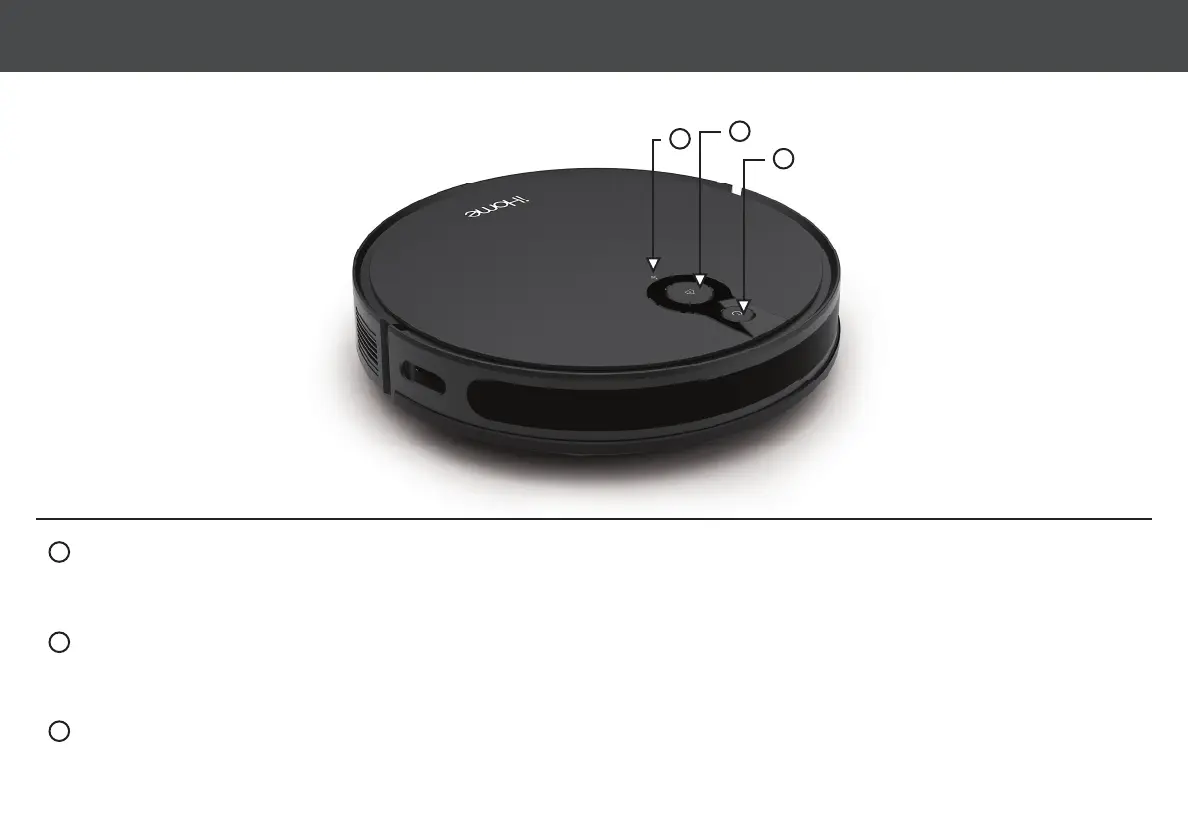
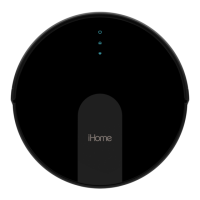
• Hold to turn on/off.
• Press to start/pause cleaning.
• Flashing blue light: Powering on/con guring network/upgrading rmware.
• Solid blue light: Powered on/normal working state.
• Flashing yellow light: Low battery/recharging.
• Flashing green light: Charging.
• Solid green light: Fully charged.
• Flashing red light: Error state.
• Light off: Off/sleeping.
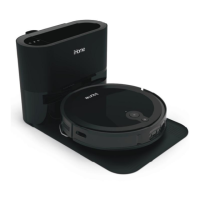
• Press to return to Auto Empty
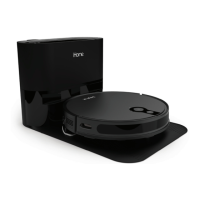
Base for recharging.
POWER BUTTON POWER/HOME LED STATES
WIFI INDICATOR STATES
HOME BUTTON
WIFI INDICATOR
• Flashing white light: Network con guration mode.
• Solid white light: Wi connected.
• Light off: Wi disconnected / Network con guration failure.
6AUTOVAC INDICATORS



 To Next Page