Display
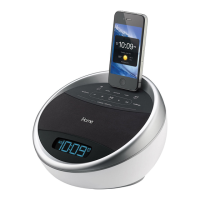
iA5
2
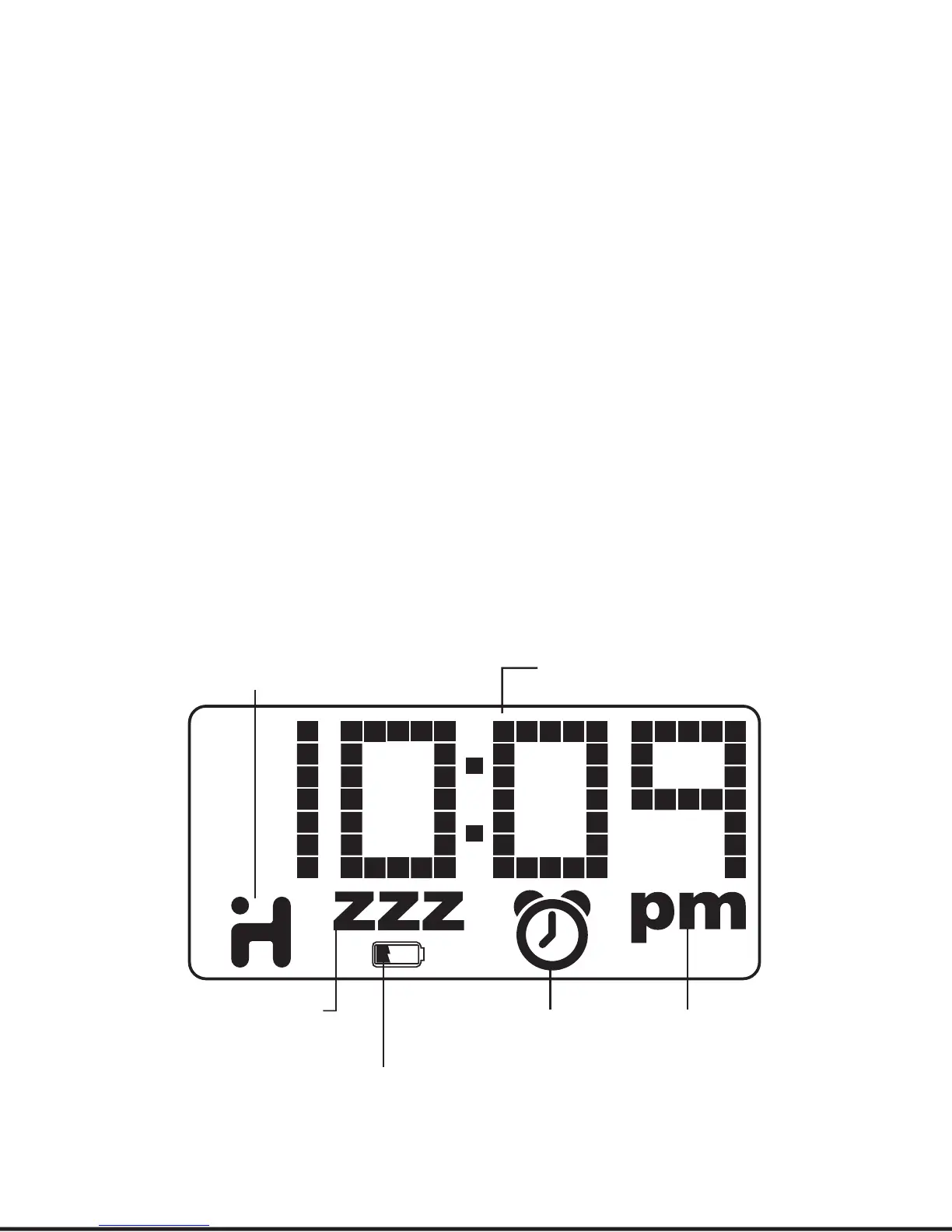
alarm indicator
(alarm is on and
will sound at
set time)
pm indicator
(does not appear
when display is set
to 24 hour mode)
current time
(or alarm time)
iHome app indicator
(app is active)
sleep mode indicator
battery low indicator
Note: Display and indicators depend on mode. The
iA5 is specially designed to work with the
iHome+Sleep alarm clock app. For optimized
compatibility, by default the iA5’s display will auto-
matically deactivate and defer to a docked iPhone or
iPod touch’s display when the iHome+Sleep app is
running (active). To override this and keep the iA5
display on, exit the iHome+Sleep app then press the
display on/auto button located on the back of the
unit. Use the iHome+Sleep app to easily change EQ,
clock sync and alarm settings.



 To Next Page