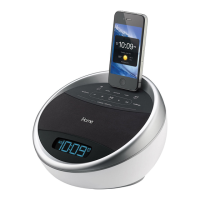
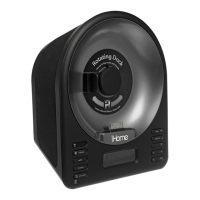
iA5
Using the
Setting the Clock Manually
1.Press and hold the clock sync button located on the
back of the unit until the display flashes.
2.Press the + and - buttons located on the front of the unit
to adjust the time (hold the buttons to adjust rapidly.
Make sure to set the correct AM or PM time (the pm
indicator appears on the lower right of the display;
there is no am indicator).
3.To switch between 12 hour and 24 hour time display,
press the alarm button on the back of the unit at any
time during clock setting mode.
4.Press the clock sync button. Two beeps will sound
confirming clock setting is complete.
5



 To Next Page