EasyManua.ls Logo

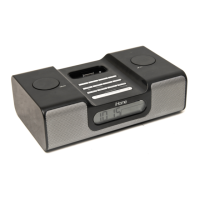
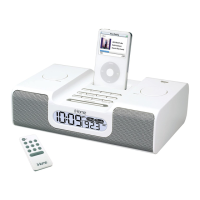
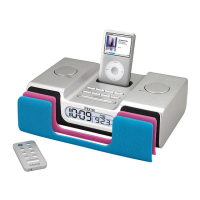
iHome iH55 - User Manual

iHome iH55
14 pages
Print Icon
To Next Page IconTo Next Page
Loading...
iH55 IB_010308.fh10 2/12/08 10:05 AM Page 1
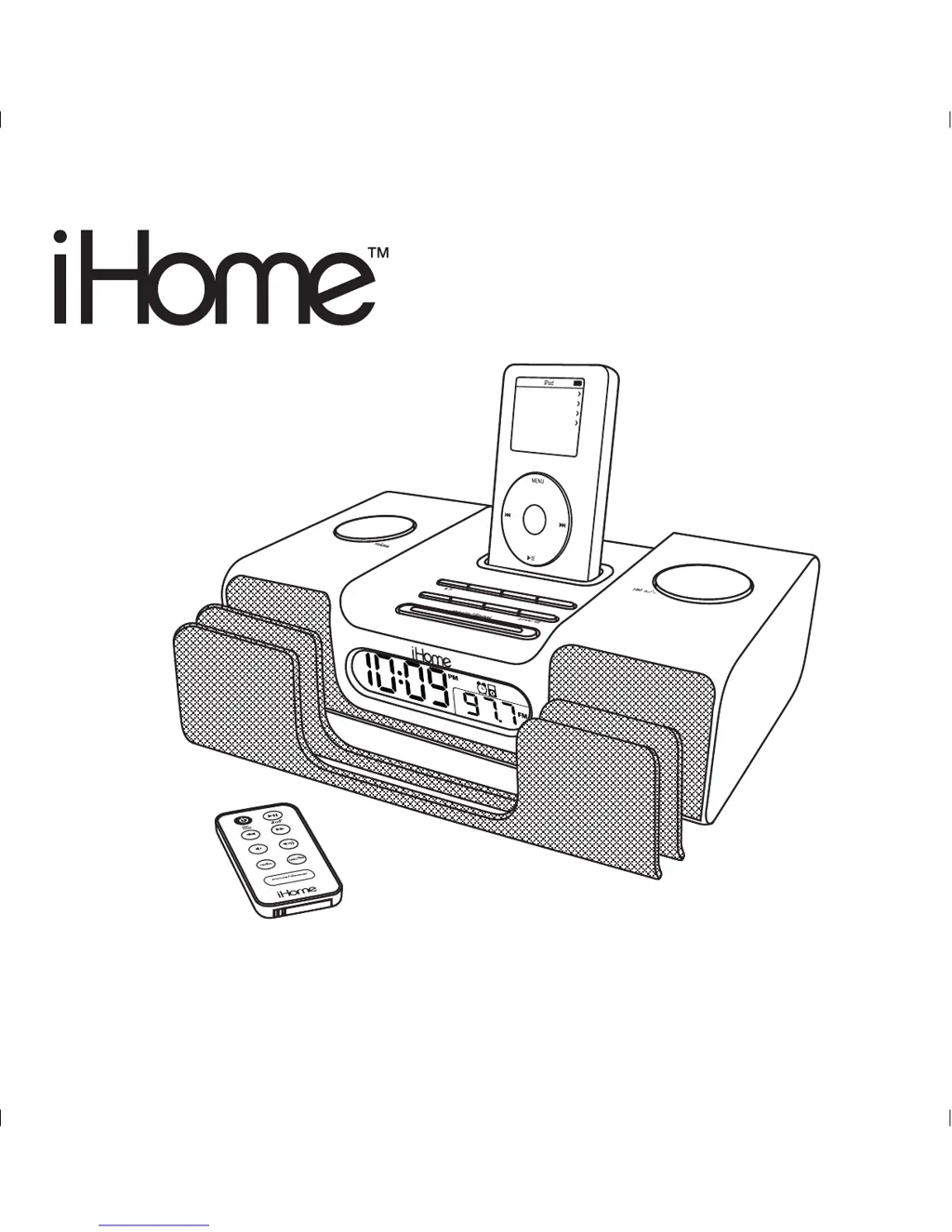
Model iH55
The Home System
For Your iPod
®
Questions? Visit www.ihomeaudio.com
M
usic
Photos
E
xtras
S
ettings
Shuffle Songs
Backlight

Questions and Answers

  • L
    lconwayJul 30, 2025
    Why my iPod does not dock properly on iHome Docking Station?
    • T
      Tammy HarrisJul 30, 2025
      An iPod might not dock properly on the iHome Docking Station due to: * Using the wrong or no iPod insert: Ensure that the dock insert is the correct fit for your iPod. * Improper installation: Remove your iPod from the dock and inspect the connectors in the dock and on your iPod for any obstructions. Then, reseat the iPod in the dock.
  • M
    Maria HawkinsAug 9, 2025
    What to do if my iHome Docking Station iH55 does not turn on?
    • A
      Andrew LutzAug 9, 2025
      If your iHome Docking Station iH55 doesn't turn on, the AC adapter might not be correctly plugged into a working wall socket or into the power supply jack on the back of the unit. To solve this, ensure the AC adapter is plugged into a functioning wall socket and that the connector is securely plugged into the supply jack on the unit.
  • J
    Jonathan HolmesAug 18, 2025
    What to do if my iHome Docking Station iH55 doesn’t respond?
    • M
      mollysmithAug 18, 2025
      If your iHome Docking Station iH55 is plugged in but not responding, it might need a reset. Here's how to reset the unit: 1. Remove your iPod from the dock. 2. Unplug the unit from the power source. 3. Remove the backup batteries. 4. Wait one hour, and then resume use.

Summary

Product Safety and Compliance

iH55 Quick Start Guide

Power Connection

Connecting the AC adapter to the unit and a wall socket.

Antenna Setup

Attaching the AM antenna and plugging in the antenna cable.

iPod Dock Insert Selection

Selecting and placing the correct dock insert for your iPod model.

Setting the Clock

Setting the clock and adjusting for Daylight Saving Time.

iPod Docking and Playback

Docking and playing your iPod; the unit charges the iPod.

Radio Tuning

Tuning into radio stations using the Set Wheel.

iH55 Controls and Display

Using the iH55

Clock and Time Zone Setup

Configuring the time zone, manual time setting, and DST.

Alarm Functionality

Setting, arming, disarming, and resetting the alarm function.

Advanced iH55 Features

Important Safety Instructions

Troubleshooting Guide

Power and Responsiveness Issues

Solutions for when the iH55 does not power on or respond.

iHome iH55 Specifications

General IconGeneral
CompatibilityiPod, iPhone
Power SourceAC Adapter
Audio OutputStereo speakers
TypeDocking Station
FeaturesAlarm clock, FM radio
ConnectivityDock Connector
ChargingYes

Related product manuals