EasyManua.ls Logo

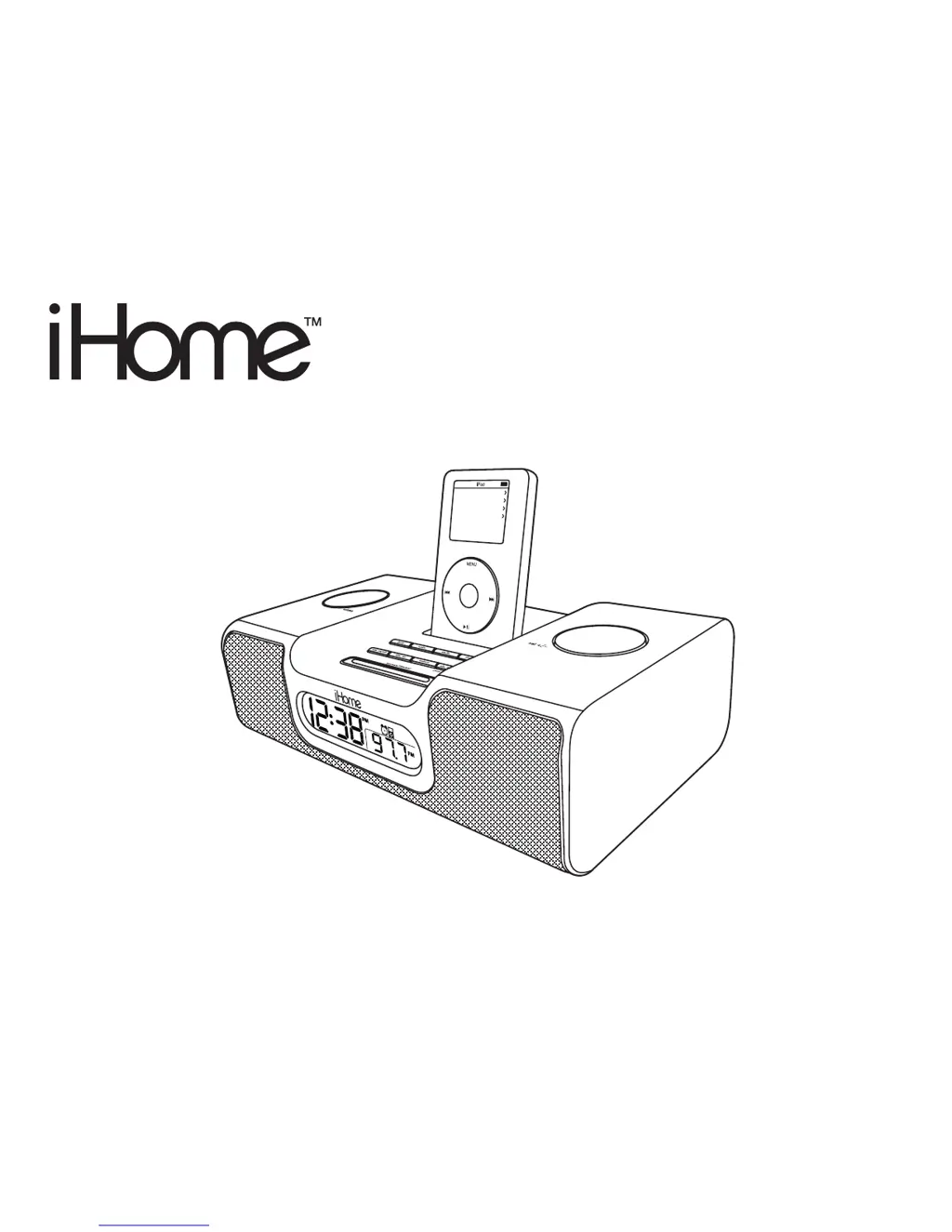
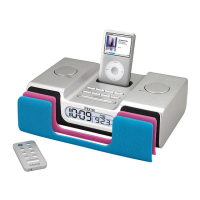
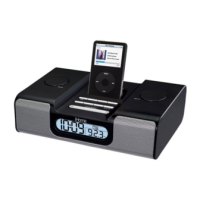
iHome iH5 - User Manual

iHome iH5
22 pages
Print Icon
To Next Page IconTo Next Page
Loading...
Model iH5
The Home System
For Your iPod
®
Music
Photos
Extras
Settings
Shuffle Songs
Backlight

Other manuals for iHome iH5

Questions and Answers

  • E
    Eric SmithJul 28, 2025
    Why my iPod does not dock properly in iHome Docking Station?
    • A
      Andrew RomanJul 28, 2025
      If your iPod isn't docking properly with your iHome Docking Station, it could be due to using the wrong or no iPod insert. Ensure you are using the correct dock insert for your iPod model. Also, remove your iPod from the dock and check both the connectors in the dock and on your iPod for any obstructions. Then, try reseating it in the dock.
  • S
    Shawn JonesAug 1, 2025
    What to do if my iHome Docking Station doesn't respond?
    • J
      Jesse FreemanAug 1, 2025
      If your iHome Docking Station isn't responding, first ensure the AC adapter is properly plugged into both a functioning wall outlet and the power supply jack on the back of the unit. To verify the outlet is working, plug another device into it.
  • C
    colin93Aug 6, 2025
    Why doesn't my iPod dock properly with my iHome Docking Station?
    • K
      Kari LangAug 6, 2025
      If your iPod isn't docking correctly with your iHome Docking Station, ensure that you are using the correct dock insert for your iPod model. Also, remove the iPod and inspect both the connectors on the dock and the iPod for any obstructions. Then, reseat the iPod firmly in the dock.
  • Y
    yreyesAug 10, 2025
    What to do if iPod does not respond to iHome iH5 Docking Station?
    • S
      Stephen CarrollAug 10, 2025
      If your iPod isn't responding to the iHome Docking Station, try these steps: * Remove your iPod from the dock, inspect the connectors on both the dock and your iPod for any obstructions, and then reseat it. * If you are using 1st or 2nd generation iPod, iPod Shuffle or other devices, iH5 cannot control it. * Make sure your iPod is working properly before docking it into the unit.
  • T
    Timothy StrongAug 14, 2025
    How to fix a flashing 'Battery Low' icon on my iHome iH5?
    • J
      Jeffery CooperAug 14, 2025
      If the 'Battery Low' icon is constantly flashing on your iHome Docking Station, the batteries may be weak and need replacing with new ones. Also, double-check that the batteries are installed correctly, ensuring the polarity (+ and – ends) matches the diagram inside the battery compartment.
  • P
    paulrogersAug 19, 2025
    What to do if my iHome Docking Station iH5 does not turn on?
    • D
      Donna BarronAug 19, 2025
      If your iHome Docking Station iH5 doesn't turn on, the AC adapter might not be correctly plugged into a working wall socket or into the power supply jack on the back of the unit. Ensure the AC adapter is plugged into a functioning wall socket and that the connector is properly inserted into the supply jack on the unit.
  • U
    uwrightAug 23, 2025
    What to do if my iHome Docking Station iH5 doesn’t respond?
    • C
      Curtis PalmerAug 25, 2025
      If your iHome Docking Station iH5 is plugged in but not responding, it might need a reset. To reset the unit: 1. Remove your iPod from the dock. 2. Unplug the unit from the power source. 3. Remove the backup batteries. 4. Wait one hour, and then resume use.

Summary

Product Safety and Compliance

Important Safety Instructions

Provides essential safety guidelines for operating the iHome iH5 unit.

FCC Information

Details FCC compliance and measures to minimize radio/TV interference.

Initial Setup and Configuration

iPod Docking and Inserts

Guides on selecting and using dock inserts for proper iPod fit.

Power, Antenna, and Battery Setup

Instructions for connecting the AC adapter, AM antenna, and backup batteries.

Clock Display Features

Explains the various indicators and displays on the iH5's clock screen.

Setting Time, Date, and Alarms

Procedures for setting the clock, calendar, and alarm times.

Using Your iHome iH5

Controls and Indicators Overview

Identifies and describes all buttons, ports, and indicators on the iH5 unit.

Remote Control Operation

Instructions for using the optional remote control unit.

iPod Playback and Charging

Guides for playing music from a docked iPod and its charging function.

Radio and External Audio Playback

Instructions for listening to AM/FM radio and connecting external audio devices.

Alarm and Sleep Functions

Explains alarm operation, wake-to options, and sleep timer features.

Troubleshooting and Warranty

Common Issues and Solutions

Addresses frequent problems and provides solutions for the iH5 and iPod.

Limited Warranty Information

Outlines the 90-day warranty, service procedures, and exclusions.

iHome iH5 Specifications

General IconGeneral
BrandiHome
ModeliH5
CategoryDocking Station
LanguageEnglish

Related product manuals