EasyManua.ls Logo

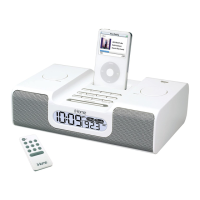
iHome iH6 - User Manual

iHome iH6
13 pages
Print Icon
To Next Page IconTo Next Page
Loading...
iH6_USB_new docks_ IB_8_11.fh10 12/19/06 9:19 AM Page 1
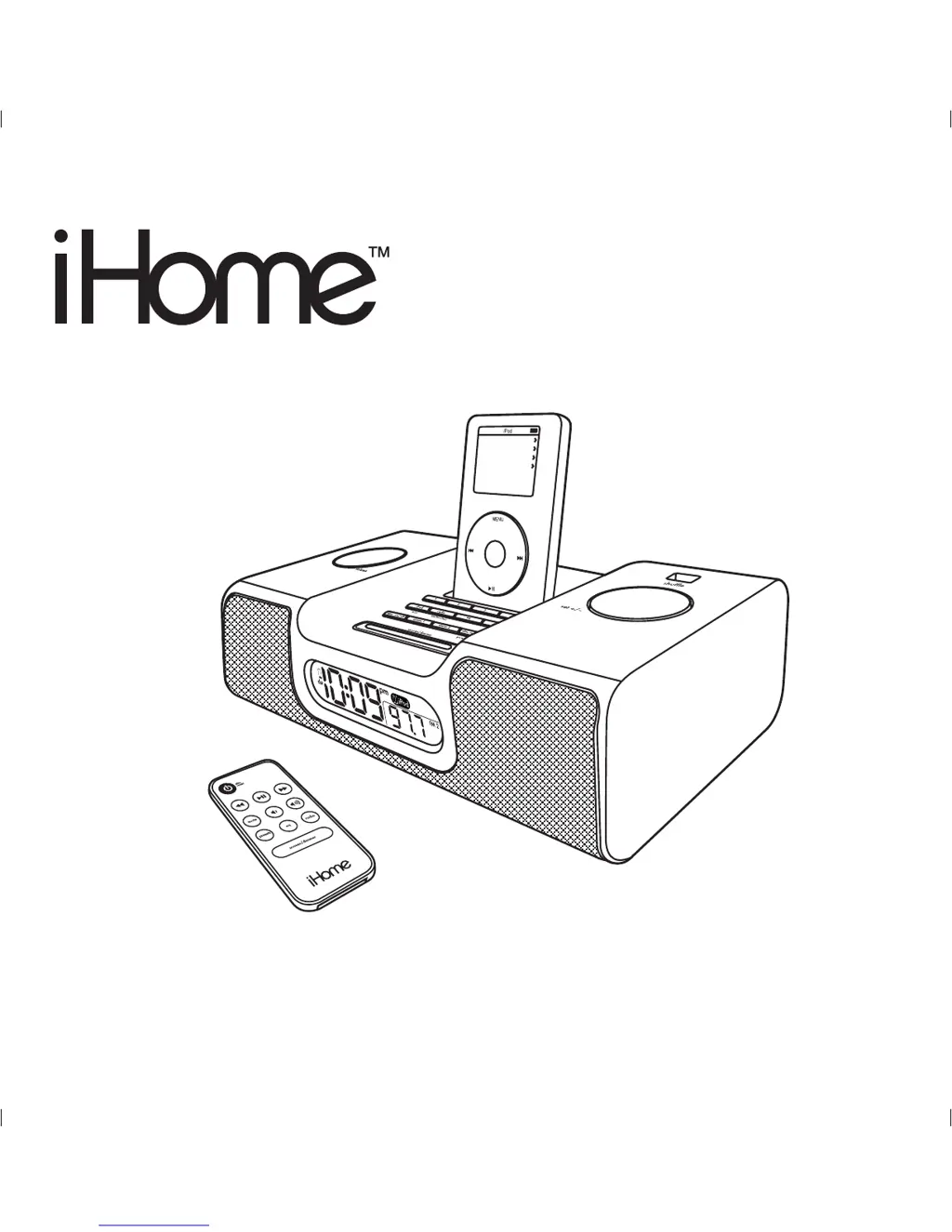
Model iH6
The Home System
For Your iPod
®
Questions? Visit www.ihomeaudio.com
Music
Photos
Extras
Settings
S
h
u
f
f
l
e
S
o
n
g
s
B
a
c
k
l
i
g
h
t
NOTE: THIS UNIT WILL NOT CONTROL OR CHARGE 3G iPod

Questions and Answers

  • A
    ann96Jul 26, 2025
    How to fix iHome Docking Station iH6 that does not turn on?
    • J
      Julie KennedyJul 27, 2025
      If your iHome Docking Station iH6 does not turn on, the AC adapter may not be properly connected. Ensure the AC adapter is plugged into a working wall socket and that the connector is securely plugged into the power supply jack on the back of the unit.
  • A
    Alex GarciaAug 10, 2025
    What to do if my iHome Docking Station iH6 doesn’t respond?
    • J
      Jennifer TuckerAug 10, 2025
      If your iHome Docking Station iH6 is plugged in but not responding, try resetting it. First, remove your iPod from the dock. Then, unplug the unit from the power source and remove the backup batteries. Wait one hour before resuming use. Also, remove your iPod from the dock and check for any obstructions on the connectors, both on the dock and your iPod. Then, reseat the iPod in the dock.

Summary

A Consumer Guide to Product Safety

Quick Start Guide

Initial Setup Procedures

Covers powering, connecting antenna, inserting iPod, setting time, and using radio features.

Using the iH6

Using The Remote Control Unit

Important Safety Instructions

General Safety Precautions

Comprehensive safety advice covering water, ventilation, heat, power, cleaning, and overloading.

Troubleshooting Common Issues

Unit and iPod Response Problems

Solutions for issues like the unit not turning on, not responding, or iPod connection errors.

Sound and Performance Issues

Addresses problems with sound distortion, no sound, erratic performance, and radio reception.

iHome iH6 Specifications

General IconGeneral
ModeliH6
CategoryDocking Station
CompatibilityiPod
ConnectivityDock Connector
Power SourceAC Adapter
ColorWhite
FeaturesAlarm Clock, FM Radio
Speaker OutputStereo
TypeSpeaker Dock

Related product manuals