English
16
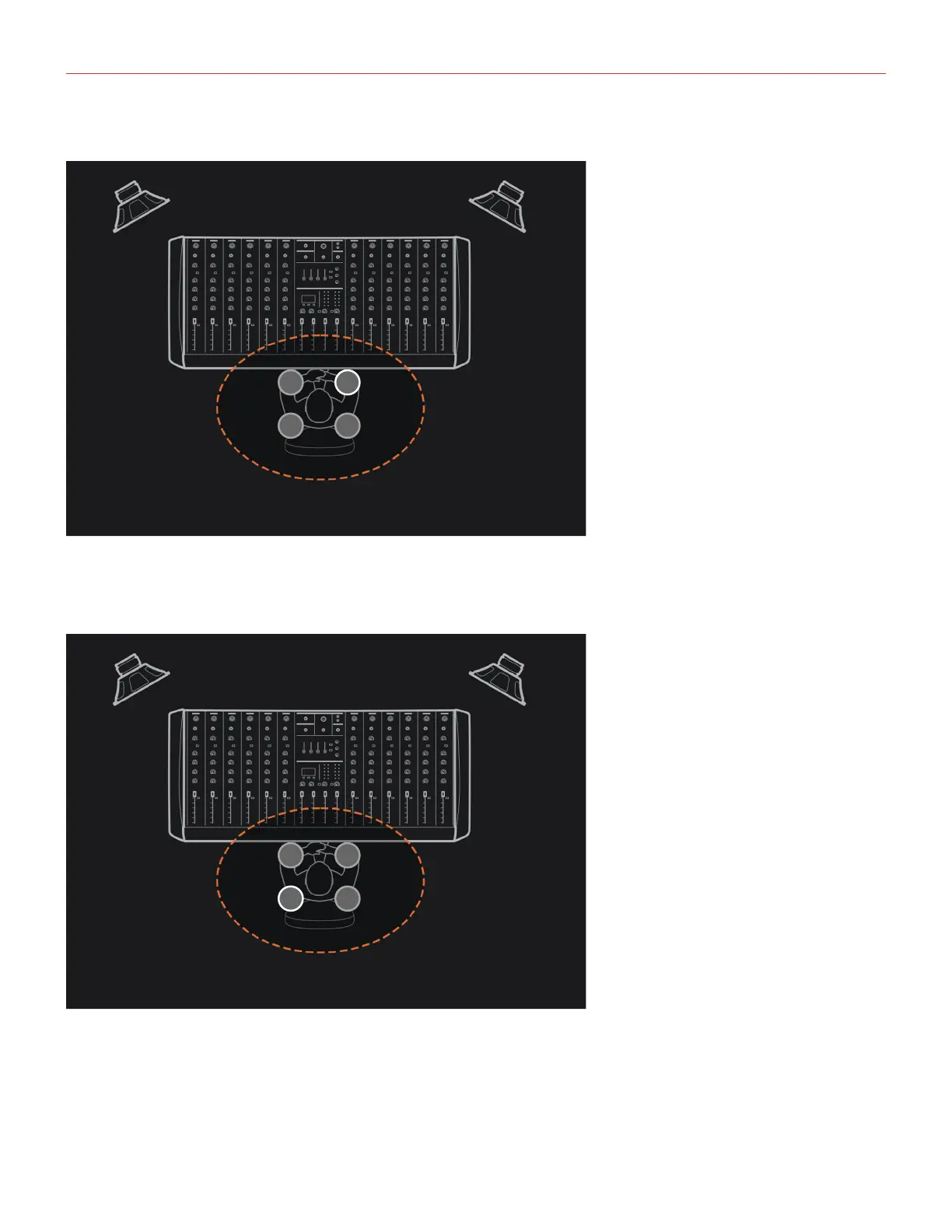
3) Once the chirps are over, move the microphone to the point 2, and press again the CAL/PRESET button:
• after 5 seconds the speaker will emit the calibration test signals (chirps).
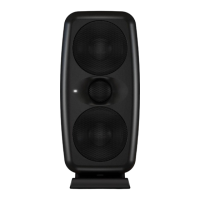
4) Once the chirps are over, move the microphone to the point 3, and press again the CAL/PRESET button:
• after 5 seconds the speaker will emit the calibration test signals (chirps).


 To Next Page